
Instagram guide
Instagram carousel ideas: 40 posts for creators and businesses
Updated · By the Postora team
The best Instagram carousel ideas are posts with more than one part where the order matters: step-by-step how-tos, numbered lists, myth vs fact, before and after, product walkthroughs, behind-the-scenes stories and photo dumps. Below are 40 ideas, each with a specific angle, for creators, small businesses and photo-first accounts.
What makes a good carousel idea
A topic is not an idea yet. “Skincare” is a topic. “The 4 products I stopped buying after 30, and what replaced them” is an idea, because it promises something specific and has natural slides.
Before you make any of the ideas below, check three things:
- It splits into slides. Each slide is a step, item, photo or point. If you would only have two slides, it is a single image post.
- The cover makes a promise. A number, a result, a mistake to avoid, a question. Something that makes the second slide worth seeing.
- Someone would save it. Checklists, guides and references get saved; that is a good sign the carousel is useful.
Each idea below has an angle after the dash: the specific take that turns a generic topic into a post people swipe.
Educational carousel ideas (teach something)
Teaching carousels are the most saved type. They work for creators, coaches, and any business that knows its field.
- Step-by-step tutorial — one step per slide, with the result on the cover so people know where it ends.
- Beginner mistakes — “5 mistakes I made in my first year of…”, each with the fix on the same slide.
- Myth vs fact — one common belief per slide, flipped. Works in almost every niche.
- Cheat sheet — everything on one topic, built to be screenshotted: shortcuts, ratios, measurements.
- Glossary — the 8 words beginners in your field get wrong, one per slide.
- This vs that — two options compared on price, time, effort and result; end with who should pick which.
- Explain it simply — a hard idea in plain words, with one small drawing or diagram per slide.
- The checklist — what to check before a trip, a launch, a move, a first day; people save these.
- Tool stack — the apps or products you actually use, with what each is for and what it costs.
- Book or course in brief — the five ideas worth keeping, with your take on each.
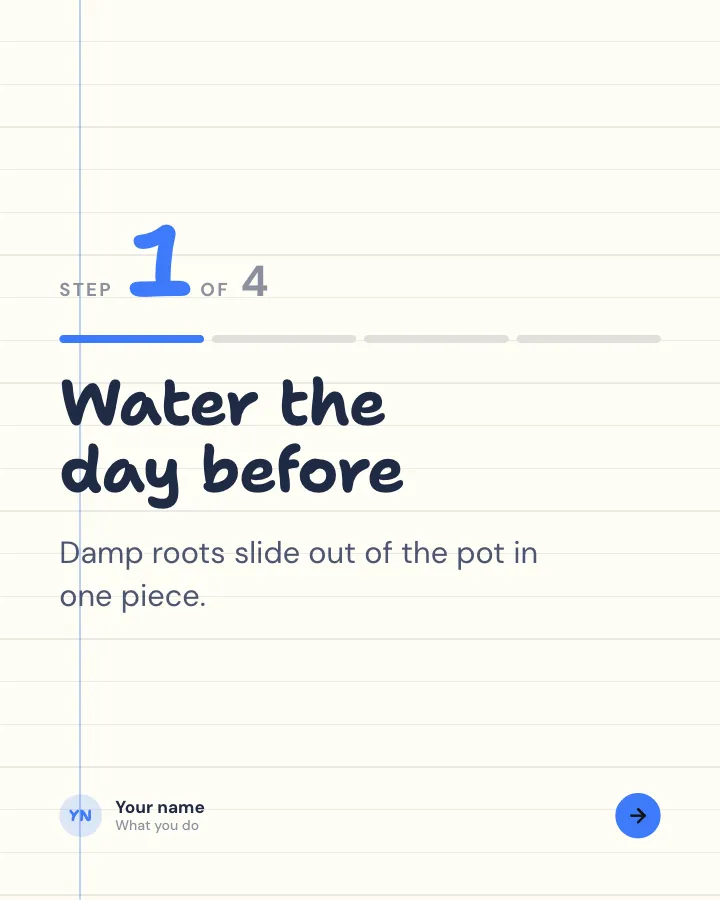
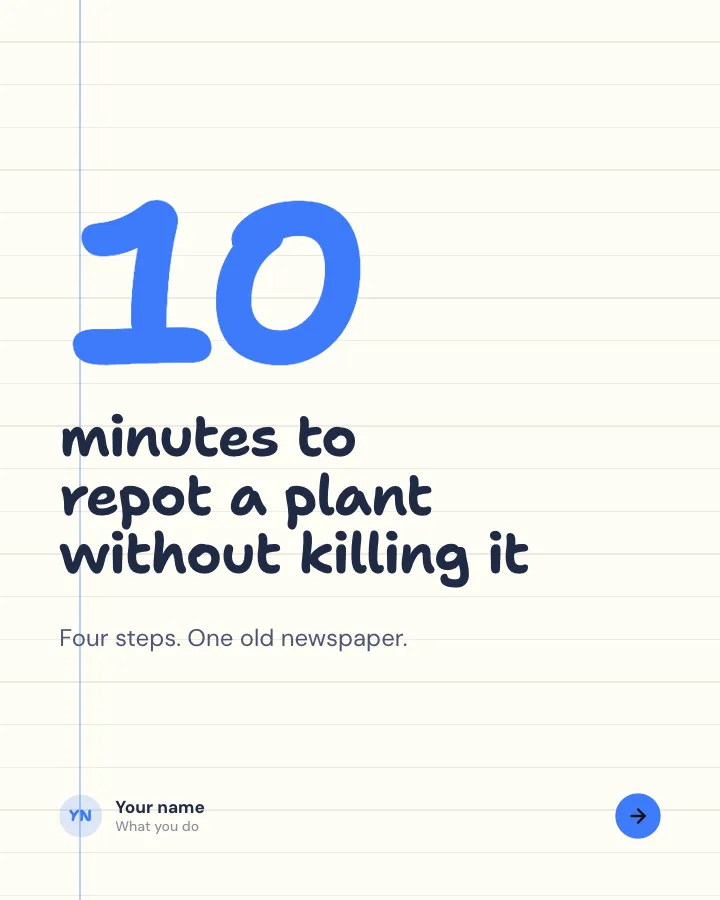
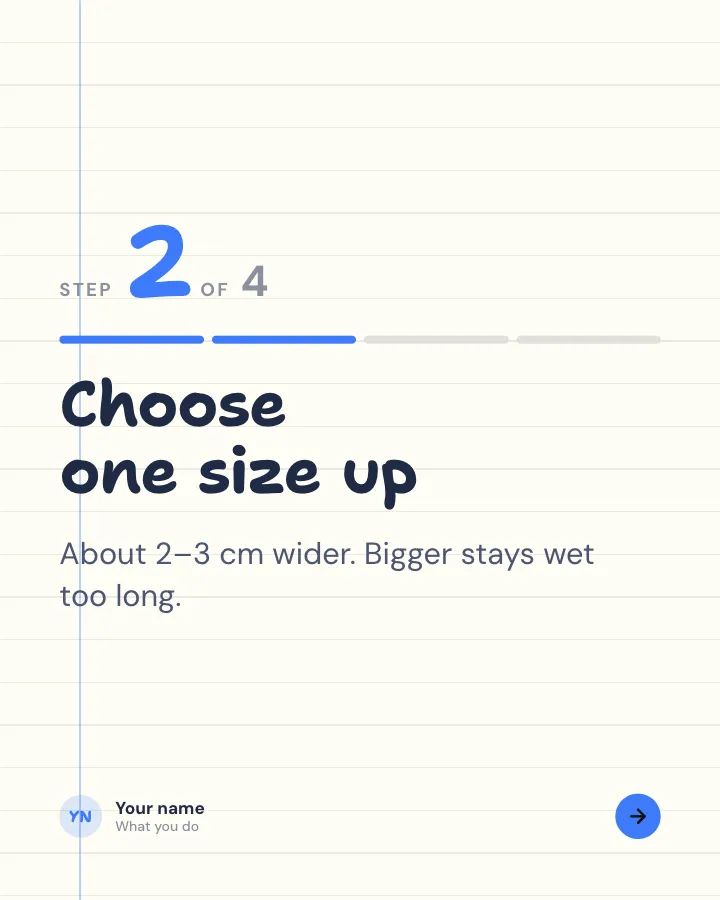
Walkthrough
6 slidesA task broken into clear steps, one per slide, ending with the hint that makes it work.
ExplainBe bookmarked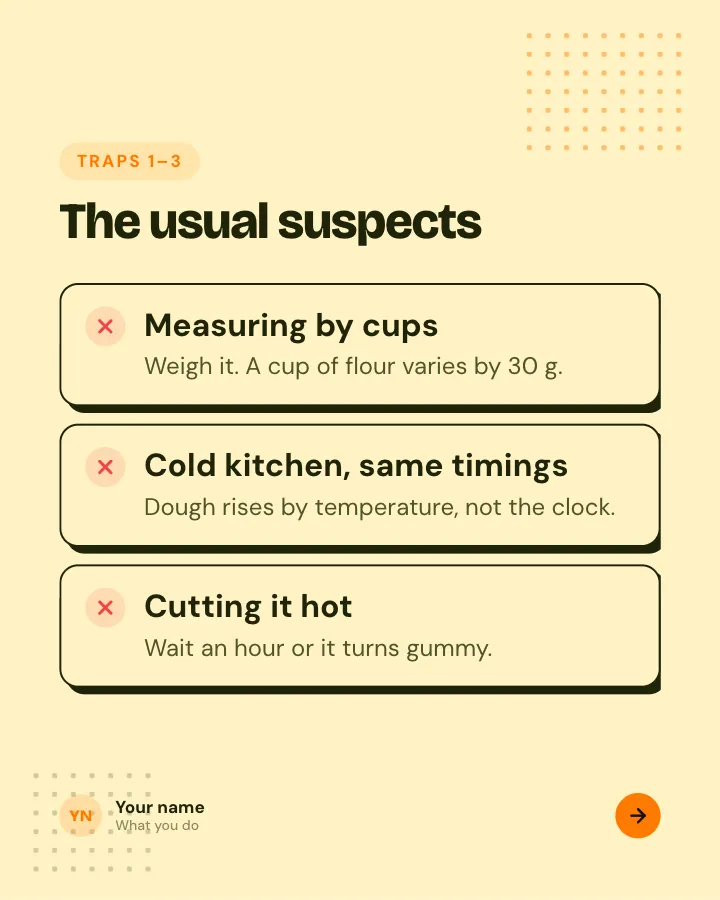
Beginner traps
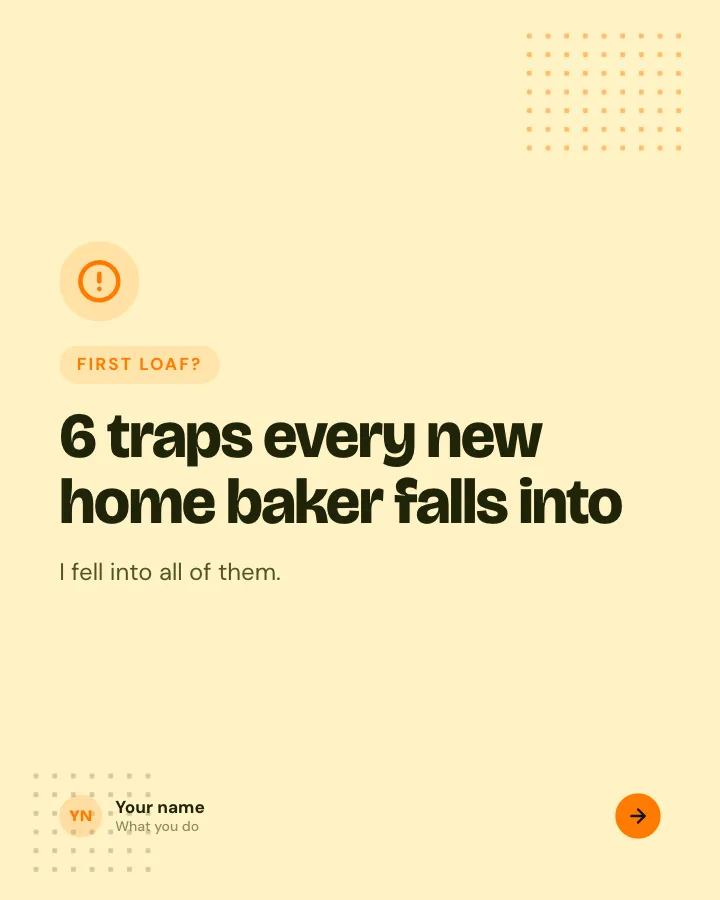
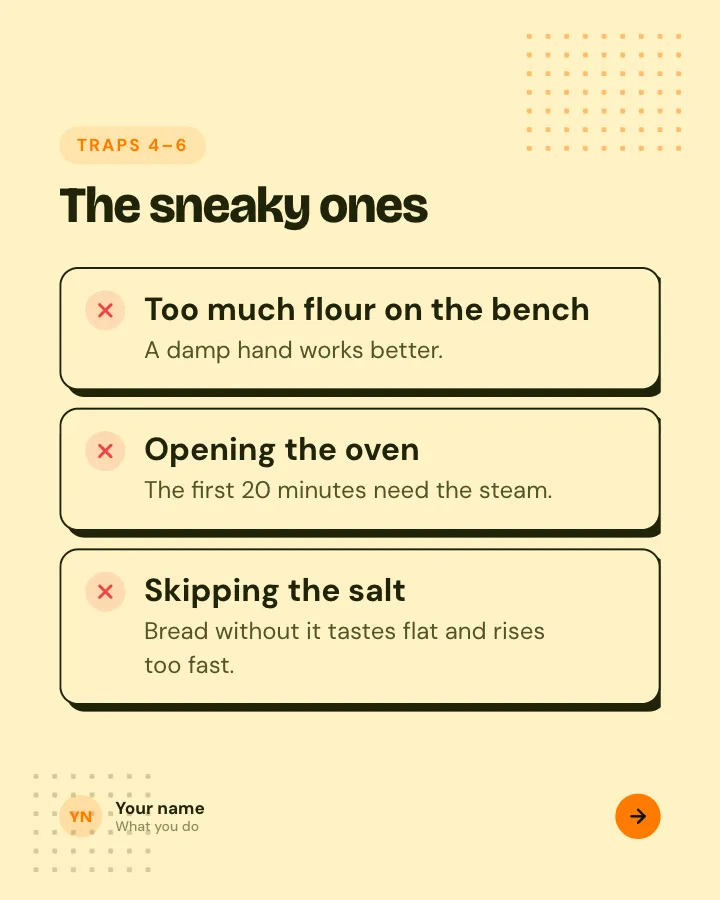
5 slidesThe traps people fall into when they start, each with the simple fix.
ExplainBe bookmarked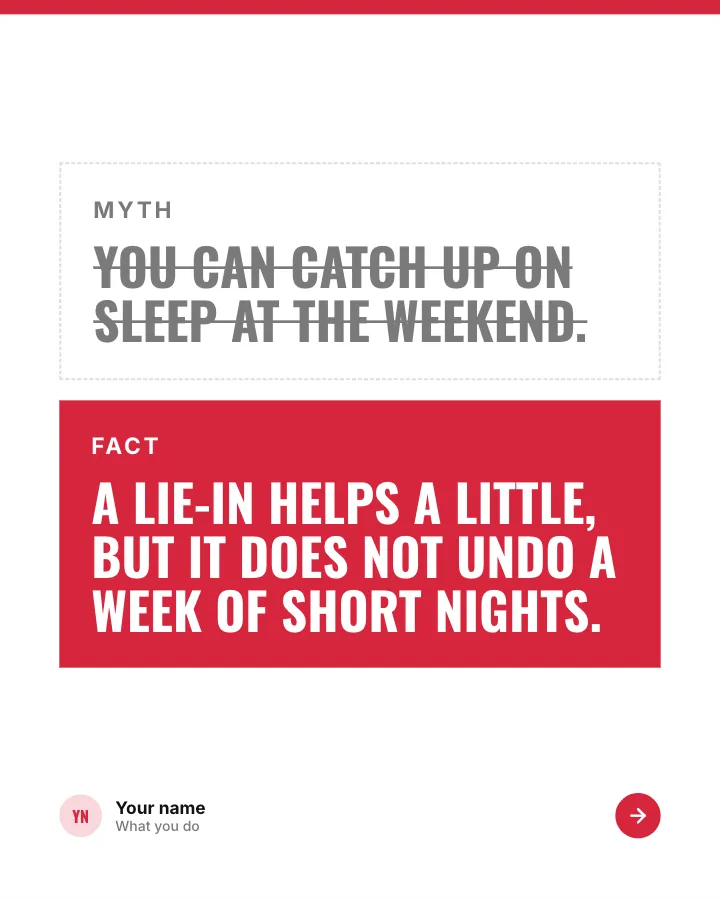
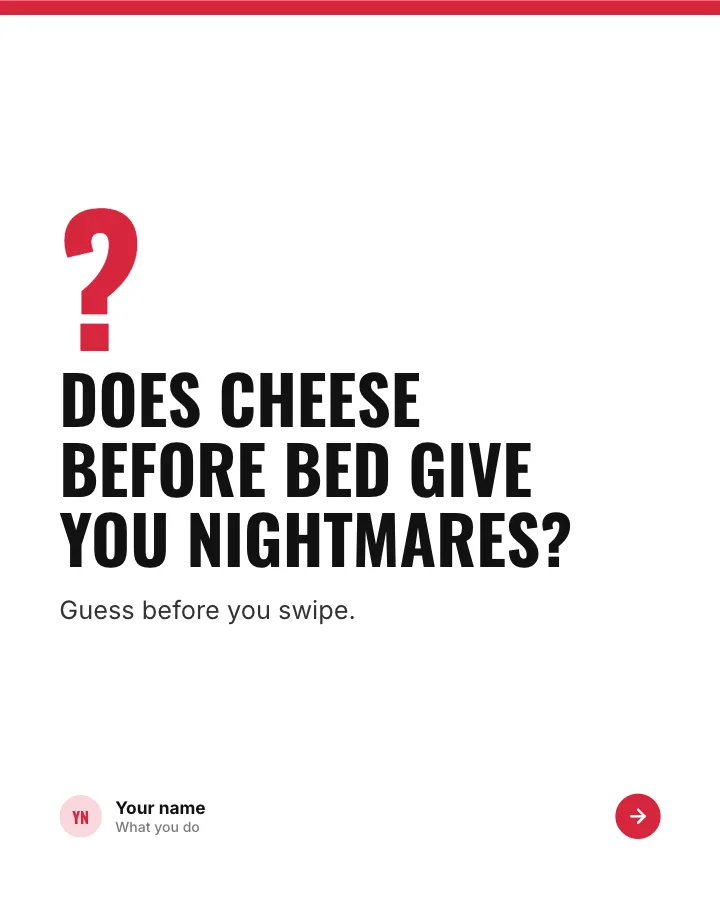
Myth or fact?
7 slidesThings people half-believe about a topic: readers guess first, then each one gets a verdict.
Spark repliesExplain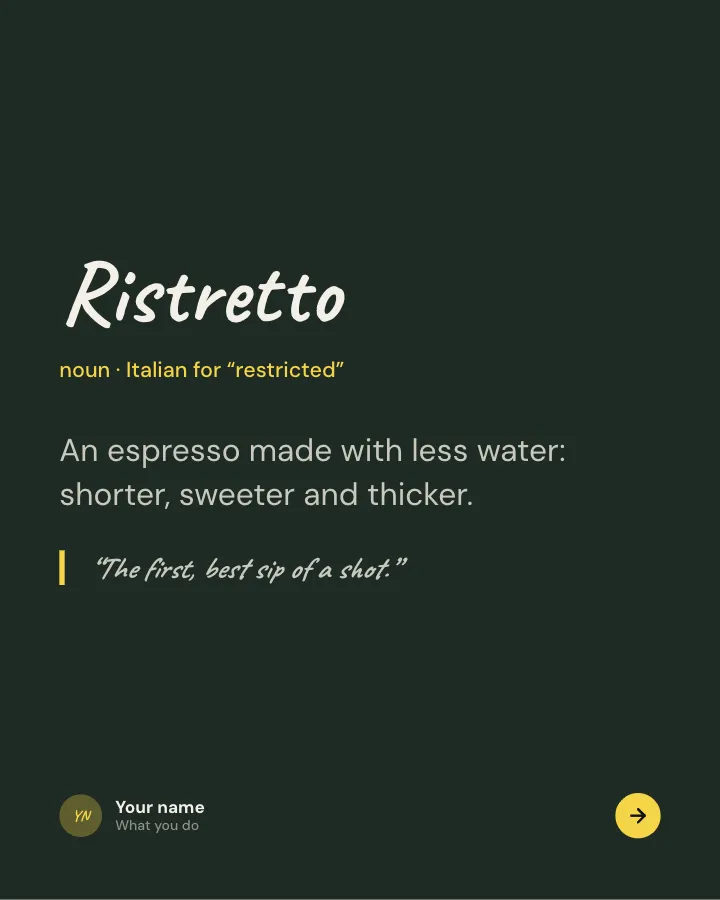
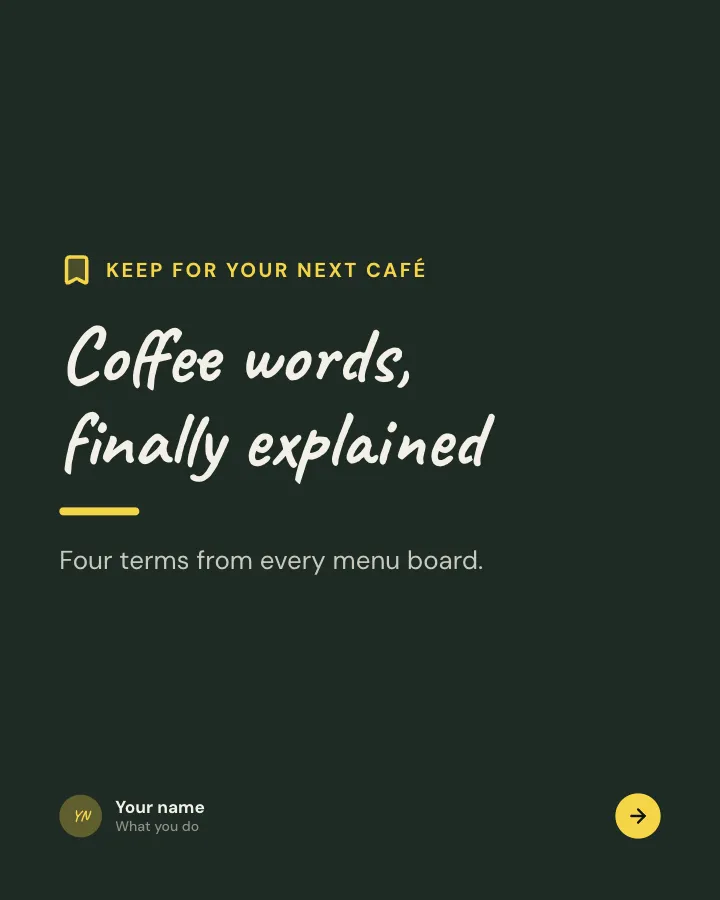
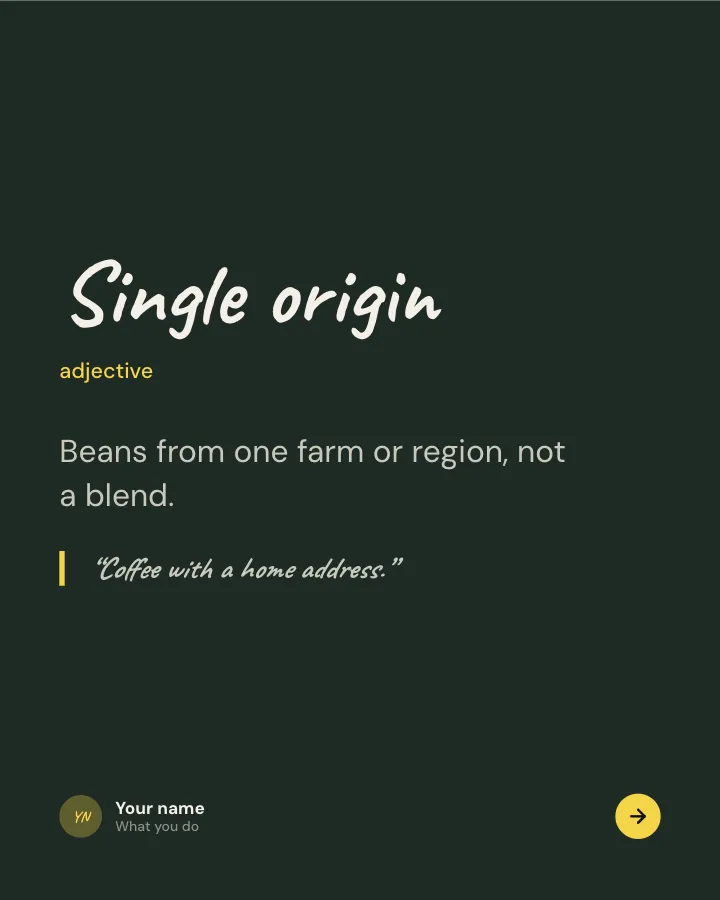
Glossary
7 slidesThe words newcomers trip over in a field, each defined in plain language with a line to remember it by.
ExplainBe bookmarked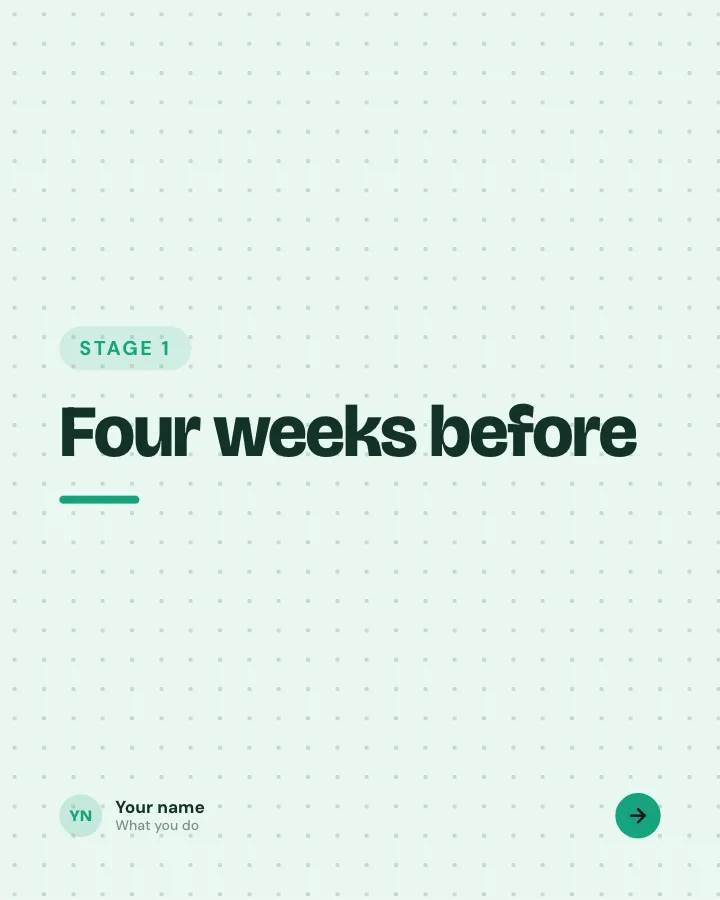
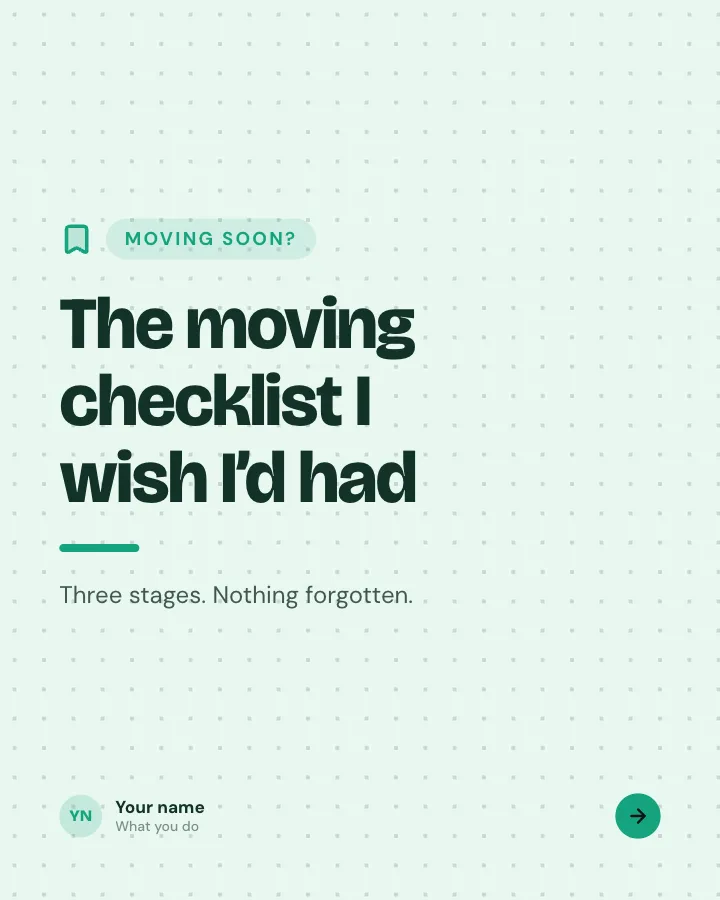
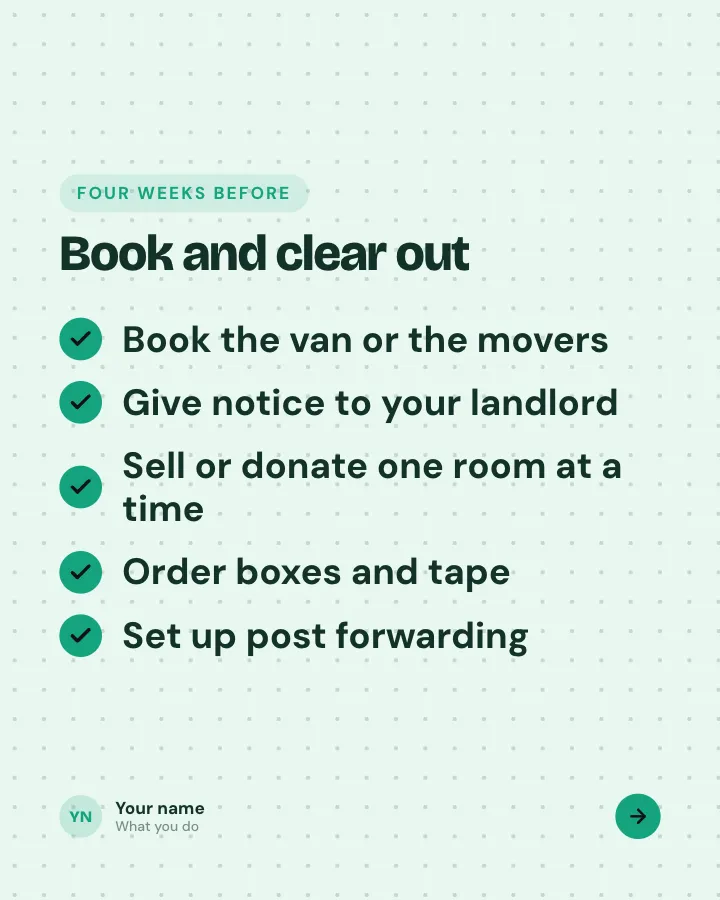
Stage-by-stage checklist
7 slidesA big task split into before, during and after, with every item people tend to forget.
Be bookmarked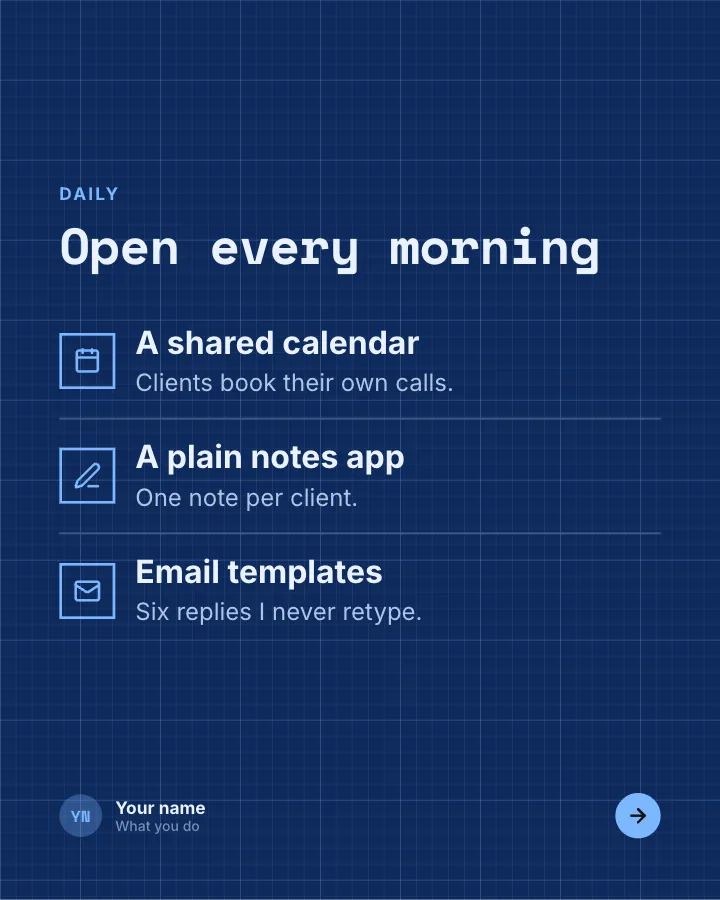
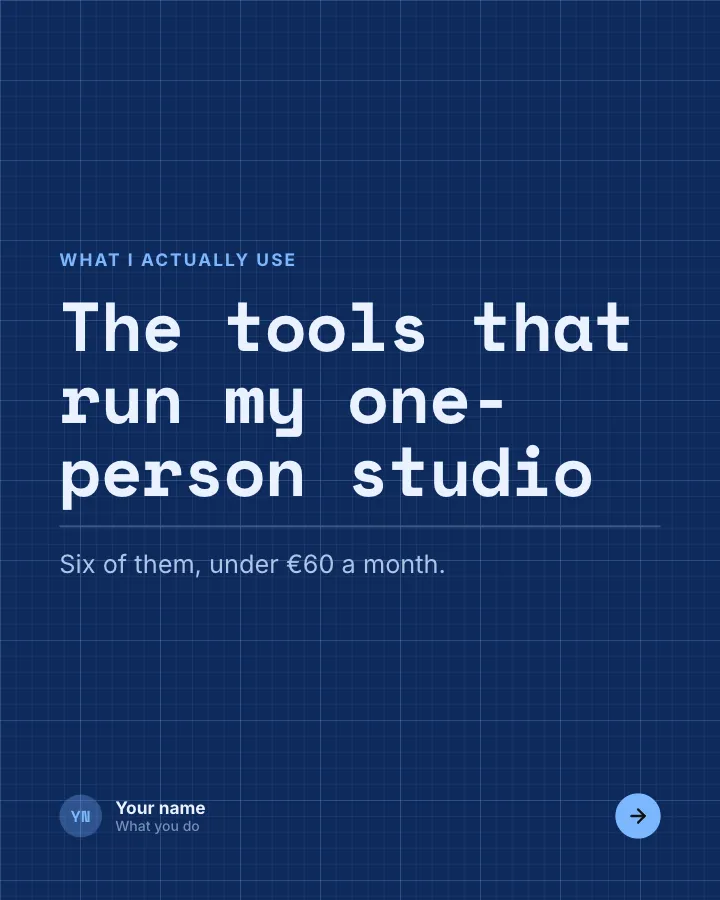
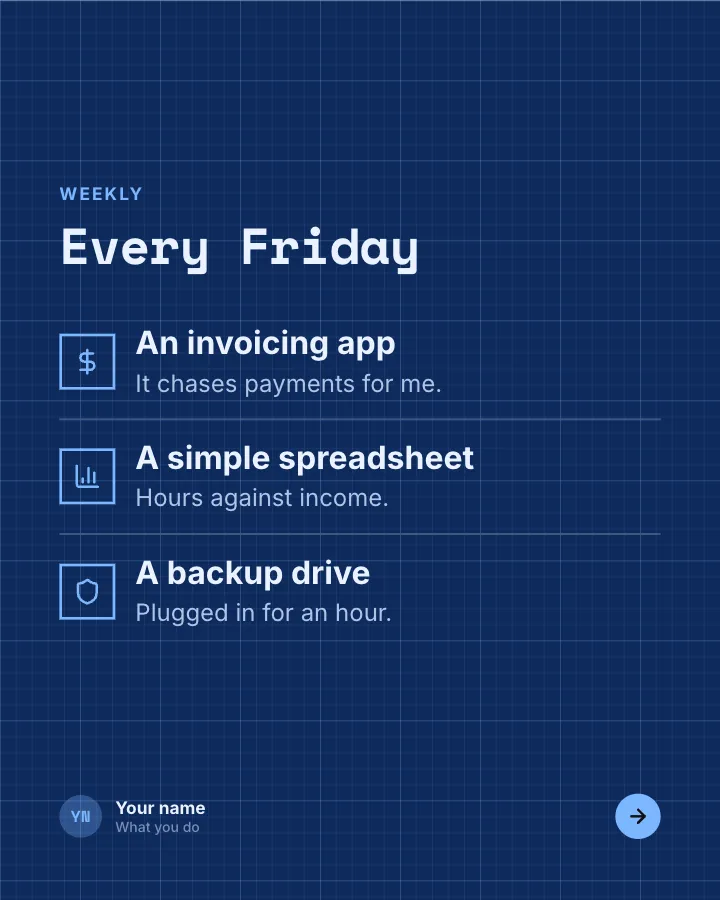
My tool stack
7 slidesThe tools you rely on to do your work, what each one is for, what it costs and what you dropped.
Be bookmarkedEarn trust
Carousel ideas for creators and personal brands
These show who you are and why people should follow along. They are less about teaching and more about a point of view.
- Introduce yourself — “Hi, I’m…” plus five facts your followers would not guess. Pin it to your profile.
- What I wish I knew — lessons from a year, a job, a move, a hobby, one per slide.
- Unpopular opinions — three to five honest takes about your niche, each with a one-line reason.
- A day, hour by hour — what a real day in your work or routine looks like, with times on each slide.
- Then and now — your work, space or skills a year ago vs today, side by side.
- What went wrong — a project that failed and what you would change. Honesty gets comments.
- My favorites this month — books, songs, products or places, one per slide with a short reason.
- Q&A answered — the questions you get asked most, each answered on its own slide.
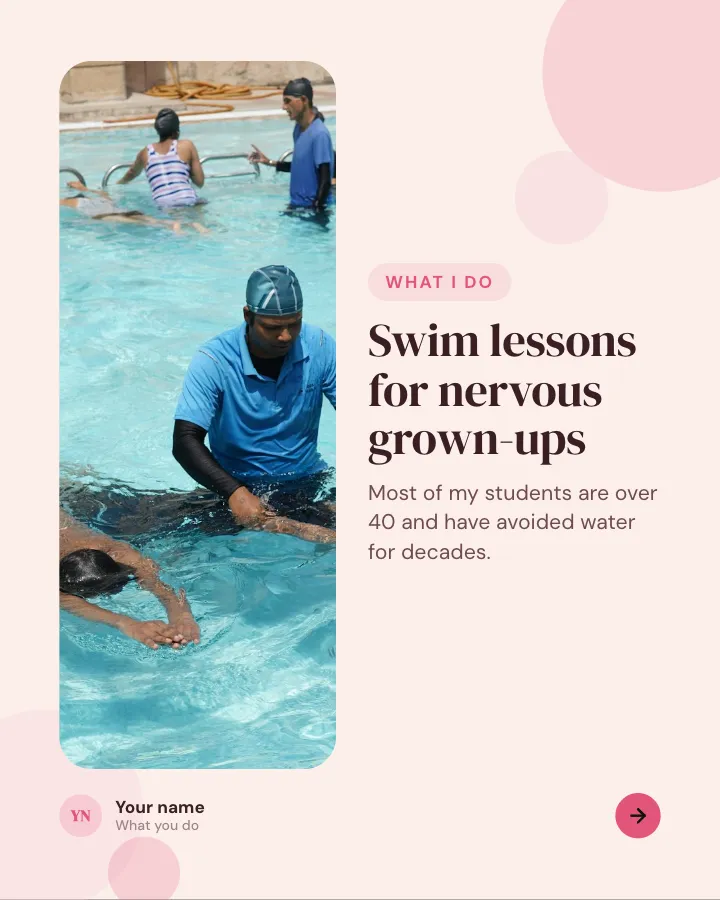

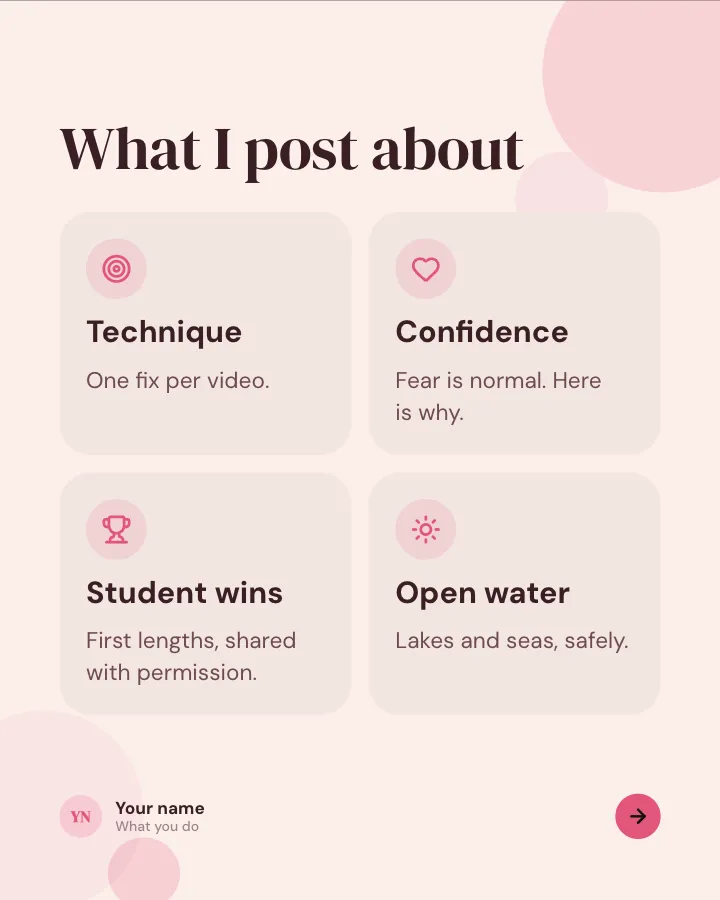
Hello, I’m…
6 slidesIntroduce yourself to new followers: who you are, what you do, what you post about and a few things nobody would guess.
Earn trustSpark replies


What went wrong
7 slidesA project that did not work, told honestly: the plan, the moment it broke, the cost and what you do differently now.
Earn trustSpark repliesVIP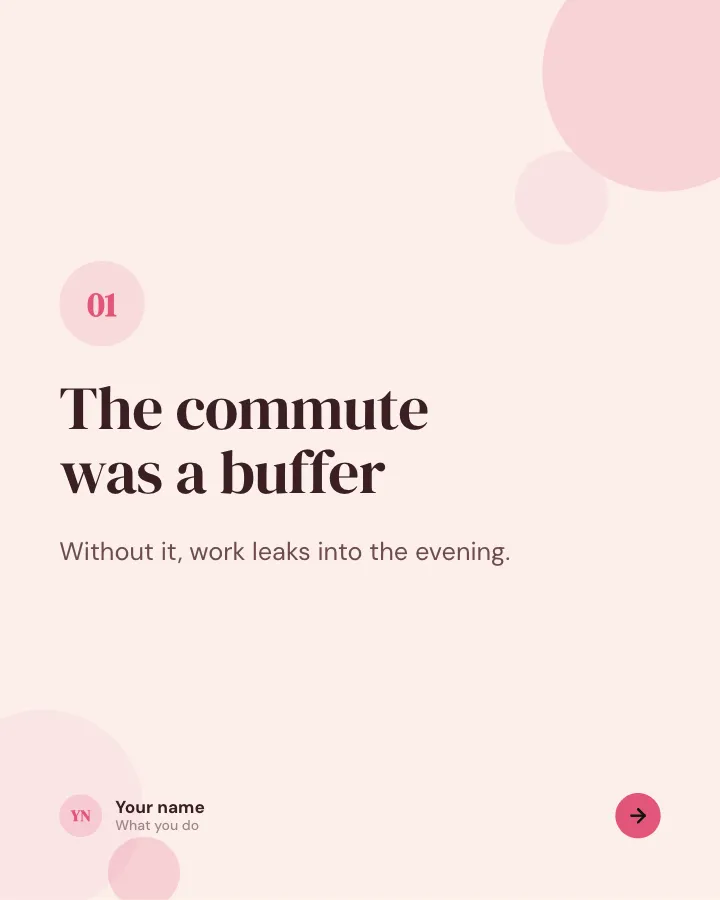
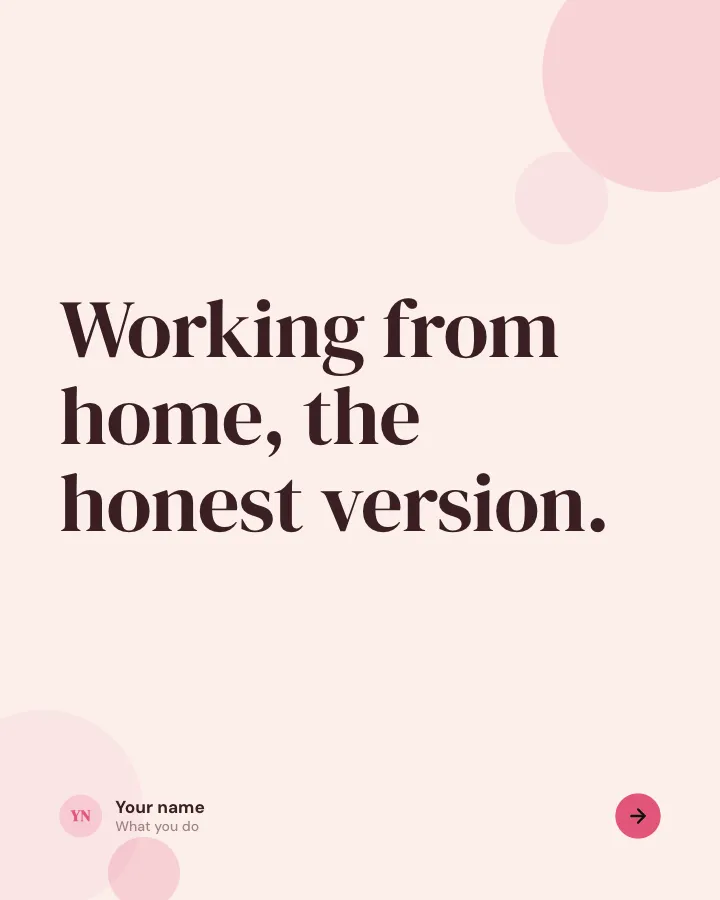
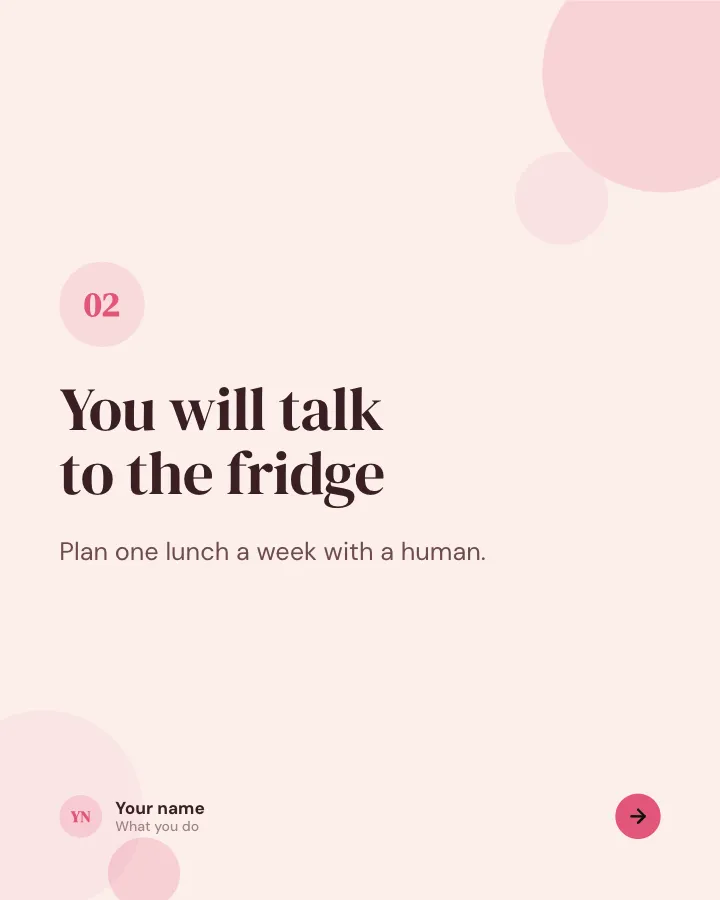
The honest version
6 slidesThe unglamorous side of a topic, said plainly, one point per slide.
Spark repliesEarn trust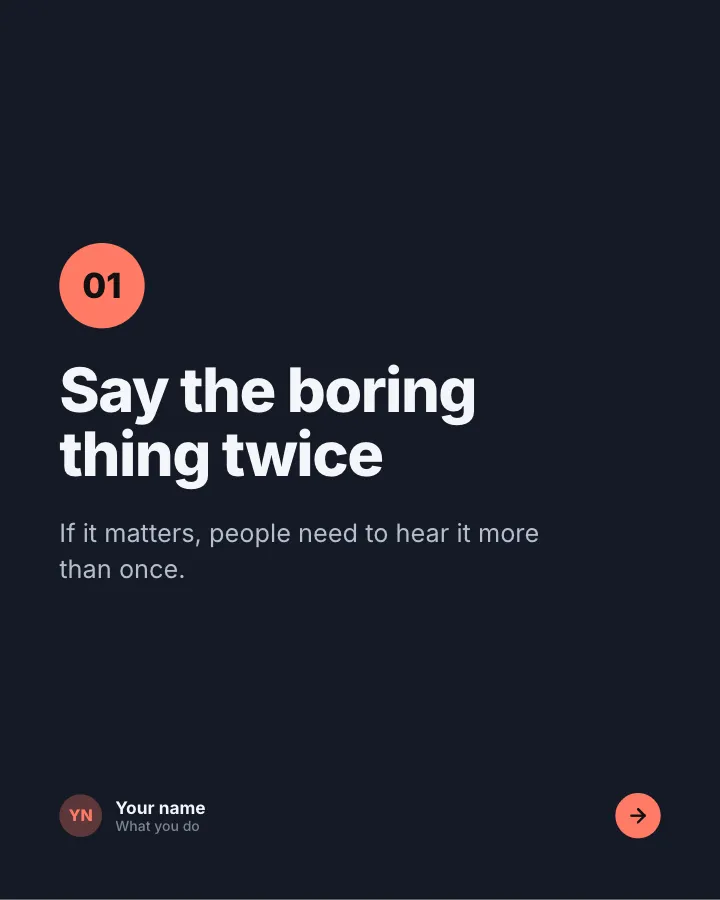
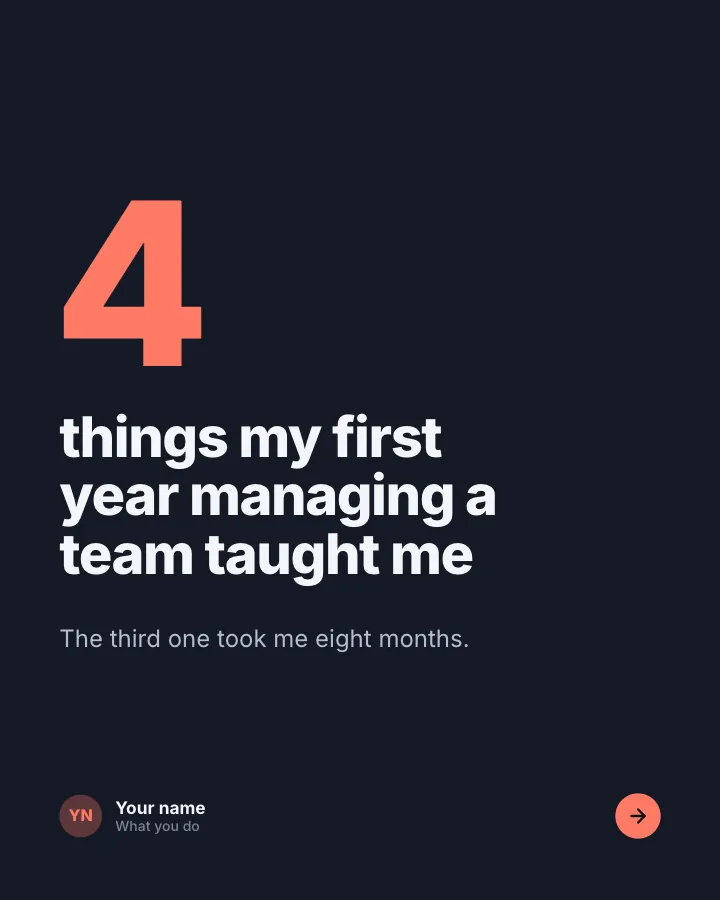
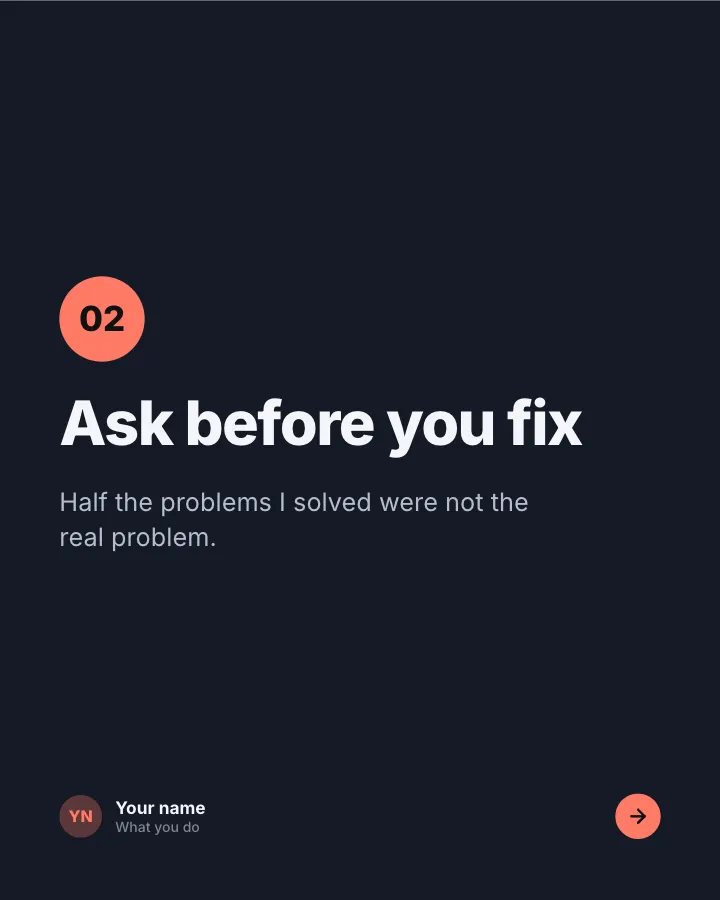
What it taught me
6 slidesAn experience and the lessons you took from it, one lesson per slide.
Earn trustSpark replies
Instagram carousel ideas for businesses
For small businesses, carousels are a way to answer customer questions before they ask, and to show products properly rather than in one photo.
- Product walkthrough — one feature per slide, with the problem it solves, not just the spec.
- How it’s made — from raw material to finished product, a step per slide.
- Before and after — the result of your service, with what you did in between.
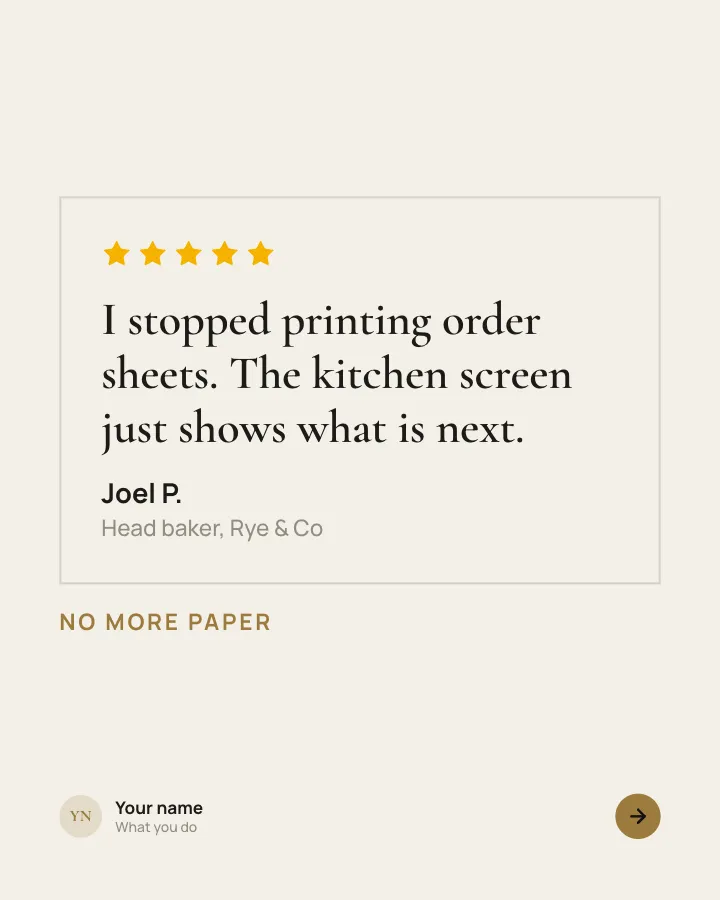
- Customer reviews — one short quote per slide with the customer’s first name and what they bought.
- Pricing explained — what each option includes and who it suits. Saves a lot of DMs.
- Frequently asked questions — shipping, returns, sizing, booking; one question per slide.
- Meet the team — one person per slide with what they do and one fun detail.
- New arrivals — this week’s products, one per slide, with the price.
- Gift guide — picks by budget or by person (“for the one who cooks”), with your products mixed in fairly.
- Event or launch recap — the best moments in order, ending with what is coming next.
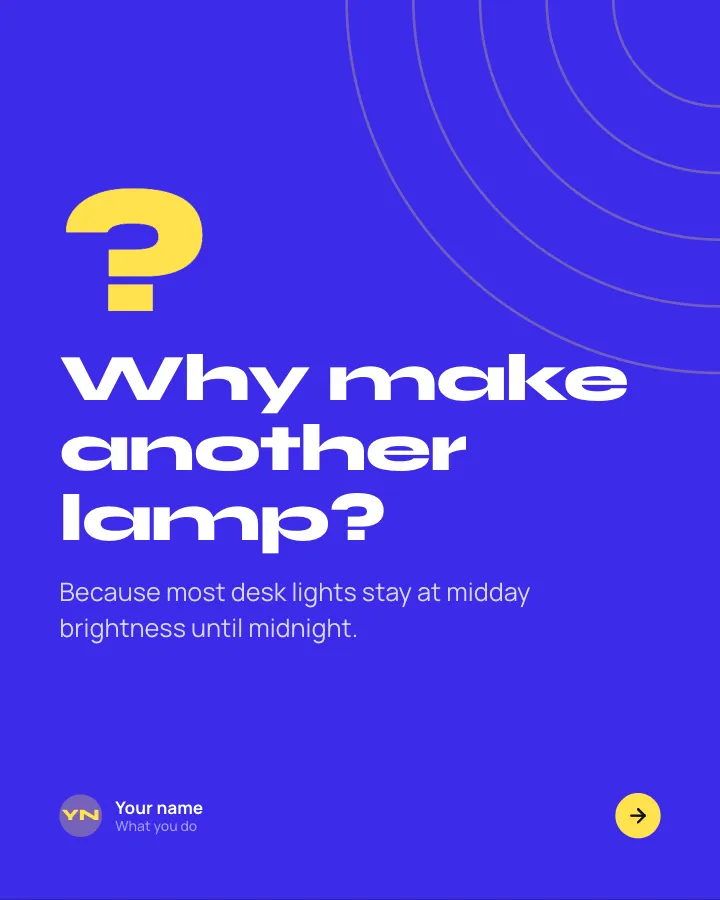

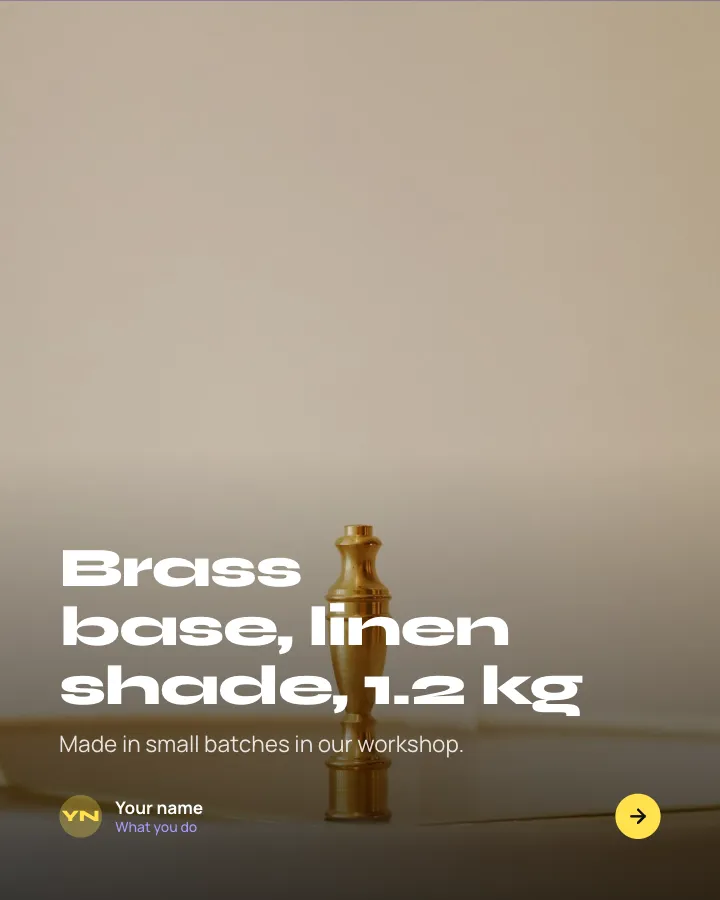
Launch day
8 slidesA new product introduced in one swipe: the problem, the reveal, what it does, the price and where to get it.
SellAnnounce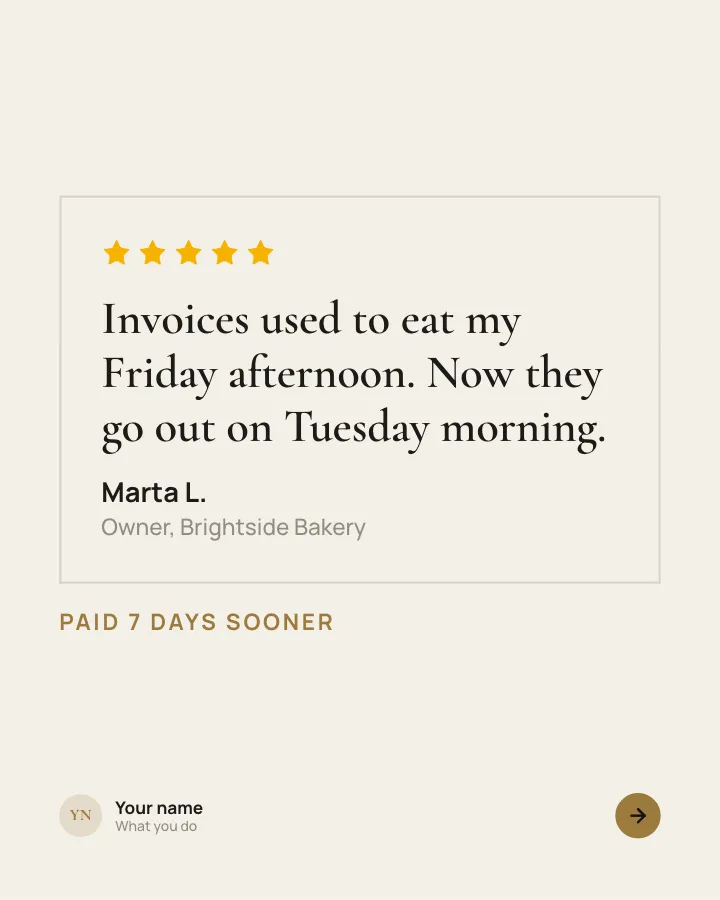
Customer voices
5 slidesReal customers in their own words, one person per slide, plus the change they noticed.
Earn trustSellVIP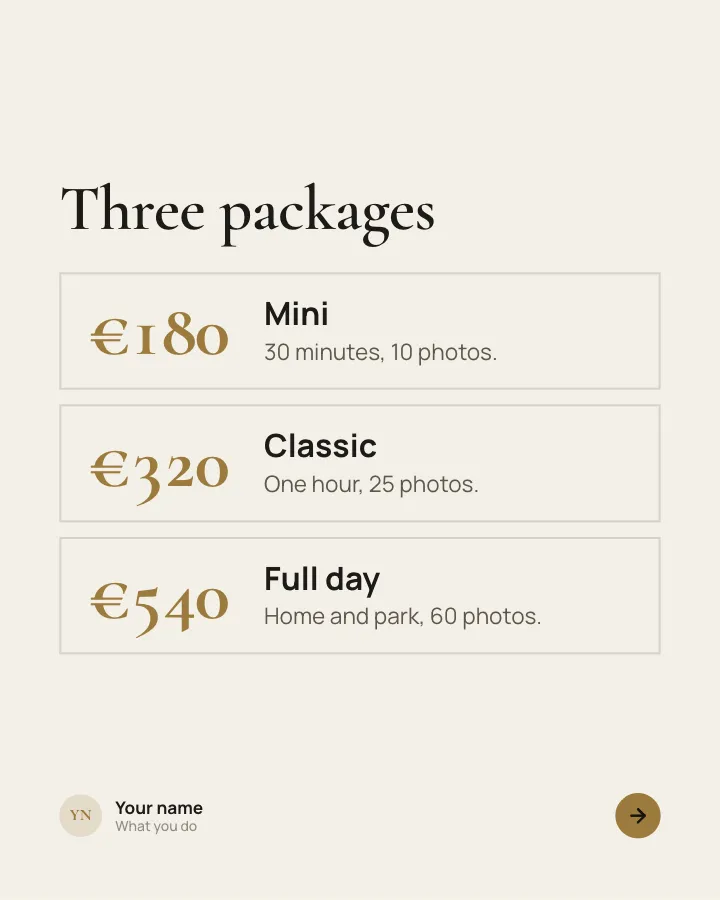
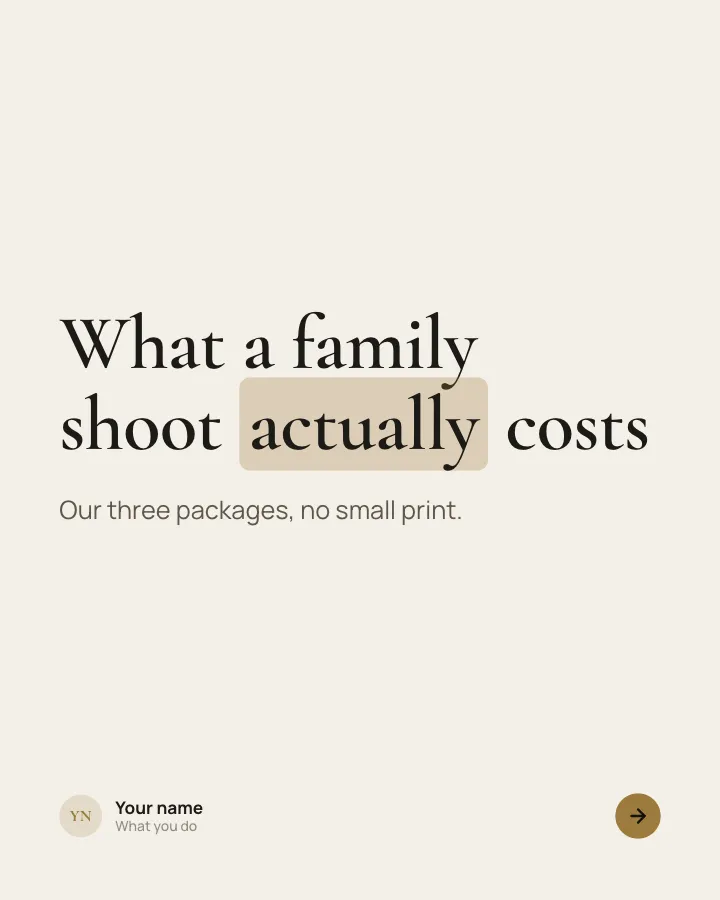
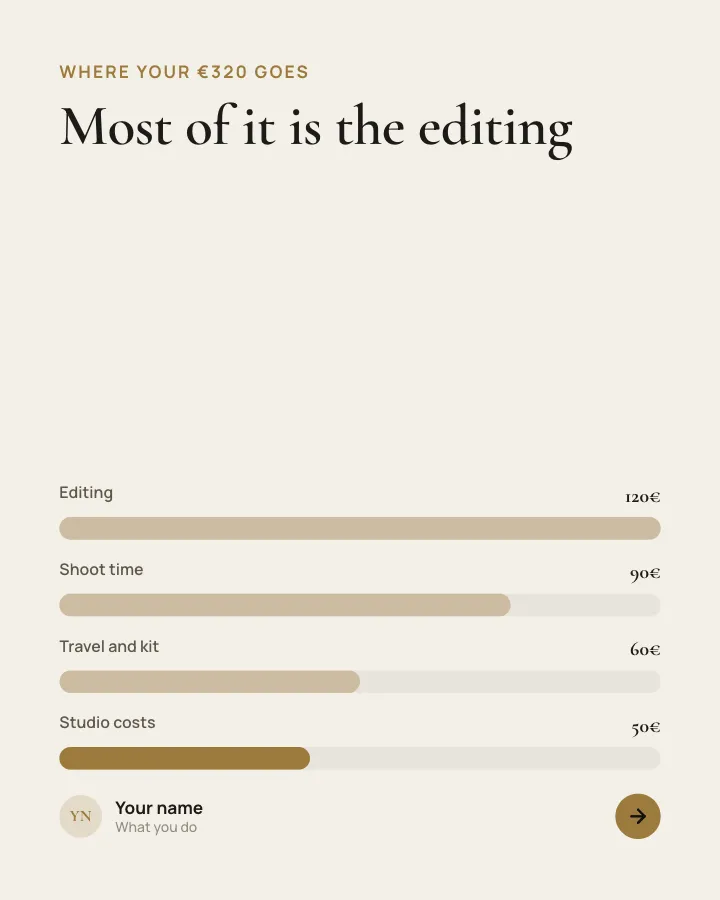
Pricing, explained
7 slidesYour packages laid out clearly: who each one is for, what it includes and why it costs what it does.
SellEarn trustVIP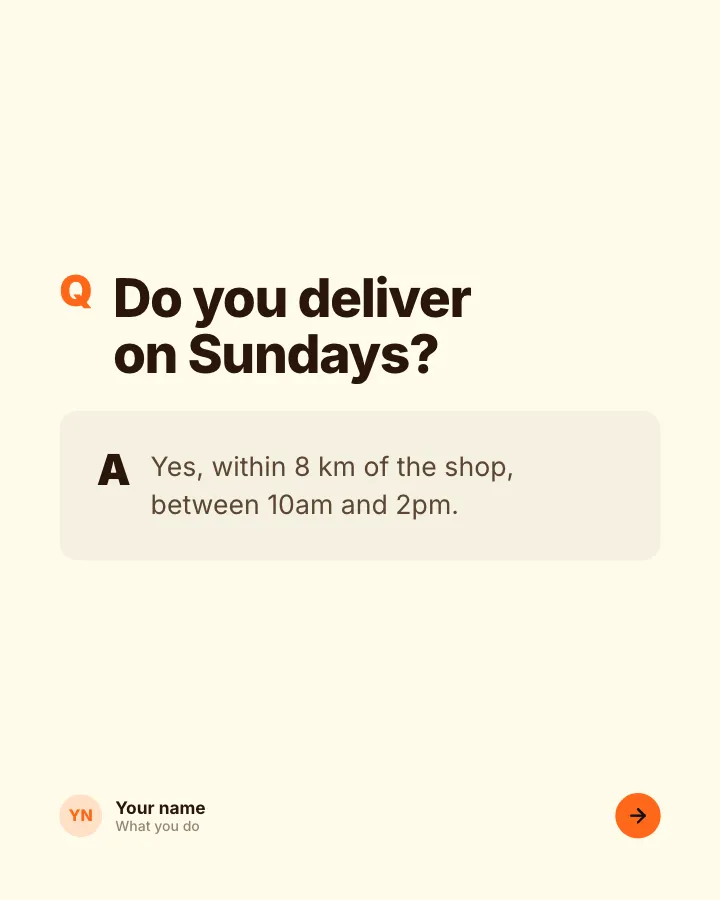
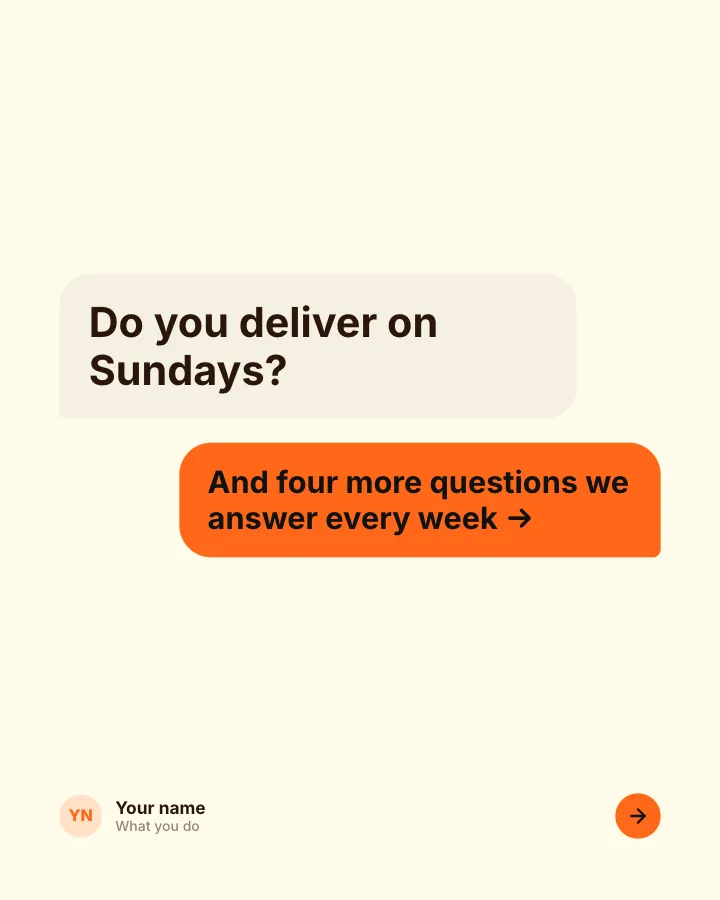
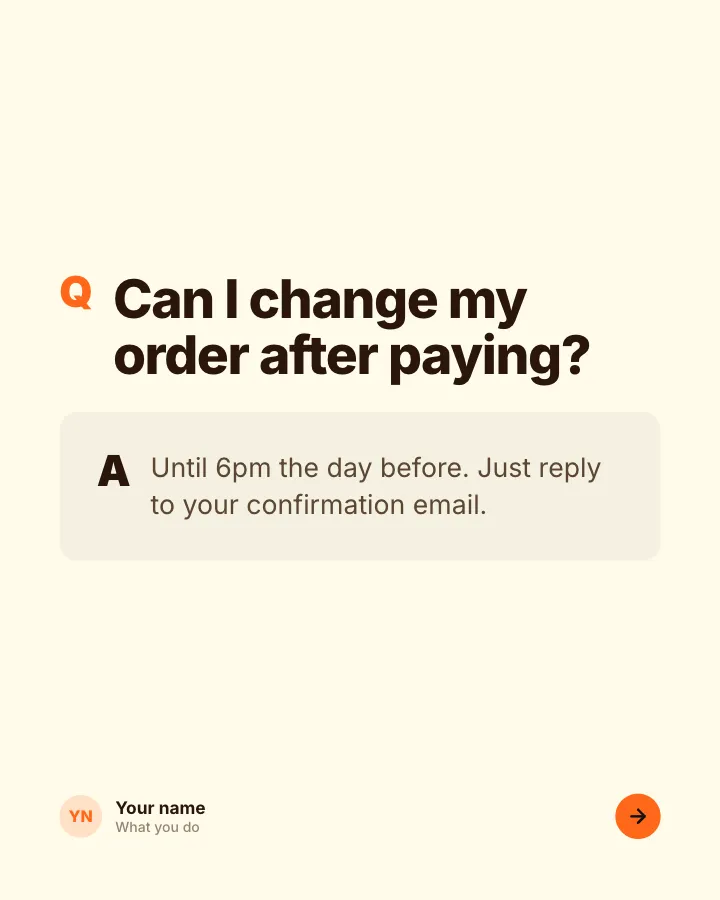
Questions we get asked
7 slidesThe questions customers ask before they buy, each answered plainly, so the next person does not have to ask.
SellExplain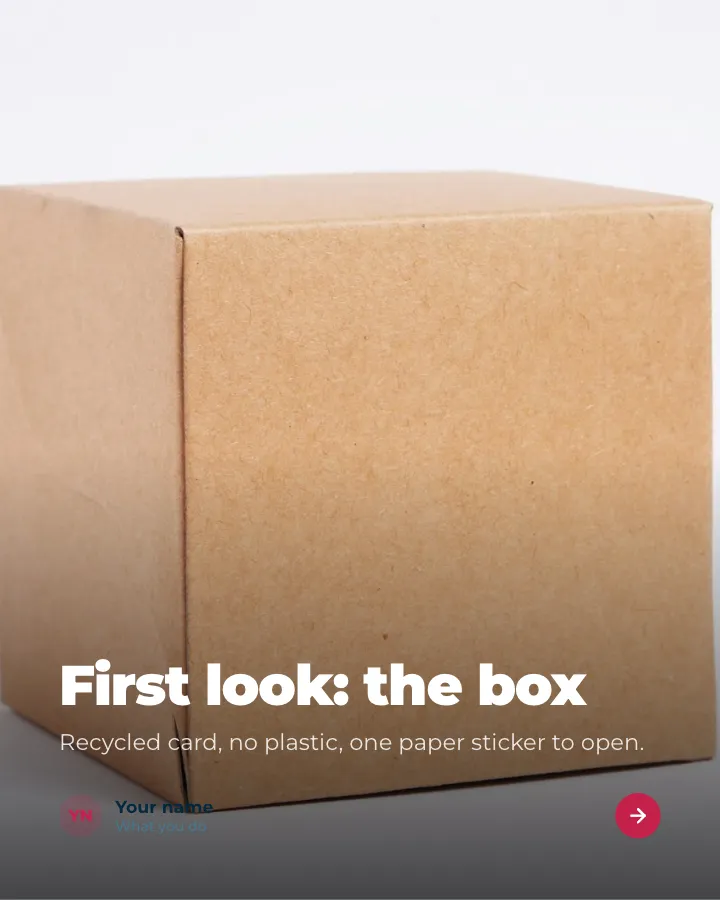

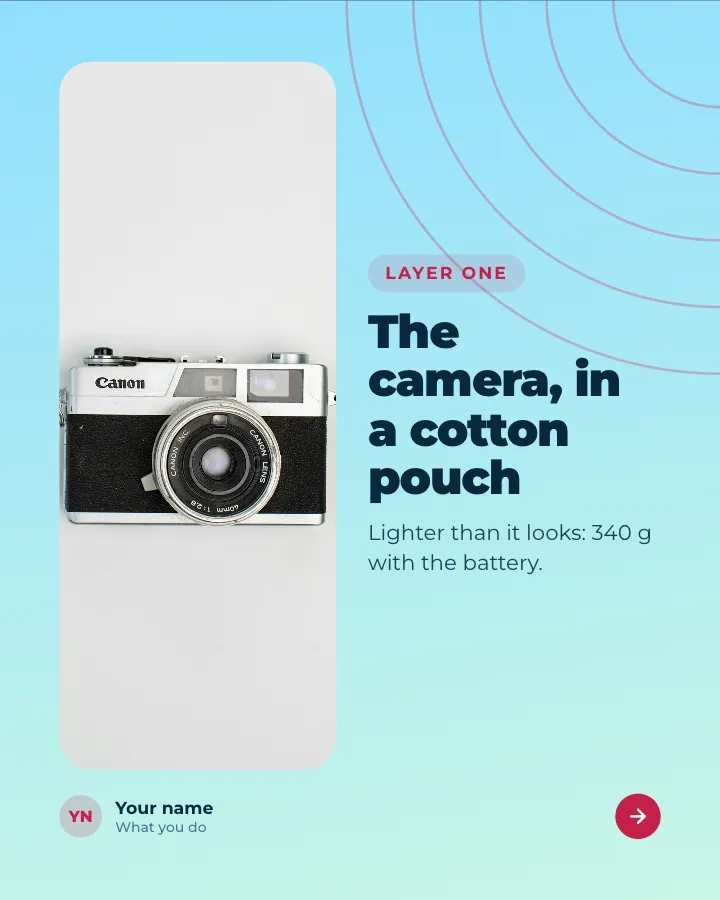
Unboxing
8 slidesOpen a product on camera, layer by layer: the packaging, what is inside, first impressions and the price.
Make them smileSell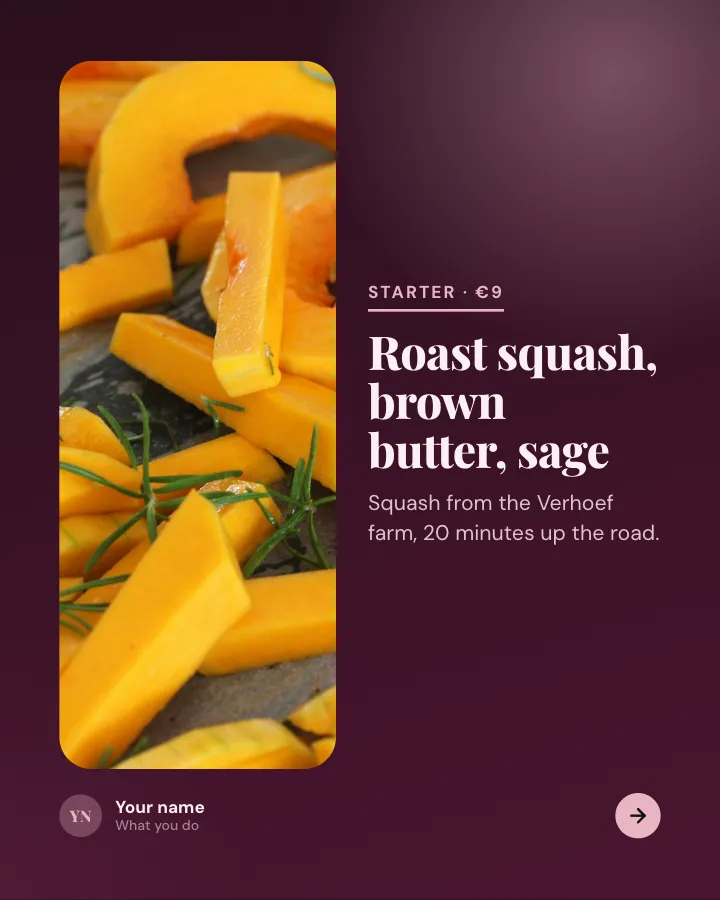
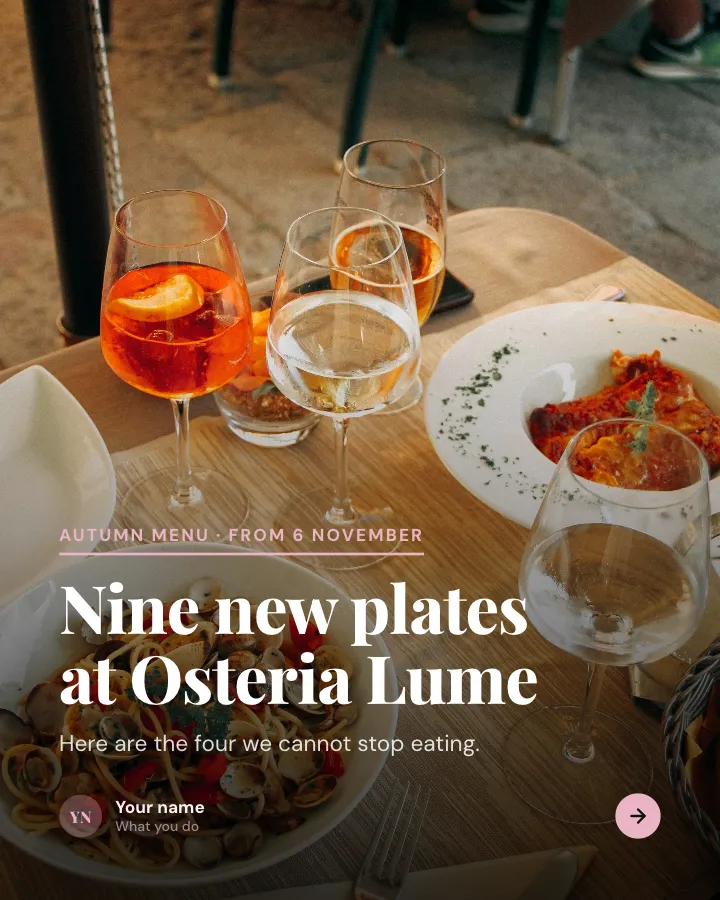
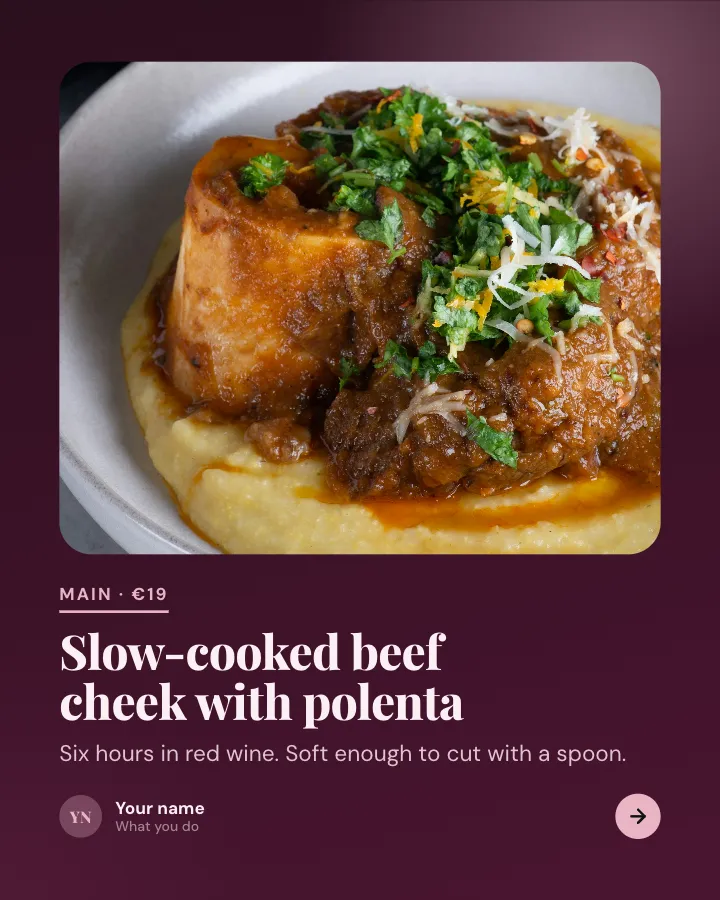
New menu, plate by plate
7 slidesIntroduce a new menu the way a guest meets it: the highlights with prices, the rest at a glance, and how to book.
SellAnnounce
Skip the blank page. Give Postora a topic or a link and it plans, writes and designs the carousel for you. Start without an account.
Make a carouselPhoto carousel ideas (no text needed)
Not every carousel needs words on the slides. Photo carousels work best when there is a clear thread through the set, and when the layout ties the photos together.
- Photo dump — the month in 10 to 20 unposed photos; the mix of big moments and small details is the point.
- Trip recap — one day or one stop per slide, in order, with the place named in the caption.
- Seamless panorama — one wide landscape split across 3 to 5 slides so the view unrolls as people swipe.
- Outfit week — what you wore Monday to Sunday, same pose and spot each day.
- Room or home tour — the door, then room by room, ending on your favorite corner.
- Recipe in pictures — ingredients, three key steps, the finished plate.
- Pet diary — a week in the life of your dog or cat, one mood or habit per slide.
- Progress series — the same photo taken every week: a garden, a renovation, a training block.
Seamless layouts make a set of photos feel like one post rather than a pile. Postora Swipe for Android has 205 seamless designs for 1 to 20 photos, grouped by category such as photo dump, travel, food, pets, fashion and home.

Photo dump
6 photos 4 slides
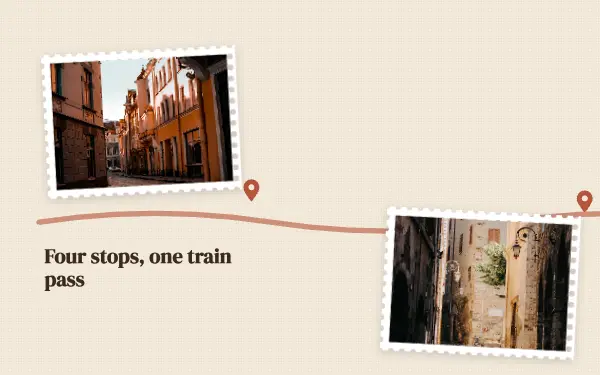
Postcard trail
4 photos 5 slides

Outfit week
5 photos 5 slides

Good boy diary
3 photos 4 slides

Slow Sunday
3 photos 3 slides

Brunch arches
4 photos 4 slides
Making photo carousels on your phone? Postora Swipe has seamless Instagram designs for 1 to 20 photos.

Engagement carousel ideas (get comments and shares)
These are built to start a conversation. Use them now and then, not every day, or they start to feel like bait.
- This or that — two options per slide; ask people to comment their picks as a string, like “A B B A”.
- Quick quiz — a question on one slide, the answer on the next. People swipe to check themselves.
- Rate it — show five things and ask for a score out of 10 in the comments.
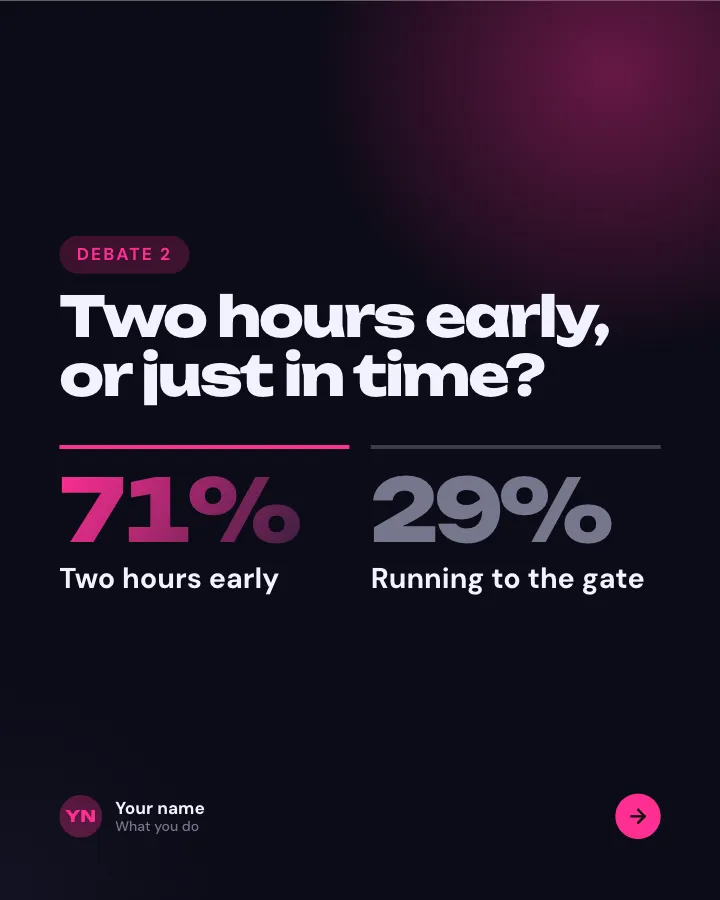
- Settle the debate — both sides of a friendly argument in your niche, then ask which side people are on.
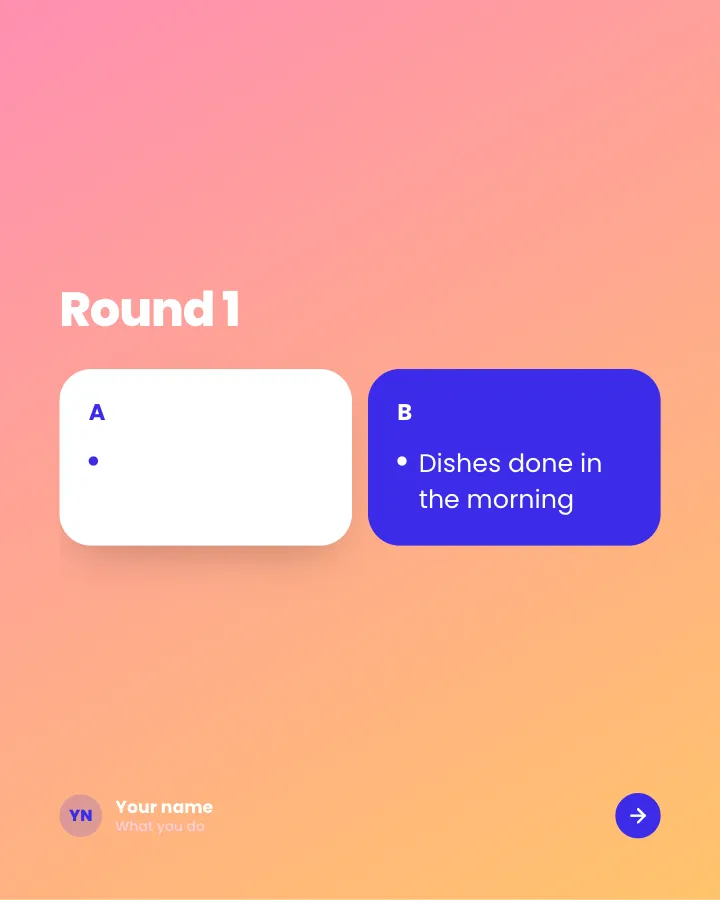
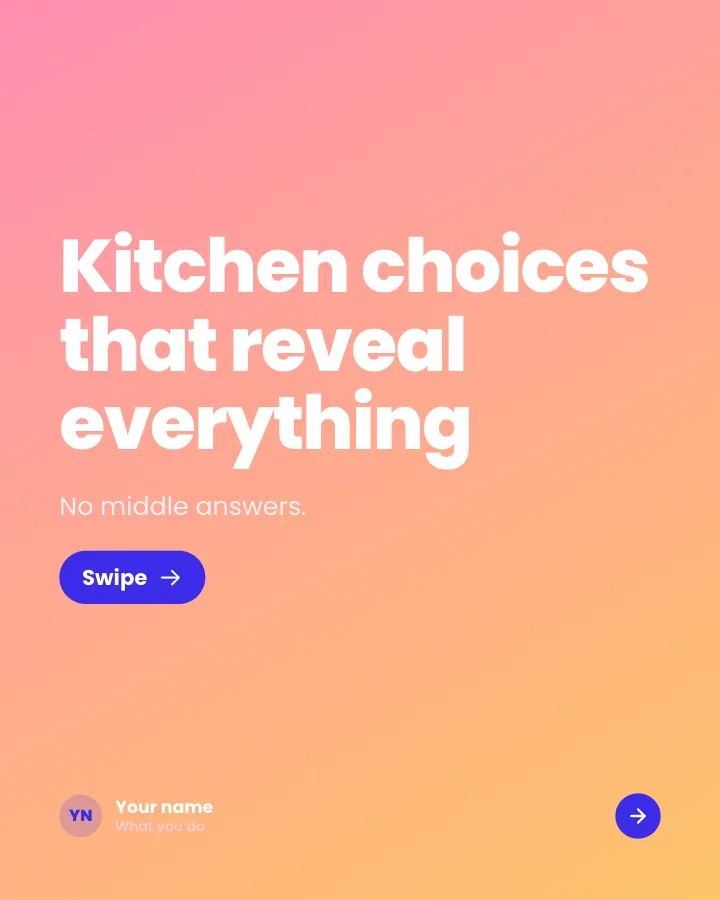
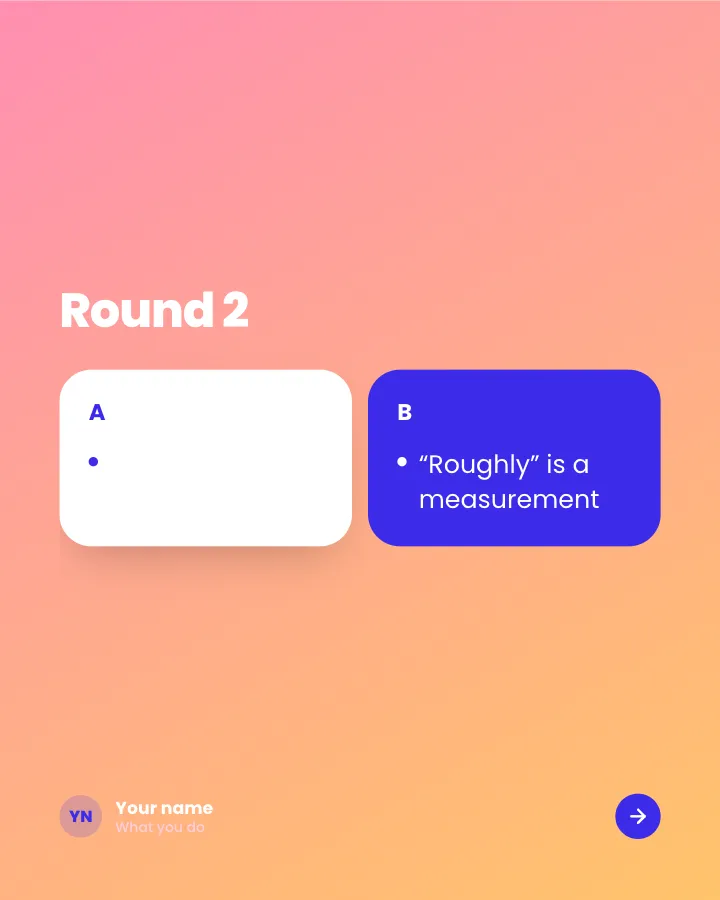
Pick one
5 slidesPairs of options, one pair per slide, for readers to choose between in the comments.
Spark repliesMake them smile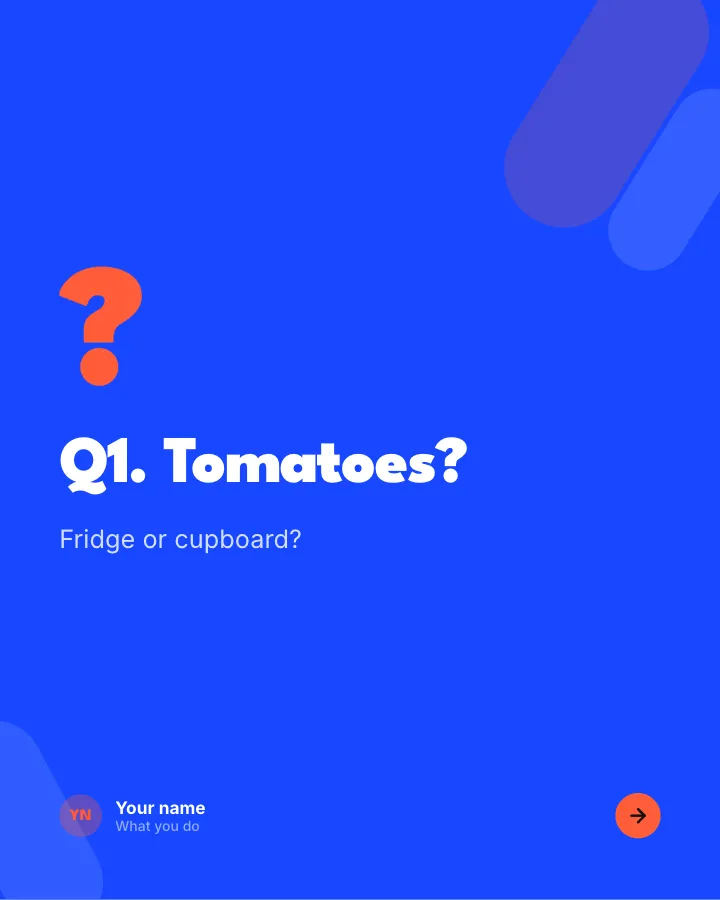

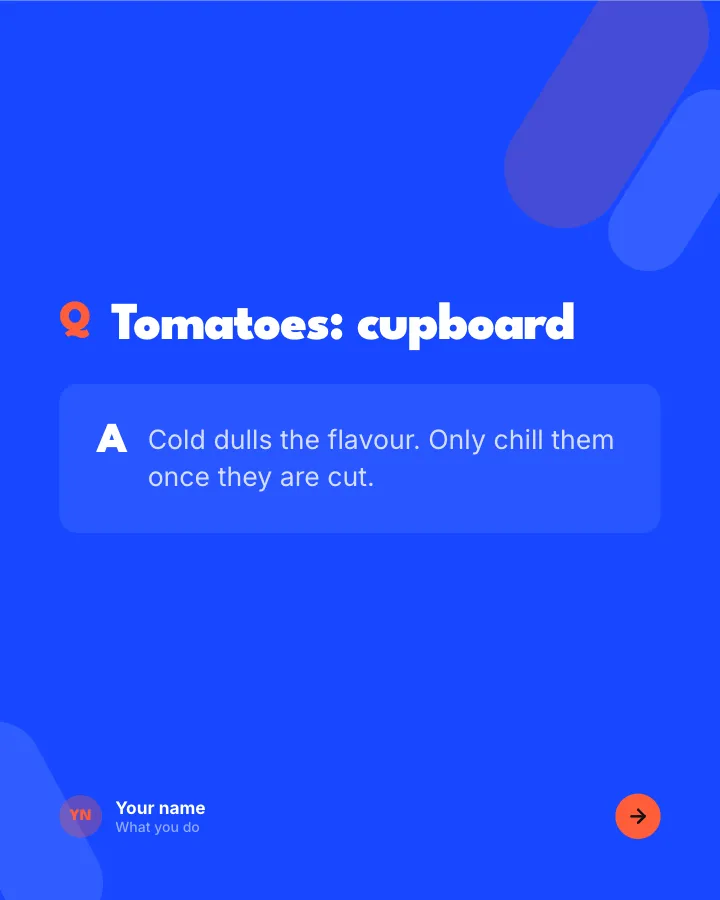
Quick quiz
8 slidesA few questions to test readers, each answered on the next slide, with a score to share in the comments.
Make them smileSpark replies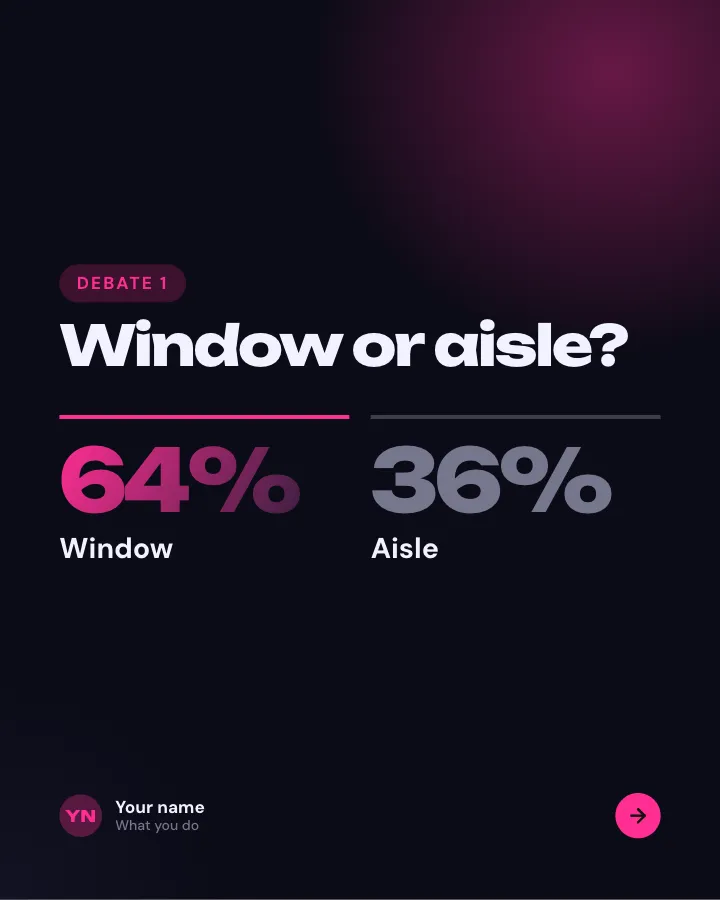

Settle the debate
7 slidesSmall, divisive questions from your niche, each with how your team voted, so followers add their own.
Spark repliesMake them smile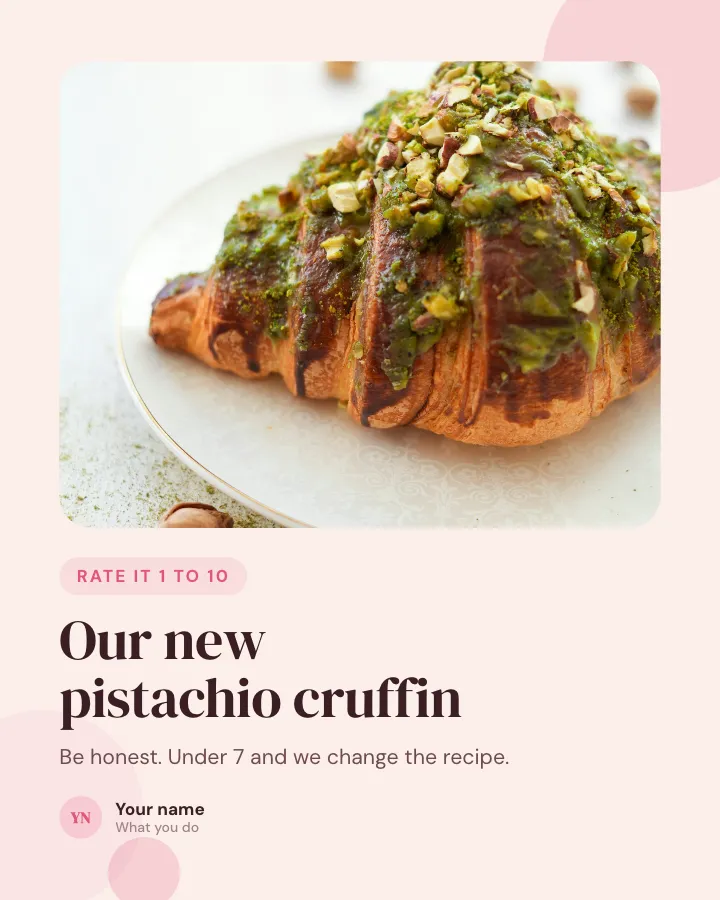
Rate it 1 to 10
Image postShow something new over a photo and ask followers to score it in the comments.
Spark repliesMake them smile
Industry-specific ideas to borrow
Most of the ideas above work in any niche. A few that fit specific kinds of business especially well:
| Business | Carousel ideas that fit |
|---|---|
| Restaurant or café | New menu plate by plate, how a dish is made, opening hours card, weekly specials |
| Salon, spa or beauty | Price list, before and after, aftercare tips, the products we use |
| Real estate | Listing tour room by room, neighborhood guide, the key facts of a property |
| Fitness studio or coach | Class timetable, form fixes, a four-week plan, member progress |
| Online shop | Size guide, shipping and returns explained, unboxing, product face-off |
| Photographer or wedding pro | Full gallery highlights, a wedding day hour by hour, behind the lens |
There are ready-made templates for many of these in the Instagram carousel templates collection.
Turn an idea into a finished carousel
- Write the cover line first. If you cannot make it specific, pick a different idea.
- List the slides as one line each. Six to ten is plenty for most of these.
- Pick a template or layout and keep it the same on every slide.
- Design at 1080 × 1350 (4:5). See Instagram carousel size for other shapes.
- Write a caption that adds context and ends with one ask. Check the Instagram caption character limit.
- Post it. The steps are in how to make a carousel on Instagram.
If writing and designing every slide is the slow part, Postora’s studio turns any of the ideas above (as a topic, a link or rough notes) into a planned, written and designed Instagram carousel you can edit and export.
Frequently asked questions
What should I post in an Instagram carousel?
Anything with several parts in a set order: tutorials, lists, comparisons, before and after, product walkthroughs, FAQs, trip recaps and photo dumps.
How many slides should an Instagram carousel have?
Instagram allows up to 20. For text carousels, 6 to 10 slides is usually enough; photo dumps and recaps can use more.
What carousel ideas work for a small business?
Product walkthroughs, FAQs, pricing explained, customer reviews, before and after, new arrivals and how-it’s-made posts. They answer customer questions and show products properly.
How do I make a photo dump carousel look good?
Pick a mix of wide shots and close details, edit them with the same filter, and put them in a seamless layout so they feel like one set rather than random photos.
How often should I post carousels?
There is no fixed rule. Post as often as you can keep quality high; one strong carousel a week beats several thin ones.