
Instagram guide
Instagram carousel size: dimensions, ratios and slide limit
Updated · By the Postora team
The best Instagram carousel size is 1080 × 1350 pixels (4:5) or, for the tallest feed post, 1080 × 1440 pixels (3:4). Square 1080 × 1080 (1:1) and landscape 1080 × 566 (1.91:1) also work. A carousel can hold up to 20 photos or videos, and every slide in it uses the same shape.
Instagram carousel dimensions at a glance
Instagram displays feed images at a width of 1080 pixels, so design at that width and choose the height by aspect ratio.
| Shape | Aspect ratio | Size in pixels | When to use it |
|---|---|---|---|
| Tall portrait | 3:4 | 1080 × 1440 | Phone photos, maximum height in the feed |
| Portrait | 4:5 | 1080 × 1350 | The safe default for designed and photo carousels |
| Square | 1:1 | 1080 × 1080 | Mixed photo sets, content reused from older posts |
| Landscape | 1.91:1 | 1080 × 566 | Wide scenes; the smallest on a phone screen |
Bigger is not better here. Instagram resizes uploads down to 1080 pixels wide, so a 4000-pixel export only adds file size. Export PNG for slides with text and sharp graphics, and JPG for photos.
4:5 vs 3:4: which Instagram carousel aspect ratio to use
For years 4:5 was the tallest shape Instagram allowed in the feed. In 2025 Instagram added support for 3:4, the shape most phone cameras shoot by default (PetaPixel). That made 1080 × 1440 the tallest option for single photos and carousels.
| 4:5 (1080 × 1350) | 3:4 (1080 × 1440) | |
|---|---|---|
| Height in the feed | Tall | About 7% taller |
| Profile grid | Cover is trimmed slightly at the sides | Shows the full cover, no trim |
| Phone photos | Cropped a little top and bottom | Fit without cropping |
| Templates and tools | Supported almost everywhere | Newer; check your tool supports it |
| Seamless panoramas | Most common size for swipe designs | Works, but fewer ready-made designs |
Our take: use 4:5 for designed, text-led carousels, since almost every template and tool is built for it. Use 3:4 for photo carousels straight from your phone camera, or when you want the cover to show untrimmed on your profile.
How many slides can an Instagram carousel have?
An Instagram carousel can hold up to 20 photos or videos. Instagram doubled the limit from 10 to 20 in August 2024 (Social Media Today). The minimum is two; one image is just a regular post.
Having 20 slots does not mean you should fill them. For designed carousels, 6 to 10 slides is enough for a clear tip list or tutorial; every extra slide is one more place for people to drop off. Photo dumps and trip recaps can go longer because each photo is a reward on its own.
| Carousel type | A sensible length |
|---|---|
| Tip list or checklist | 6 to 10 slides |
| Step-by-step tutorial | One slide per step, plus cover and summary |
| Before and after | 2 to 4 slides |
| Product showcase | One product or feature per slide, 5 to 8 |
| Photo dump or trip recap | 8 to 20 photos |
| Seamless panorama | 3 to 5 slides wide |
Can you mix aspect ratios in an Instagram carousel?
Not really. Instagram uses one shape for the whole carousel, set by the first item you add. If your first photo is 4:5, every later photo is cropped to 4:5 too, and you can drag each one inside the frame to choose what stays visible.
If your photos are a mix of portrait and landscape, you have two options:
- Crop them all to one shape and accept that some edges are lost.
- Place each photo on a 4:5 or 3:4 canvas with a border or background, so the full image shows. This is what most photo carousel apps and “no crop” layouts do.
A 9:16 image (the Stories and Reels shape) is cropped in a feed carousel, because 3:4 is the tallest feed shape. Design at 4:5 or 3:4 and keep 9:16 for Stories, Reels and TikTok.
Video in Instagram carousels
You can mix videos and photos in one carousel. Each video sits in a slide of the same shape as the photos, so a vertical 9:16 video in a 4:5 carousel is cropped to 4:5. Shoot or edit carousel videos at 4:5 (1080 × 1350) to control the framing.
A few practical points:
- Keep important text and faces in the middle of a video slide, away from the top and bottom that a 4:5 frame cuts.
- Short clips work better than long ones inside a carousel; people are swiping, not settling in to watch.
- If a video is long enough that people need to settle in and watch, post it as a Reel and link to it instead.
- If you want sound across a photo carousel, you can add music to the whole post instead of using video. See how to make a carousel on Instagram.
How the profile grid crops your carousel
Your profile shows only the first slide of each carousel. Since early 2025 the profile grid uses tall 3:4 tiles instead of squares (Android Authority). The post itself still opens at its real shape; only the grid preview is cropped.
| Your carousel | What the grid does |
|---|---|
| 3:4 (1080 × 1440) | Shows the full cover |
| 4:5 (1080 × 1350) | Trims about 34 px from each side (the visible width is about 1012 px) |
| 1:1 (1080 × 1080) | Trims a band from each side |
| 1.91:1 landscape | Shows only the middle of the image |
The fix is simple: keep the title on your cover away from the left and right edges. If a preview still looks off after posting, Instagram lets you adjust the grid preview from the post’s menu without changing the post.
Planning your feed as one big picture? The free Instagram grid maker splits an image into grid tiles.
Free tool: Instagram grid maker. Cut one photo into a 3, 6 or 9-post profile grid.
Open the toolSafe zones for Instagram carousel slides
Instagram does not draw much on top of feed carousels, but a few things do overlap the image: the slide counter in the top corner, the tag icon in the bottom corner, and the grid crop on your cover. Leave a margin and you avoid all of them.
- Outer margin: about 80 to 100 px on every side of a 1080 px-wide slide for text and logos.
- Cover slide: keep the headline in the middle 1000 px of width so the 3:4 grid crop never touches it.
- Text size: body text at about 32 px or larger at 1080 px width stays readable on a phone; headlines much larger.
- Seamless carousels: keep faces and words off the seams between slides. The seamless Instagram carousel guide covers this in detail.
Instagram carousel templates in the right size
The quickest way to get sizes right is to start from a template that is already built for them. Postora’s studio makes Instagram carousels at 4:5 (the default), 3:4, 1:1 or 9:16, and can write and design the slides for you from a topic or a link. Free accounts make carousels up to 8 slides; VIP goes up to 30 slides in the studio (Instagram itself still caps a post at 20).
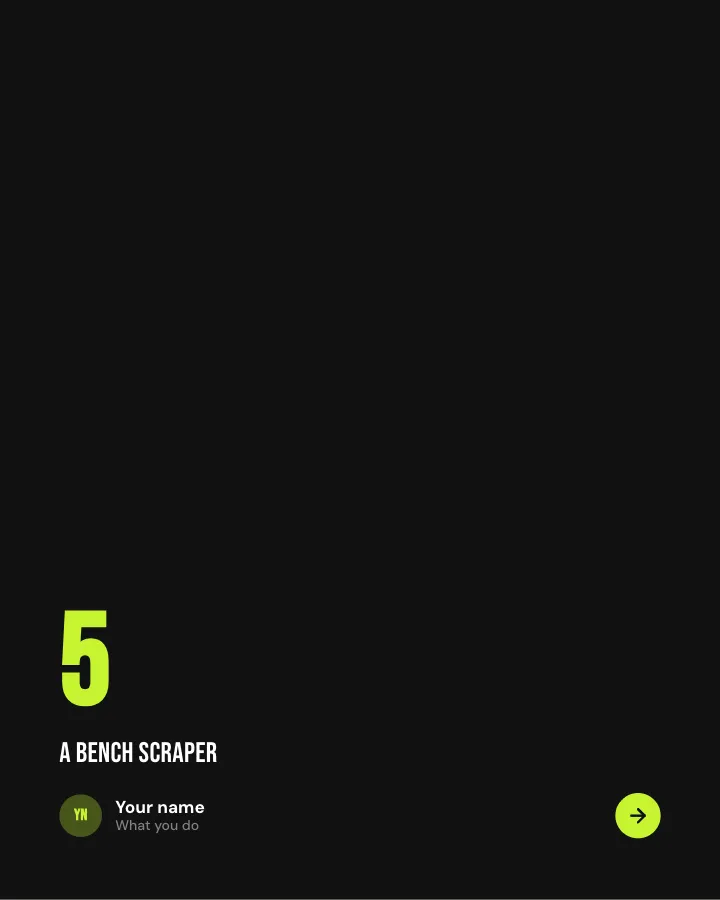
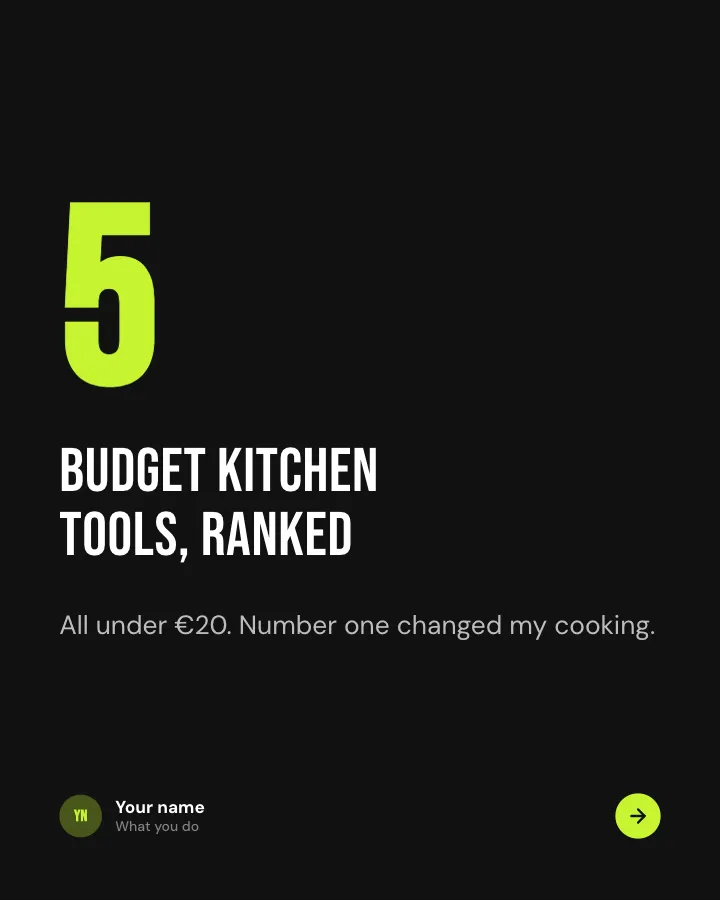
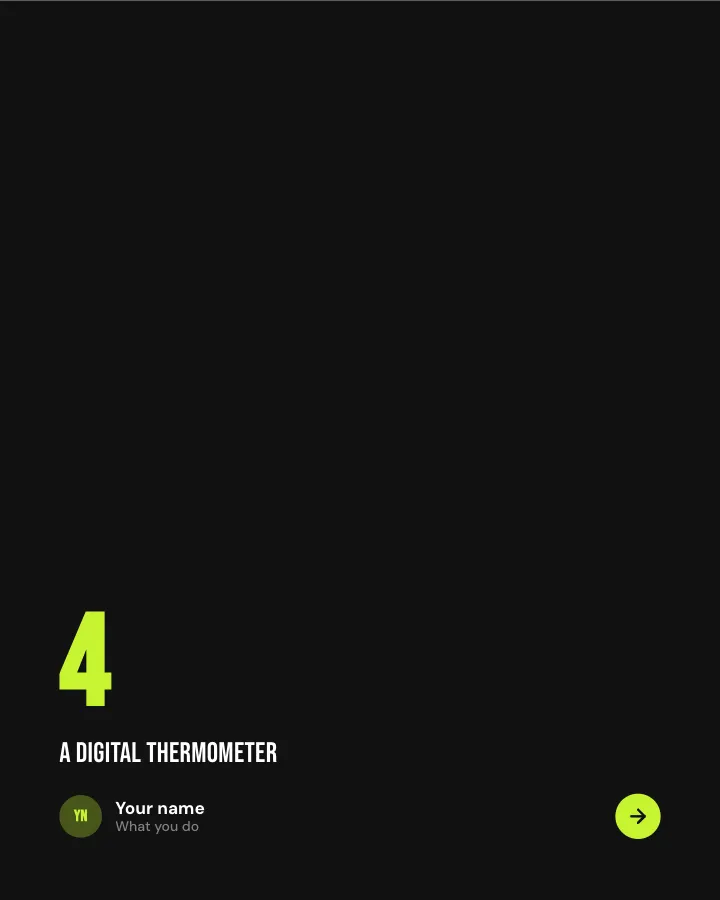
Top five
7 slidesA ranked list counting up to the best, with a reason for each place.
Make them smileBe bookmarked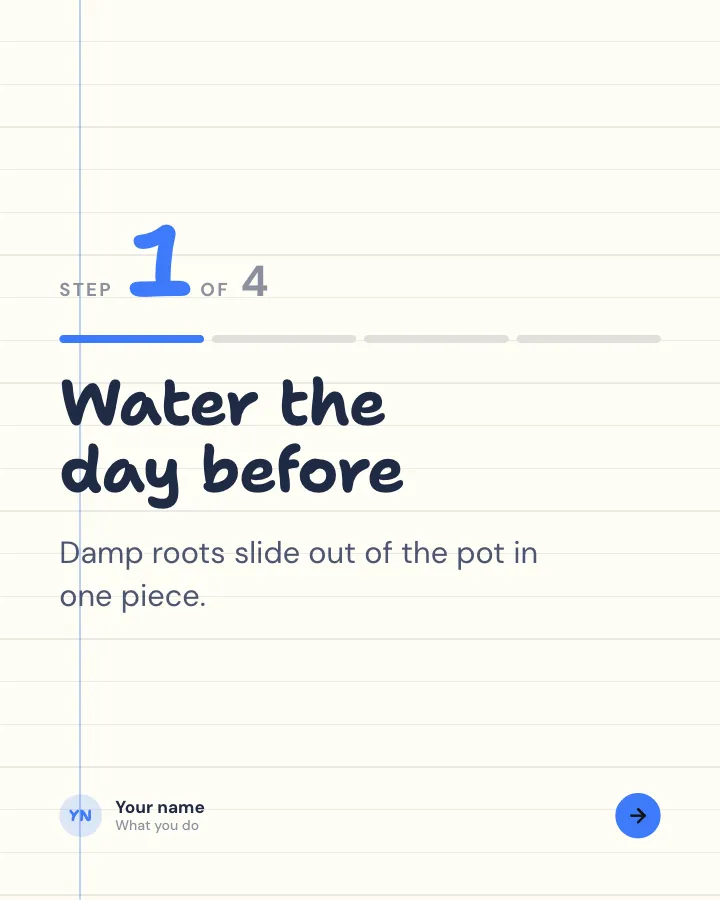
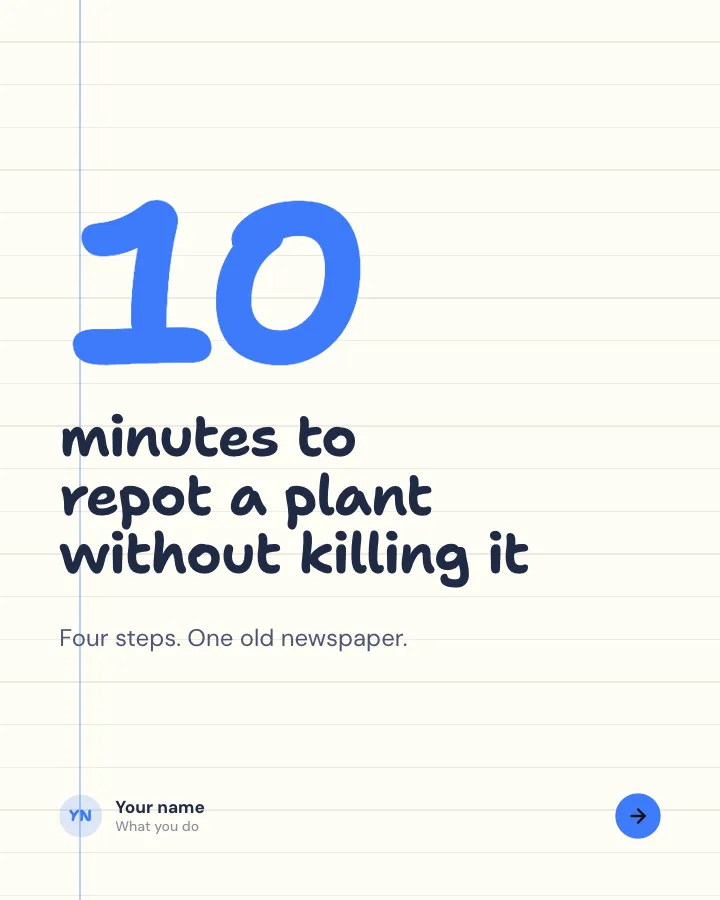
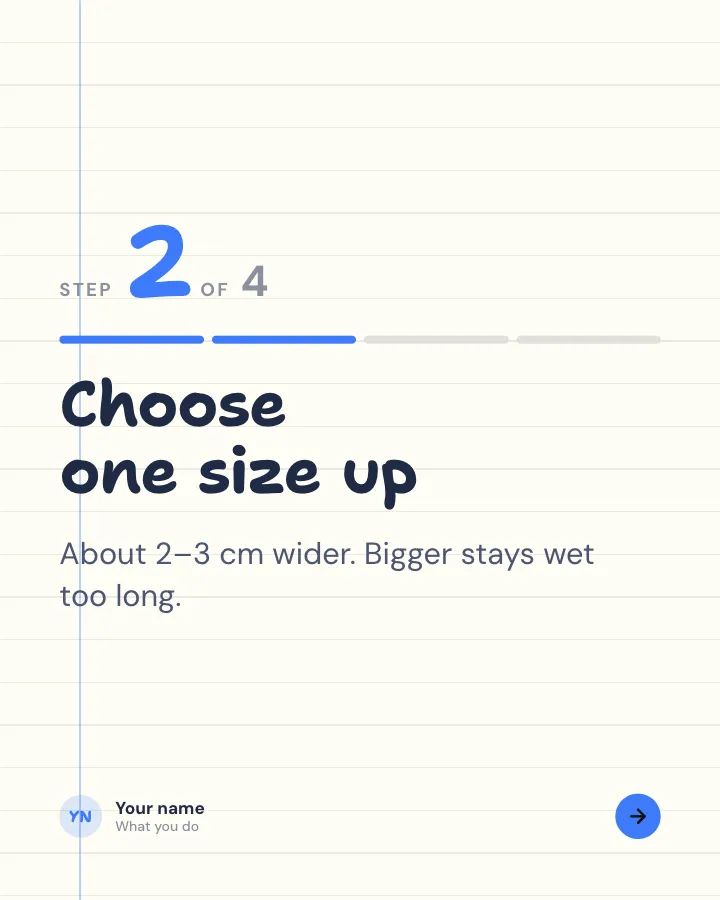
Walkthrough
6 slidesA task broken into clear steps, one per slide, ending with the hint that makes it work.
ExplainBe bookmarked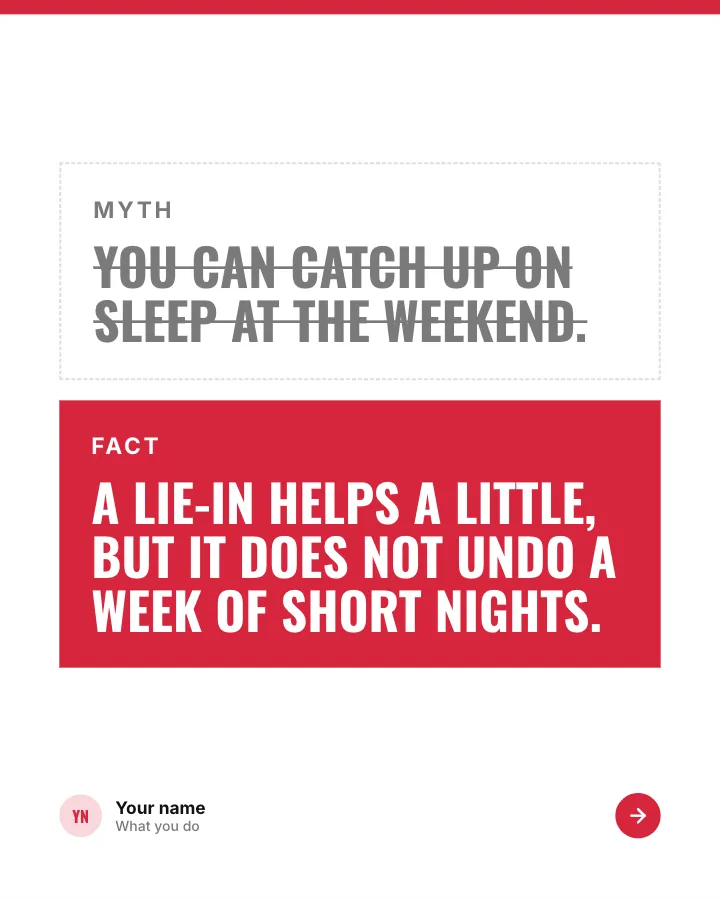
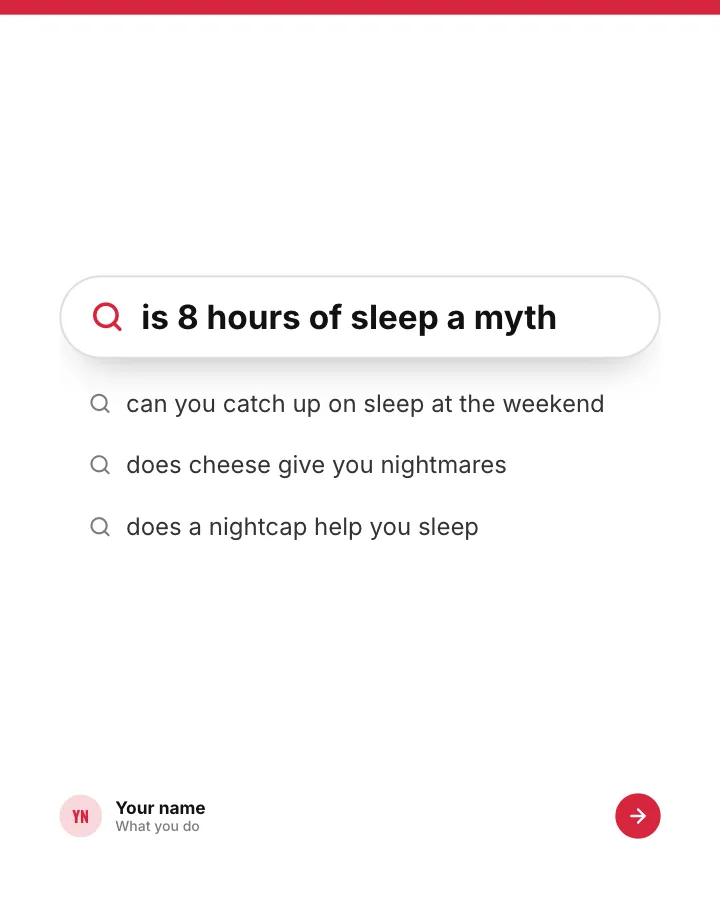
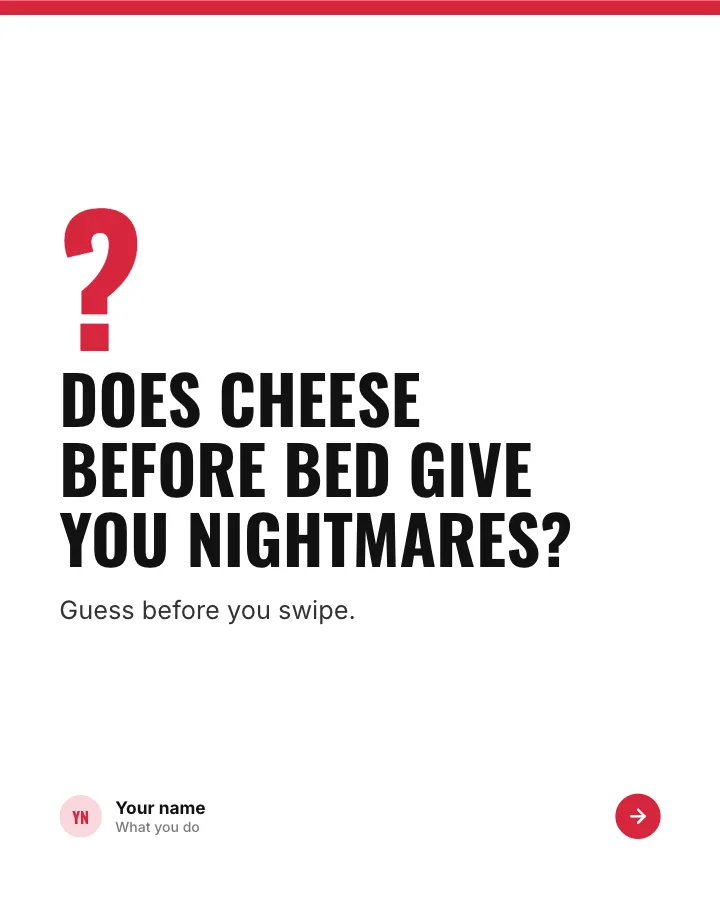
Myth or fact?
7 slidesThings people half-believe about a topic: readers guess first, then each one gets a verdict.
Spark repliesExplain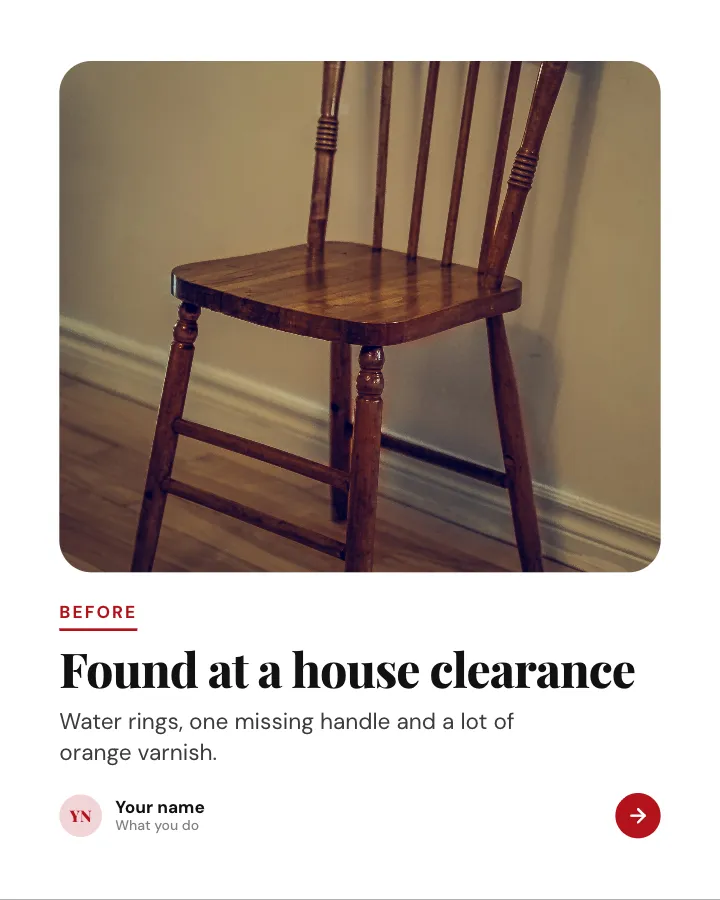

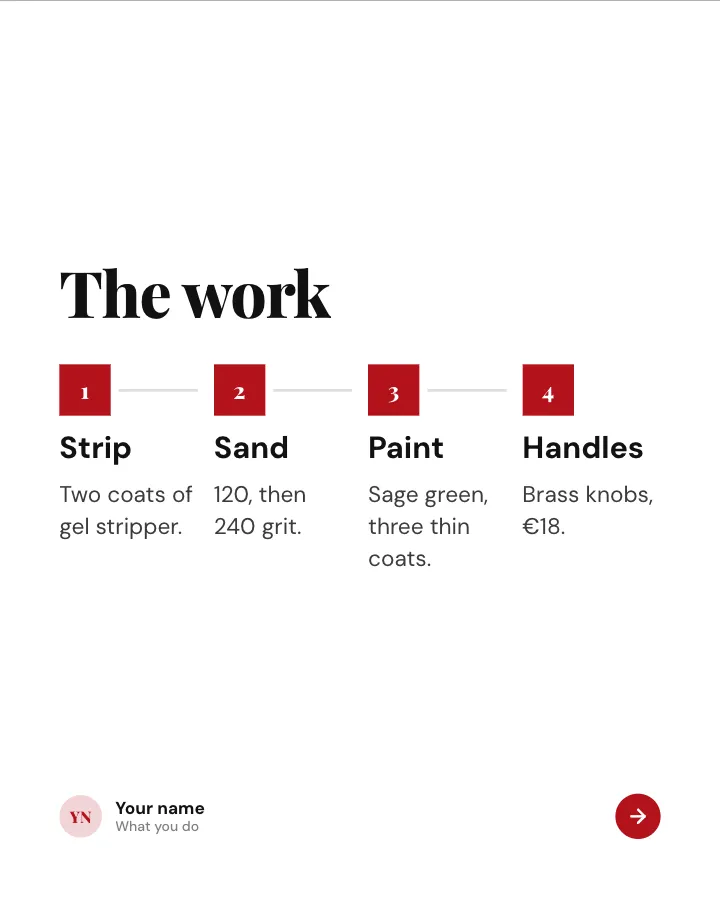
Before and after
7 slidesA transformation shown step by step: the starting point, the work in between and the reveal at the end.
SellMake them smile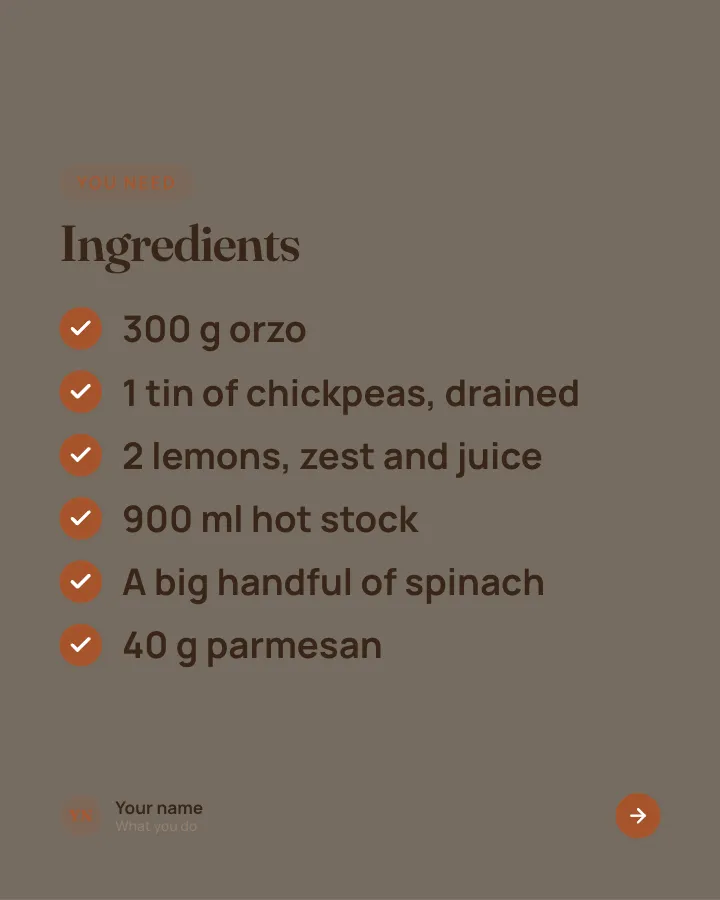

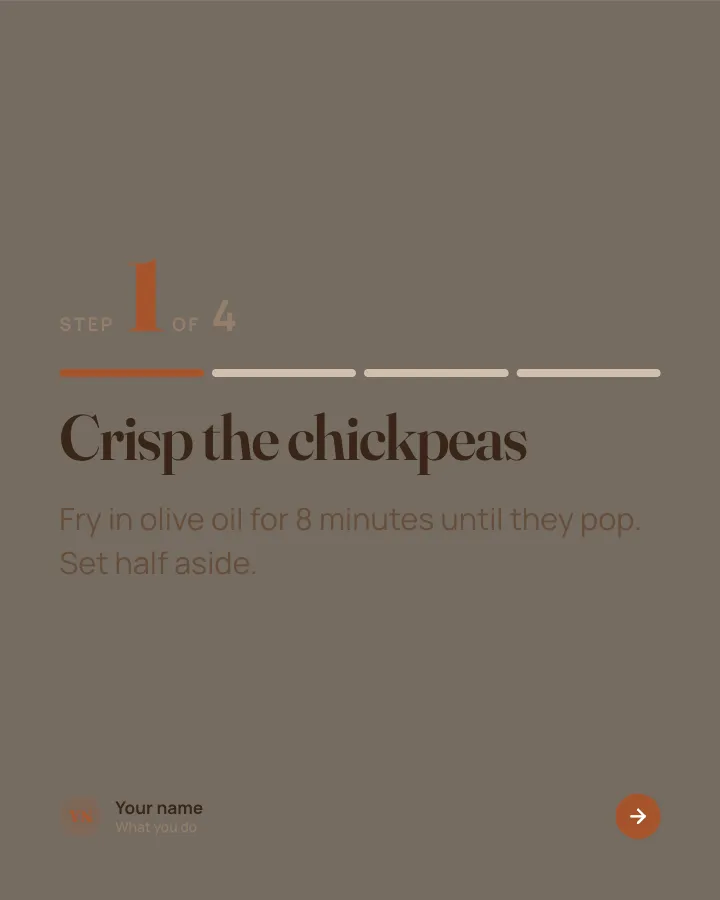
Recipe card
7 slidesA recipe people can cook from their phone: the dish, the ingredients, each step and the tip that makes it work.
Be bookmarkedMake them smile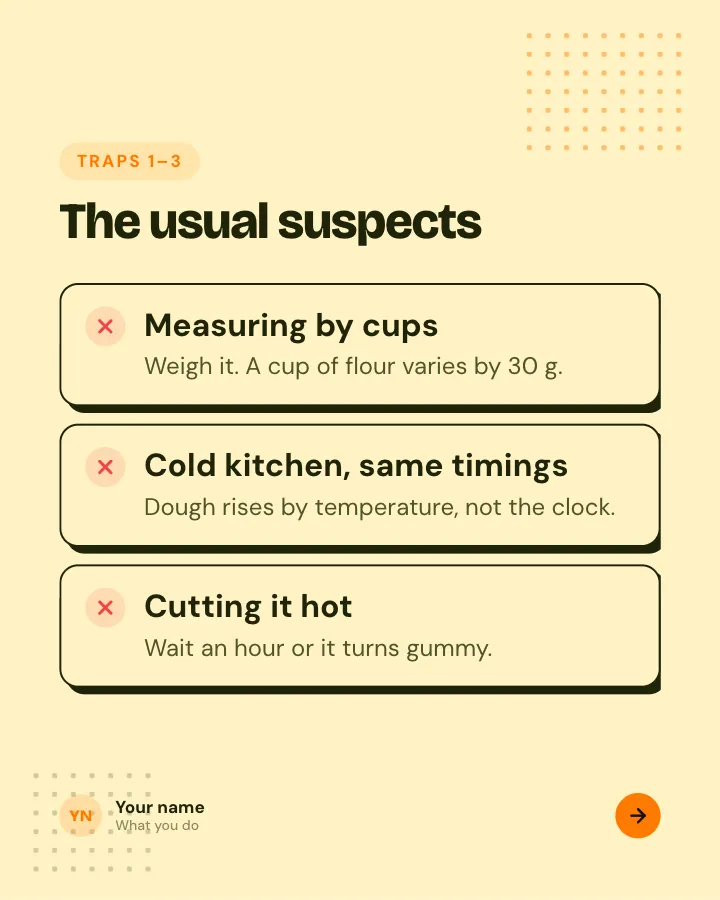

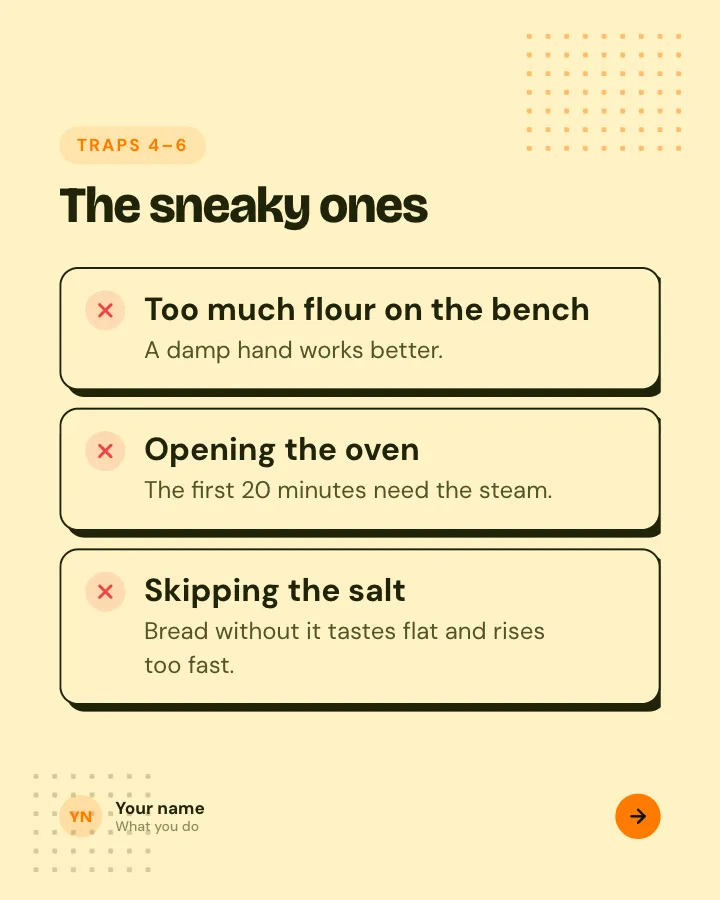
Beginner traps
5 slidesThe traps people fall into when they start, each with the simple fix.
ExplainBe bookmarked
More in the Instagram carousel templates collection.
Skip the blank page. Give Postora a topic or a link and it plans, writes and designs the carousel for you. Start without an account.
Make a carouselFrequently asked questions
What is the best size for an Instagram carousel?
1080 × 1350 pixels (4:5) is the safest choice and works with nearly every template. For phone photos, or to show the cover untrimmed on your profile, use 1080 × 1440 (3:4).
How many slides can you put in an Instagram carousel?
Up to 20 photos or videos per carousel. Instagram raised the limit from 10 to 20 in August 2024.
Can Instagram carousel slides be different sizes?
No. The first slide sets the shape for the whole carousel and later slides are cropped to match. To keep different shapes intact, place them on canvases of the same size.
Does Instagram support 3:4 carousels?
Yes. Instagram added 3:4 support in 2025, so 1080 × 1440 is now the tallest shape for feed photos and carousels.
Can I post a 9:16 carousel on Instagram?
Not at full height in the feed. A 9:16 image is cropped to the carousel’s feed shape, which tops out at 3:4. Use 9:16 for Stories, Reels or TikTok.
Why does my carousel cover look cut off on my profile?
The profile grid shows 3:4 tiles. A 4:5 cover loses a thin strip on each side and a square loses more. Keep cover text away from the side edges, or use the adjust preview option after posting.