
LinkedIn guide
LinkedIn Carousel Size and Dimensions
Updated · By the Postora team
The best LinkedIn carousel size is 1080 × 1350 px (4:5 portrait), because it fills the most of a phone screen. Square 1080 × 1080 px and wide 1920 × 1080 px also work. Upload the slides as one PDF of up to 100 MB and 300 pages, with every page the same size.
LinkedIn carousel dimensions at a glance
A LinkedIn carousel is a document post, and LinkedIn does not publish one required pixel size for documents. Its ad specs for document posts accept vertical, horizontal and square pages (LinkedIn document ads specs). So the size is your choice, and the choice comes down to how the slides look on a phone.
| Aspect ratio | Size in pixels | Best for |
|---|---|---|
| 4:5 portrait | 1080 × 1350 px | Most carousels. Tallest common format, so the most screen space on mobile. |
| 1:1 square | 1080 × 1080 px | Content you also post on other networks, or slides with little text. |
| 16:9 landscape | 1920 × 1080 px | Slides taken from a presentation or webinar. Appears smaller in a phone feed. |
Why 4:5? It matches the tallest ratio LinkedIn allows for photos in the feed, which can range from 3:1 to 4:5 (LinkedIn Help). Taller than that is not something we would rely on. Wider slides work, but they take up less of the screen when someone scrolls on a phone, so text has to be larger to stay readable.
Which LinkedIn carousel size should you choose?
Start from where the slides came from and where else they will go.
- Writing a carousel for LinkedIn first? Use 4:5. Text can be larger, and each slide fills more of the screen when someone scrolls on a phone.
- Posting the same slides on Instagram too? 4:5 works there as well, so one design covers both. Our Instagram carousel size guide has the details for that side.
- Turning a talk or webinar deck into a carousel? Keep 16:9 rather than squeezing slides into a new shape, but cut the text per slide and enlarge it.
- Mostly visuals, little text? Square 1:1 is a safe middle ground that also suits most other networks.
Whatever you pick, use it for every page. Changing sizes halfway through a document makes the viewer resize between slides, which looks like a mistake.
LinkedIn PDF carousel specs and limits
These are the limits LinkedIn states for documents attached to a post.
| Spec | Limit | Source |
|---|---|---|
| File types | PDF, PPT, PPTX, DOC, DOCX | LinkedIn Help |
| Maximum file size | 100 MB | LinkedIn Help |
| Maximum length | 300 pages | LinkedIn Help |
| Documents per post | One | LinkedIn FAQ |
| Document title | Required | LinkedIn FAQ |
| Page size | All pages the same size | LinkedIn Help |
| Animation and video | Shown as still images | LinkedIn Help |
LinkedIn recommends converting files to PDF before you upload, and flattening or merging PDFs that have several layers. A PDF also keeps your fonts and layout exactly as you designed them, which a PowerPoint file may not.
How many slides can a LinkedIn carousel have?
Up to 300 pages, as long as the file stays under 100 MB. In practice you want far fewer. LinkedIn’s own advice for document ads is to keep them under 10 pages, and the same logic applies to organic posts: every slide you add is another chance for a reader to stop.
A range of 6 to 12 slides covers most topics: a cover, the body, a recap and a closing slide. If you find yourself past 15, the topic is probably two carousels.
Safe margins for LinkedIn carousel slides
LinkedIn sets no margin rule for documents, but margins still matter. Text pushed to the edge feels cramped on a small screen and is easy to cut off if you resize the design later.
- Outer margin: keep text and key visuals at least 60 to 80 px from every edge of a 1080 px wide slide.
- Footer band: reserve the bottom 80 to 120 px for a small repeated element, such as your name, handle or slide number, and keep main content above it.
- Same frame on every slide: headline, body and footer in the same positions make the swipe feel smooth.
Font sizes for LinkedIn carousels
There is no official rule here; these are the sizes we use for a 1080 px wide slide so text stays readable on a phone without zooming.
| Text | Size | Notes |
|---|---|---|
| Cover headline | 72–110 px | Four to ten words. This is the hook. |
| Slide headline | 56–80 px | One line, two at most. |
| Body text | 32–44 px | About 20 to 40 words per slide. |
| Small print, footer | 24–28 px | Handle, slide number, source. |
For 16:9 slides at 1920 × 1080, scale these up by about a third, since the slide is shown smaller on mobile. Bold sans-serif fonts at these sizes read well; thin or script fonts usually do not.
How to keep the PDF file size down
A text-and-shapes carousel is usually tiny. File size grows with photos and screenshots. If you get close to the 100 MB cap, or uploads feel slow:
- Export at 1080 px wide (or double at most) instead of print resolution.
- Use JPG for photos and PNG for flat graphics and screenshots with text.
- Remove hidden layers and unused pages before exporting.
- If you have the slides as images, combine them with the free images to LinkedIn carousel PDF tool, which keeps every page the same size.
Free tool: Images to LinkedIn carousel PDF. Combine slide images into one PDF for a LinkedIn document post.
Open the toolLinkedIn carousel sizes in Postora
In the Postora studio, LinkedIn carousels come in the three sizes above: 4:5 (the default), 1:1 and 16:9. You can switch between them at any point and the layout adjusts. Export the finished carousel as a PDF ready to upload, or as PNG images.
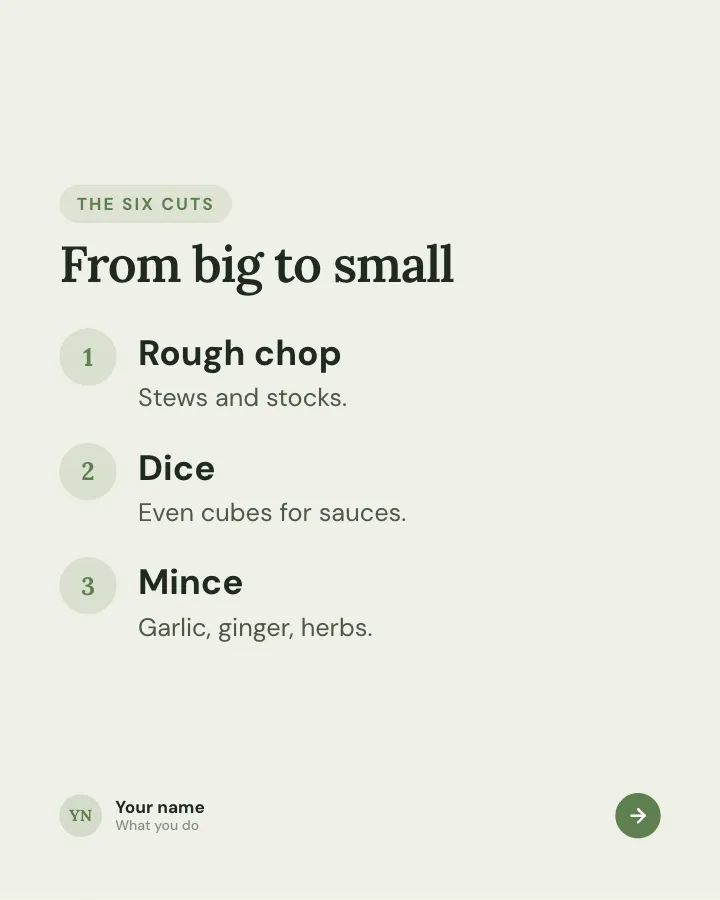
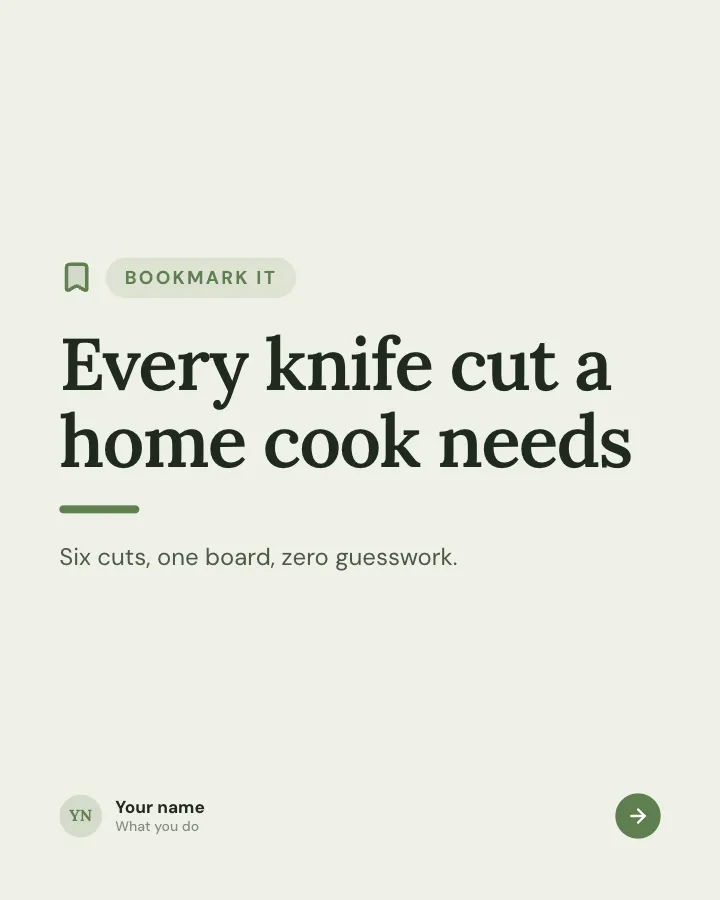
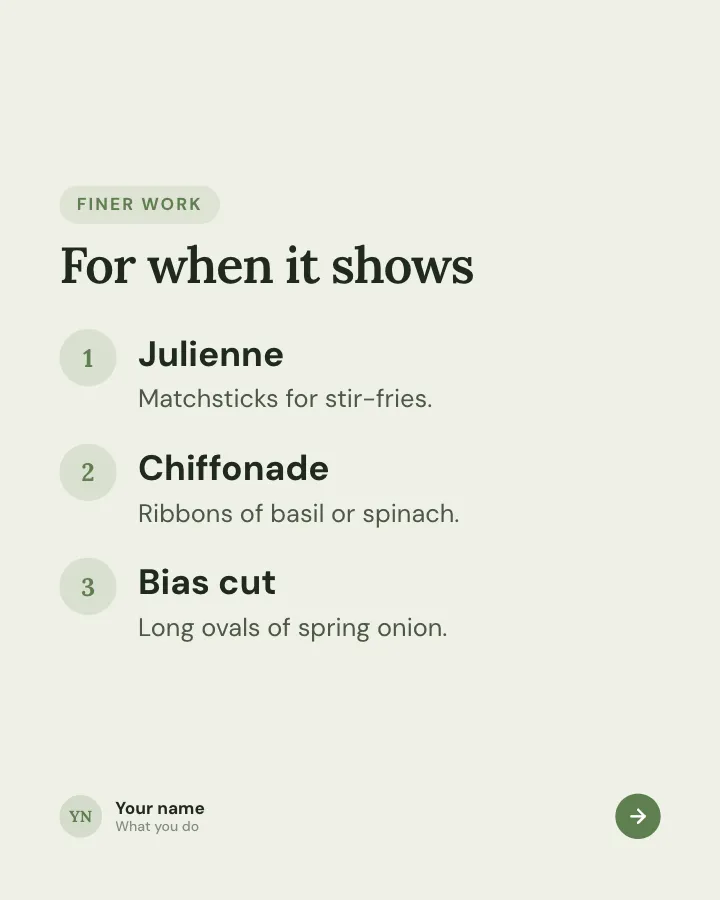
Keep-this guide
5 slidesA reference people will come back to: the essentials of one topic on a few dense slides.
Be bookmarkedExplain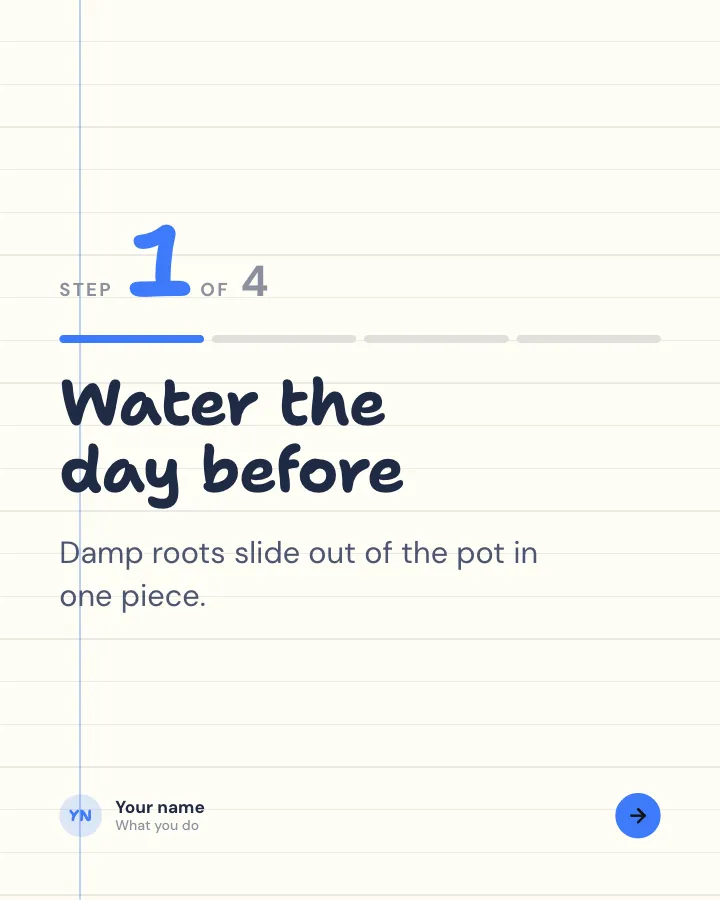
Walkthrough
6 slidesA task broken into clear steps, one per slide, ending with the hint that makes it work.
ExplainBe bookmarked

Belief check
6 slidesPopular beliefs about a topic, each set against what the evidence actually says.
ExplainSpark replies
Every LinkedIn carousel template is built with the margins and type sizes in this guide, so you can focus on what the slides say.
Skip the blank page. Give Postora a topic or a link and it plans, writes and designs the carousel for you. Start without an account.
Make a carouselFrequently asked questions
What is the best size for a LinkedIn carousel?
1080 × 1350 px, a 4:5 portrait ratio. It uses the most screen space on mobile. Square 1080 × 1080 px is a good second choice.
What are the LinkedIn carousel dimensions in inches?
LinkedIn reads the page ratio, not inches. If your tool asks for a page size, use the same 4:5 ratio, for example 8 × 10 inches. Standard sizes such as Letter or A4 also upload fine but give a slightly different shape.
What is the maximum file size for a LinkedIn PDF carousel?
100 MB and 300 pages, according to LinkedIn Help. Supported file types are PDF, PPT, PPTX, DOC and DOCX.
Can a LinkedIn carousel mix portrait and landscape pages?
It should not. LinkedIn asks for pages of the same size, and mixed sizes make the viewer jump between slides. Pick one size for the whole document.
Is 1080 × 1080 or 1080 × 1350 better for LinkedIn?
1080 × 1350 shows bigger on phones, so it is usually better for text-heavy slides. Use 1080 × 1080 when you want one file to work across several networks.