
TikTok guide
TikTok carousel: size, photo limit and how to post one
Updated · By the Postora team
A TikTok carousel is a photo post (also called photo mode): up to 35 photos in one post that people swipe through, with a sound playing underneath. The best TikTok carousel size is 1080 × 1920 pixels (9:16), which fills the screen. Post one by tapping +, choosing Upload, selecting several photos, adding a sound and a caption, then posting.
What is a TikTok carousel?
TikTok started as video only. Photo mode added posts made of still images that people swipe through sideways, in the same For You feed as videos. Creators call them TikTok carousels, photo carousels, photo posts or slideshows; they are the same thing.
A TikTok carousel has a few traits that set it apart from an Instagram carousel:
- It always has a sound. A song or other audio plays while people swipe through the photos.
- It is full-screen and vertical. Slides fill the phone screen like a video does.
- It allows more photos. Up to 35, compared with 20 on Instagram.
- It has a title as well as a caption. The title is short and sits above the description.
They work well for the same content carousels suit everywhere: lists, tips, rankings, before and after, recipes, outfits and trip recaps. On TikTok, opinion-led slides (“things I’d never buy again”) and quizzes do especially well because they invite comments.
TikTok carousel size and dimensions
| Setting | Recommended | Notes |
|---|---|---|
| Size | 1080 × 1920 px | Fills the screen with no bars |
| Aspect ratio | 9:16 vertical | Square and 4:5 images show with space above and below |
| Photos per post | Up to 35 | Most good carousels use far fewer |
| File type | JPG or PNG from the app | Use JPG for photos to keep files small |
| Title | Up to 90 characters | Per TikTok’s developer docs for photo posts |
| Description | Up to 4,000 characters | Per TikTok’s developer docs for photo posts |
The 35-photo limit is widely reported by guides such as Kapwing; the title and description lengths come from TikTok’s Content Posting API reference. TikTok’s in-app limits can change, so check if something will not upload.
You can post 4:5 or square images; TikTok shows them with space around them. That is fine when you are reusing Instagram slides, but native 9:16 slides look better and give you more room for text.
Safe zones on a TikTok carousel
TikTok puts a lot on top of the image: your username and caption at the bottom, the like, comment, share and save buttons on the right, and tabs and search at the top. Text placed there gets covered.
- Bottom: leave roughly the lowest 300 to 350 px of a 1920 px slide free of text.
- Right side: keep about 120 to 150 px clear for the button rail.
- Top: leave around 150 px for the app’s top bar.
- Text size: big. People see slides for a second or two before the sound or a swipe moves them on.
A simple rule: keep all important text inside the middle of the slide, roughly a 1080 × 1400 area starting about 150 px from the top.
How to post a carousel on TikTok
Photo posts are made in the TikTok app. The flow looks like this:
- Open TikTok and tap + at the bottom.
- Tap Upload (the gallery icon next to the record button).
- Switch to the Photos tab and turn on select multiple if needed.
- Tap your images in the order you want them. You can pick up to 35.
- Tap Next. If TikTok offers a choice between photo and video, pick photo for a swipeable carousel; video turns your images into a slideshow clip.
- Tap Sounds to add music, then add text, stickers or filters if you want them.
- Tap Next, write a title and description, add hashtags, choose a cover and set who can view it.
- Tap Post.
Adding music to a TikTok photo carousel
Sound is part of the format, and TikTok usually suggests a track when you open the editor. A few things to know:
- Pick audio that fits the pace. A calm track suits a slow photo dump; an upbeat one suits a fast list.
- Trending sounds can help your carousel show up alongside other posts using the same audio.
- Business accounts usually get the Commercial Music Library rather than every popular song, because of licensing.
- Adjust the volume in the editor if you add a voiceover or the track is loud.
How many photos should a TikTok carousel have?
You can add up to 35, but that does not make 35 a good idea. Each slide should earn its place.
| Carousel type | A sensible length |
|---|---|
| Ranking or list | 5 to 10 slides |
| Quiz or this-or-that | 6 to 12 slides |
| Recipe or tutorial | One slide per step, plus cover and result |
| Before and after | 2 to 4 slides |
| Photo dump or trip | 8 to 20 photos |
Put the strongest slide first and the payoff near the end. A last slide that asks a question (“Which one would you pick?”) gives people a reason to comment.
TikTok carousel vs Instagram carousel
Plenty of creators post the same carousel on both apps. That works, as long as you adjust for the differences.
| TikTok photo carousel | Instagram carousel | |
|---|---|---|
| Max items | 35 photos | 20 photos or videos |
| Best shape | 9:16 (1080 × 1920) | 4:5 (1080 × 1350) or 3:4 (1080 × 1440) |
| Sound | Part of the format | Optional music |
| Text overlays from the app | Caption, username and buttons sit on the image | Little covers the image |
| Caption | Title up to 90 plus description up to 4,000 | One caption up to 2,200 |
The quickest way to reuse slides: design at 4:5 with generous top and bottom margins, then post the same images to both apps. They will not fill the TikTok screen, but nothing important gets covered. For the best fit on each, export a 9:16 version for TikTok and a 4:5 version for Instagram.
Make TikTok carousels faster
Postora’s studio makes TikTok carousels at 9:16, 4:5 or 1:1. Give it a topic, a link or your notes and it plans the slides, writes the text and designs them in a template, ready to export as PNG images for TikTok. VIP can also export MP4 video if you want a slideshow clip instead.


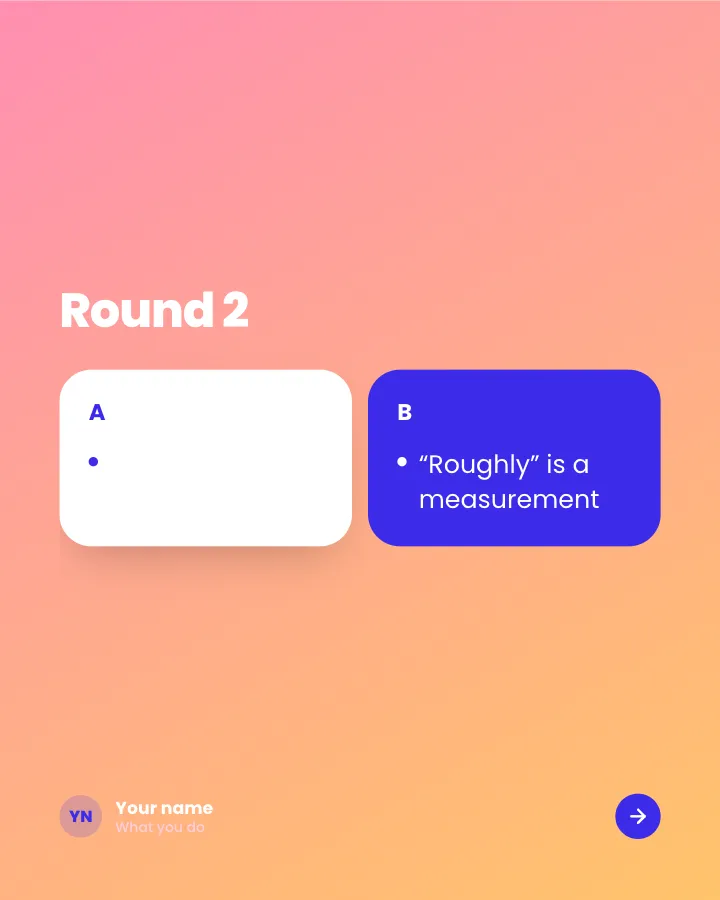
Pick one
5 slidesPairs of options, one pair per slide, for readers to choose between in the comments.
Spark repliesMake them smile


Surprising facts
5 slidesThings most people do not know about a topic, one fact per slide.
Make them smileExplain


Quick quiz
8 slidesA few questions to test readers, each answered on the next slide, with a score to share in the comments.
Make them smileSpark replies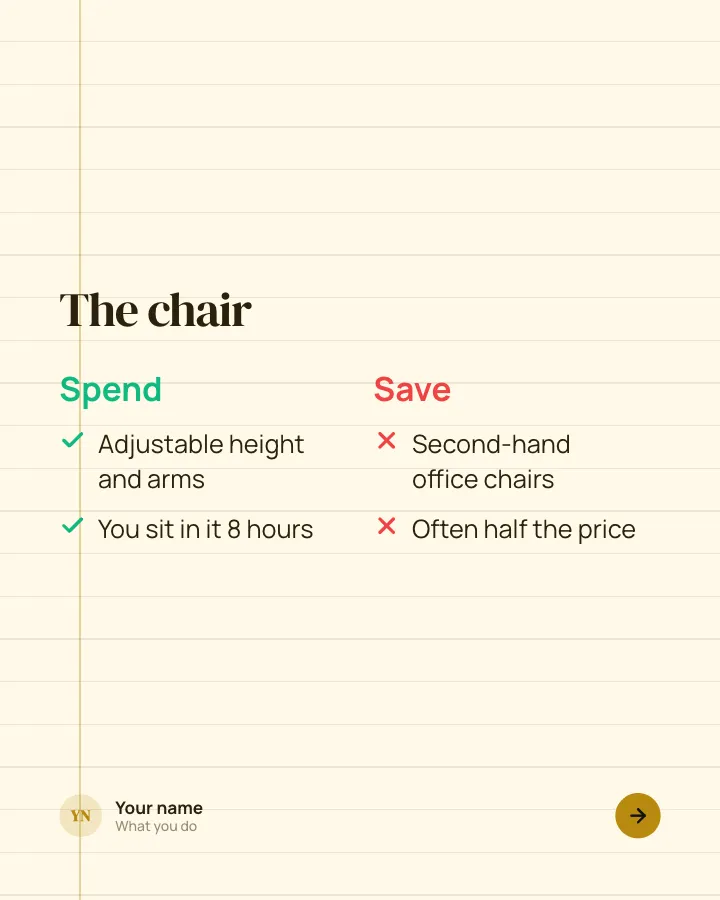

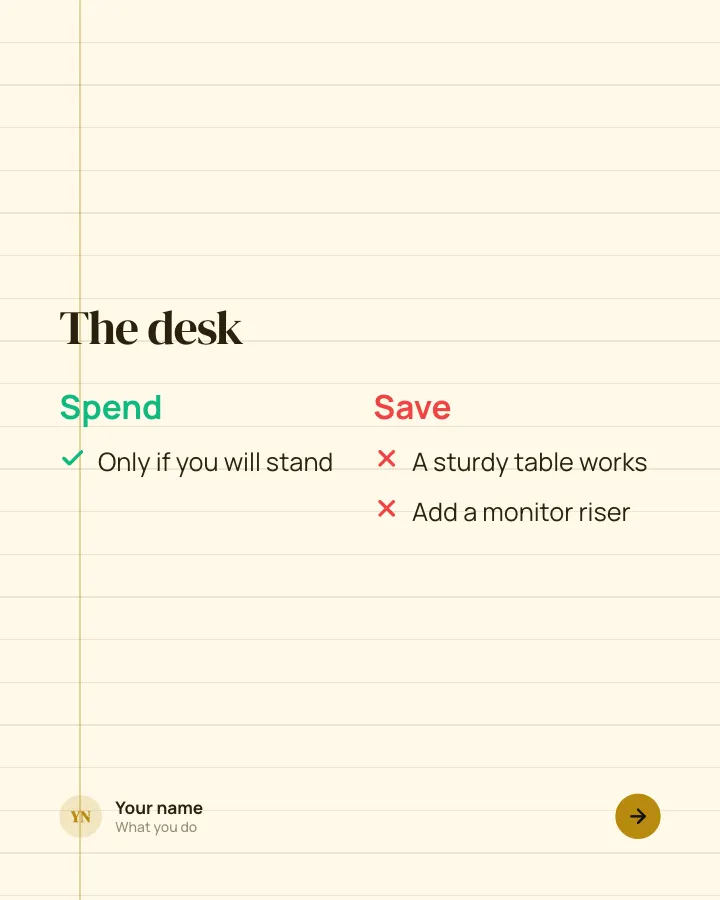
Spend or save
5 slidesWhere it is worth paying more, and where the cheaper option does the same job.
Be bookmarkedMake them smile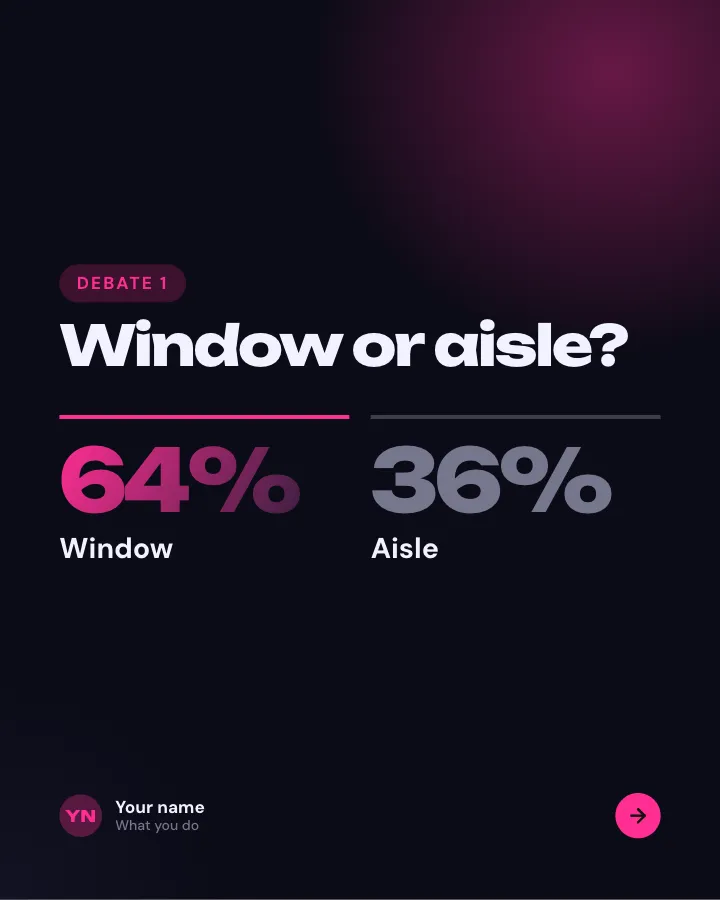

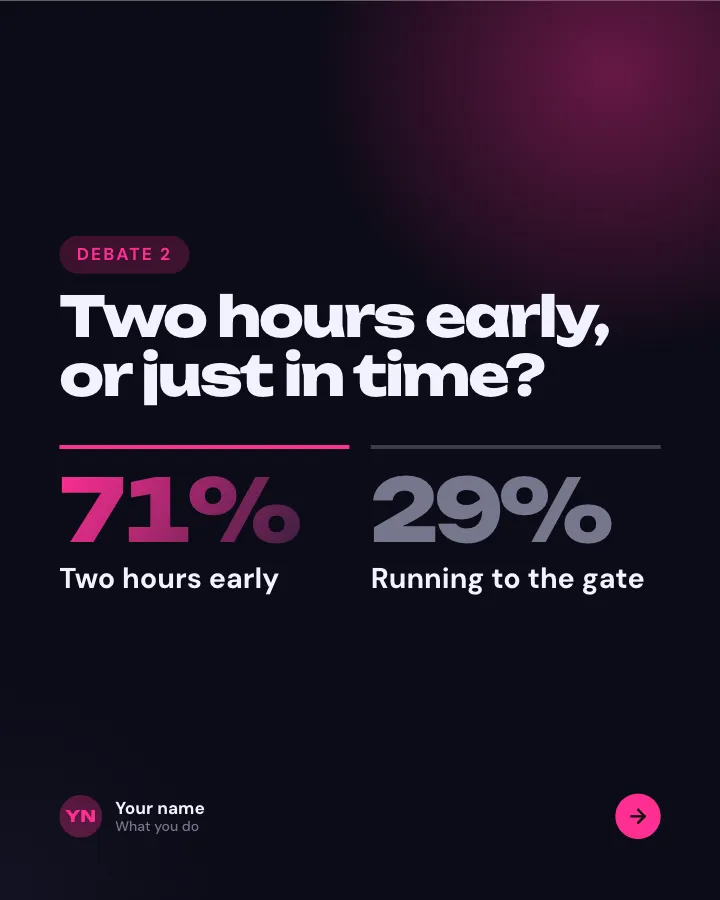
Settle the debate
7 slidesSmall, divisive questions from your niche, each with how your team voted, so followers add their own.
Spark repliesMake them smile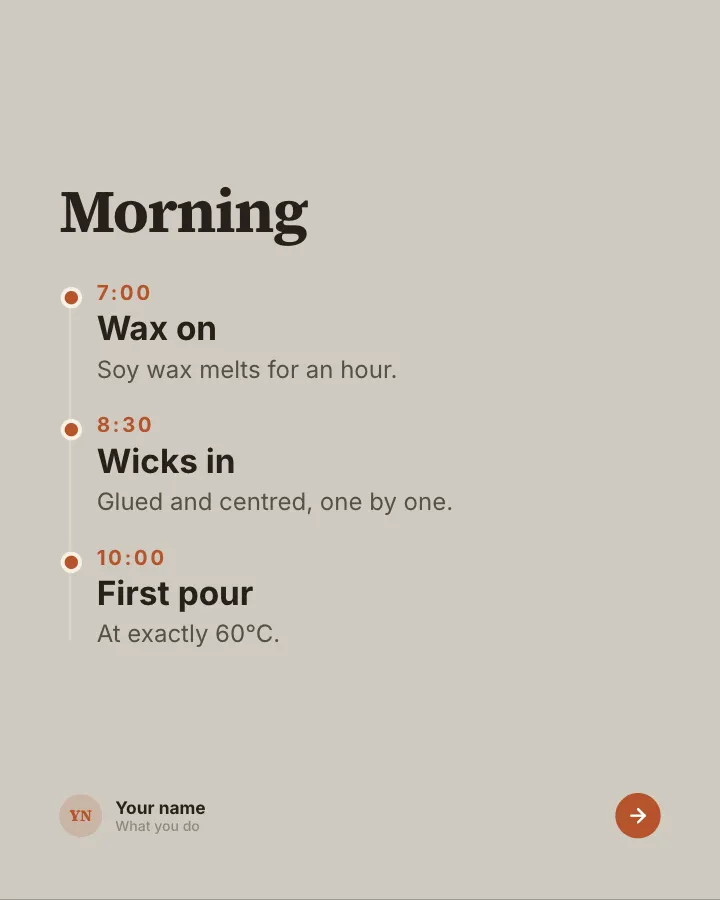
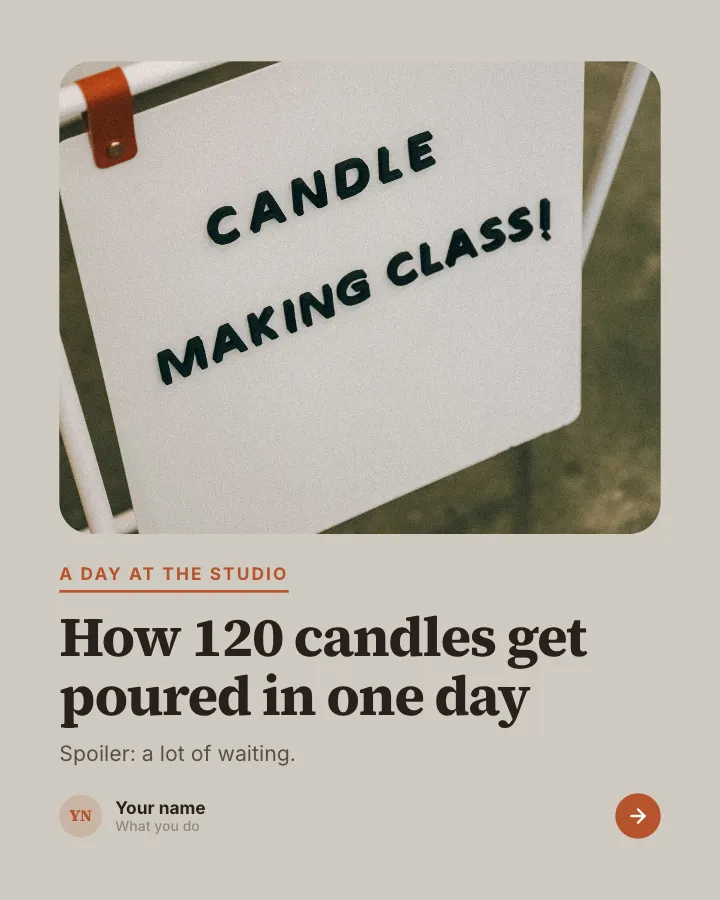

Behind the scenes
7 slidesA day or a process in your business, shown hour by hour, the unglamorous parts included.
Make them smileEarn trust
More in the TikTok carousel templates collection. Reusing slides from Instagram? Check the Instagram carousel size guide for how 4:5 and 9:16 compare.
Skip the blank page. Give Postora a topic or a link and it plans, writes and designs the carousel for you. Start without an account.
Make a carouselFrequently asked questions
How many photos can you put in a TikTok carousel?
Up to 35 photos in one photo post. Most strong carousels use far fewer, around 5 to 12.
What size should TikTok carousel photos be?
1080 × 1920 pixels at 9:16. Square or 4:5 photos also work but show with space above and below.
What is the difference between a TikTok carousel and a slideshow?
A carousel (photo post) lets people swipe through the photos at their own pace. A slideshow turns the photos into a video that plays on its own. You choose between them when you post.
Can I add music to a TikTok photo carousel?
Yes. Tap Sounds in the editor and pick a track. Business accounts usually choose from the Commercial Music Library.
How long can a TikTok carousel caption be?
TikTok’s developer documentation lists a 90-character title and a description of up to 4,000 characters for photo posts.
Can I post a TikTok carousel from my computer?
Photo carousels are mainly made in the TikTok mobile app. If you design slides on a computer, move them to your phone and post from there.