
Four-week plan carousel template
A beginner plan split into weeks: what to do each week, how to do it well, how to track it and what to expect.
Slide 1 of 7 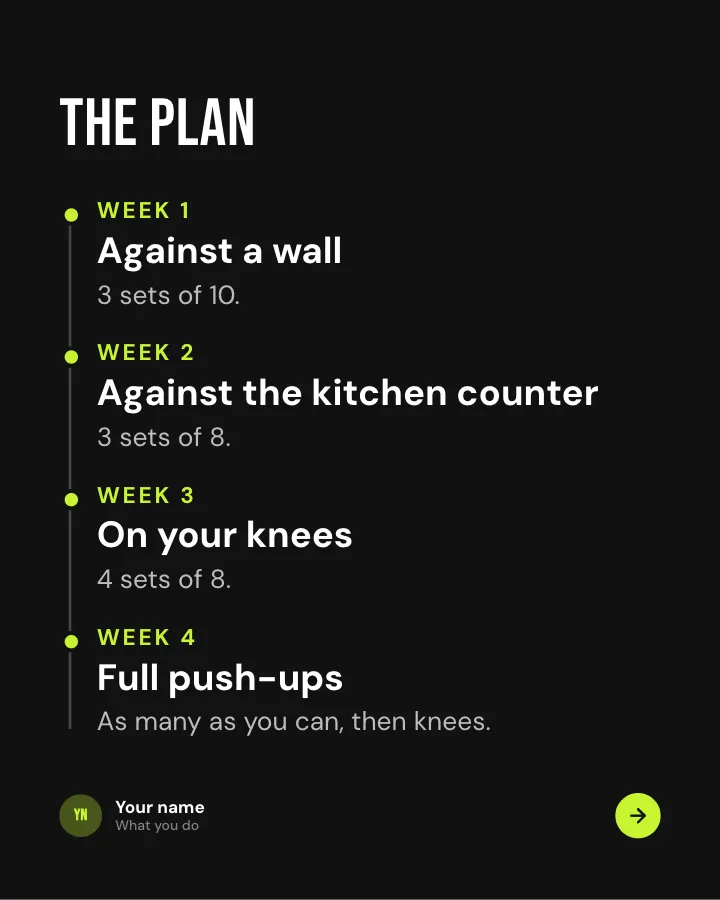
Slide 2 of 7 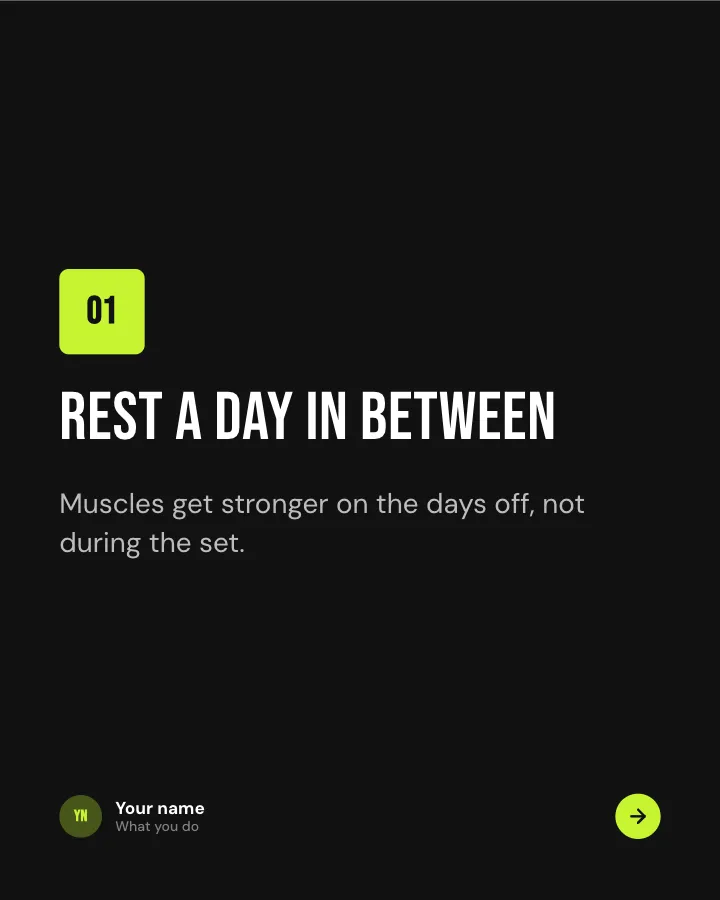
Slide 3 of 7 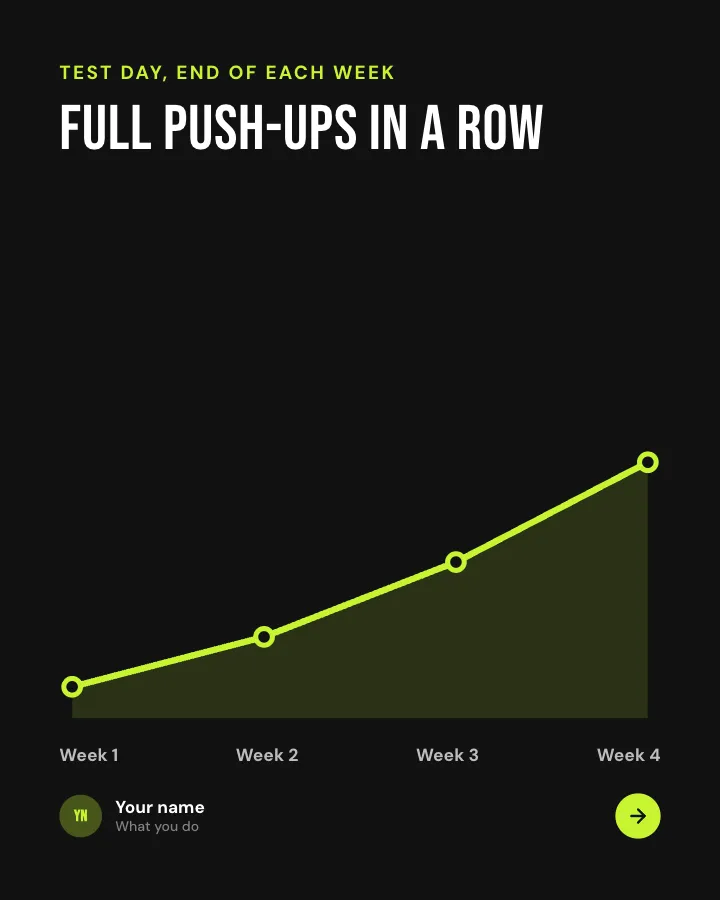
Slide 4 of 7 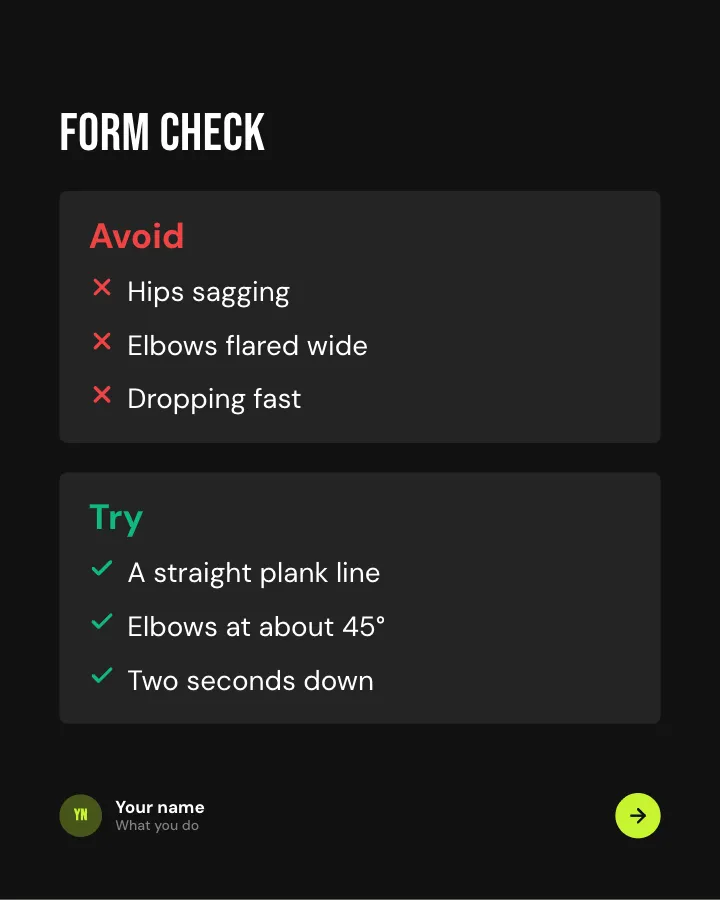
Slide 5 of 7 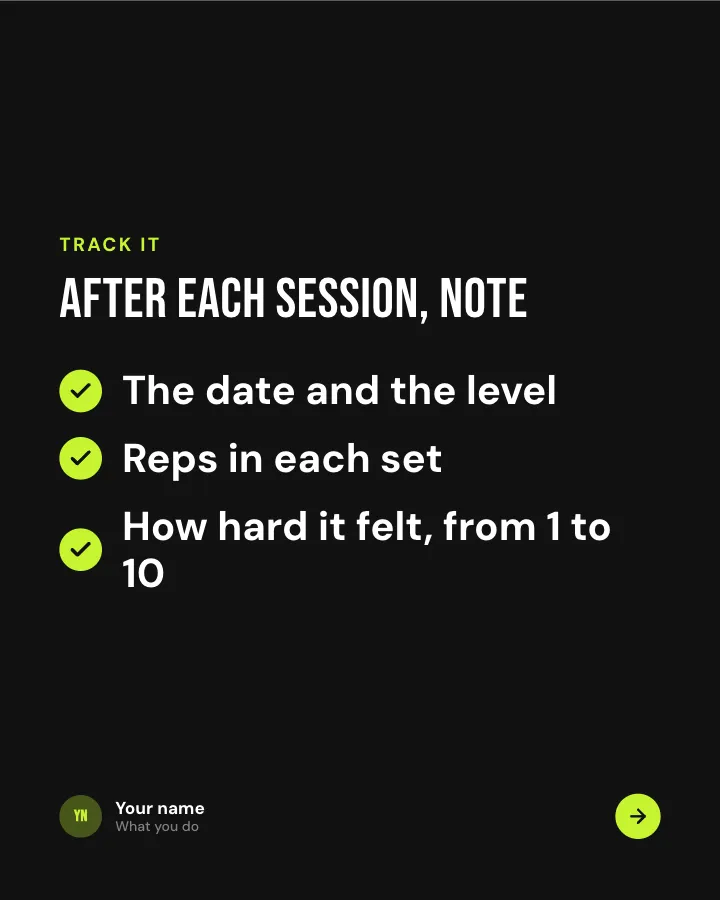
Slide 6 of 7 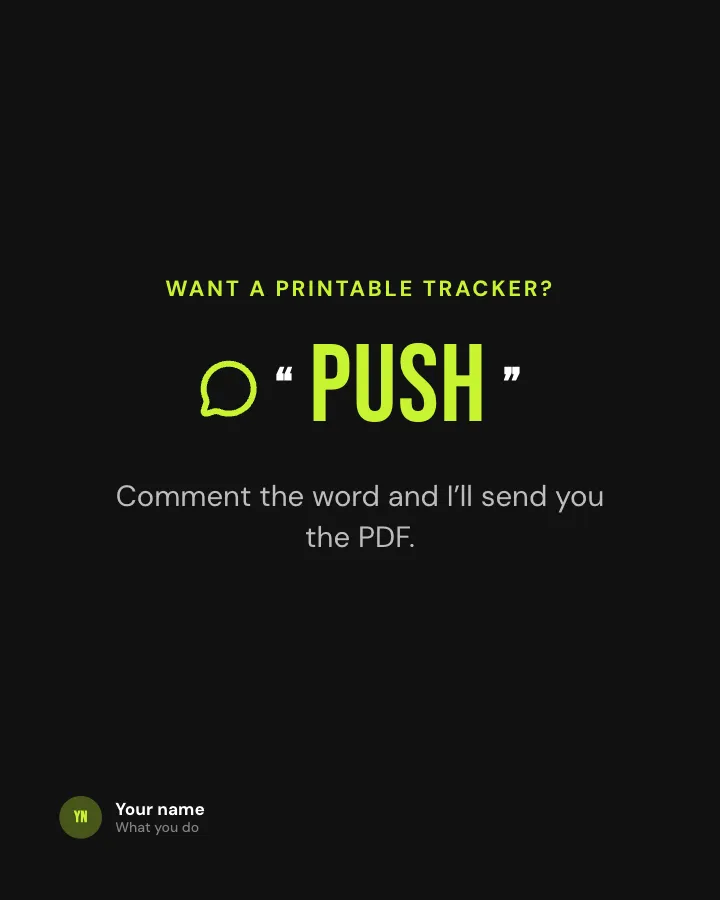
Slide 7 of 7
See it in the feed
How the example looks once it is posted. In the studio the preview uses your own slides, caption and profile.
yourname
1/71,086 likes
yourname A beginner plan split into weeks: what to do each week, how to do it well, how to track it and what to expect.
When to use it
Reach for Four-week plan when you want to make a post people save and come back to and teach your audience something they can use straight away. Its structure is method: your way of working, with a name and parts. Give Postora your topic and it keeps the shape, writing every slide about your subject in your voice.
What each slide does
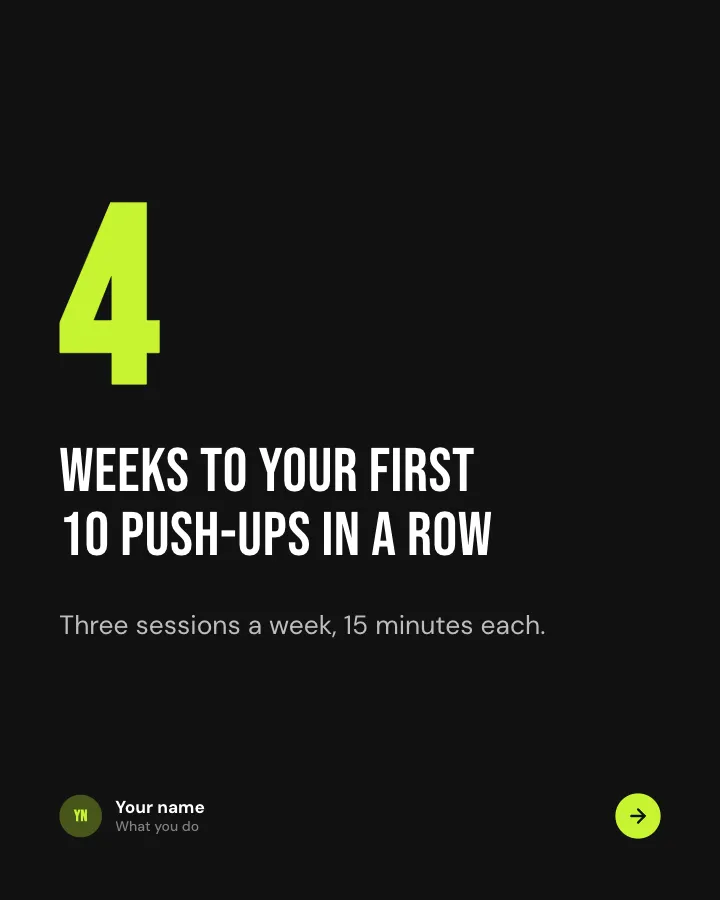
1Hook
Opening: the length of the plan and the result.
In the example
weeks to your first 10 push-ups in a row
4
Three sessions a week, 15 minutes each.
2Steps
The plan, week by week.
In the example
The plan
- Week 1 Against a wall — 3 sets of 10.
- Week 2 Against the kitchen counter — 3 sets of 8.
- Week 3 On your knees — 4 sets of 8.
- Week 4 Full push-ups — As many as you can, then knees.
3Steps
The one rule that makes the plan work.
In the example
Rest a day in between
01
Muscles get stronger on the days off, not during the set.
4Chart
What typical progress looks like (author-provided).
In the example
Full push-ups in a row
Test day, end of each week
5Comparison
Form: what to avoid and what to aim for.
In the example
Form check
6List
What to track after each session.
In the example
After each session, note
Track it
- The date and the level
- Reps in each set
- How hard it felt, from 1 to 10
7Call to action
Offer a tracker for a comment.
In the example
Want a printable tracker?
Comment the word and I’ll send you the PDF.
PUSH
Make it in Postora
Step 1
Say what it is about
Open Four-week plan and type your topic, paste a link or add your notes.
Step 2
Check the plan
Postora keeps the template’s structure and writes each slide for your subject, in the voice you pick.
Step 3
Polish and download
Edit any word, change the theme or a layout, then export a PDF, images or a video.
Questions about Four-week plan
Is the Four-week plan template free?
Yes. Opening Four-week plan and editing its example are free, no account needed. A free account adds 3 AI carousels a month and 5 downloads of the finished carousel with a small Postora mark; VIP downloads without limits or the mark.
Which platforms is it made for?
Instagram (PNG images, best at 4:5) and TikTok (PNG images or an MP4 video, best at 9:16). Postora sizes the carousel for the network you pick and checks it against that network’s limits before you download it.
How many slides does it have?
7, each with its own job (shown above). You can add, remove or reorder slides: free carousels go up to 8 slides, VIP up to 30.
Can I change the design?
Yes. It opens in the Volt theme, and you can switch to any of 95 themes or your own brand kit in one click, swap the layout of any slide, and edit every word.
Templates like this one
Browse all templates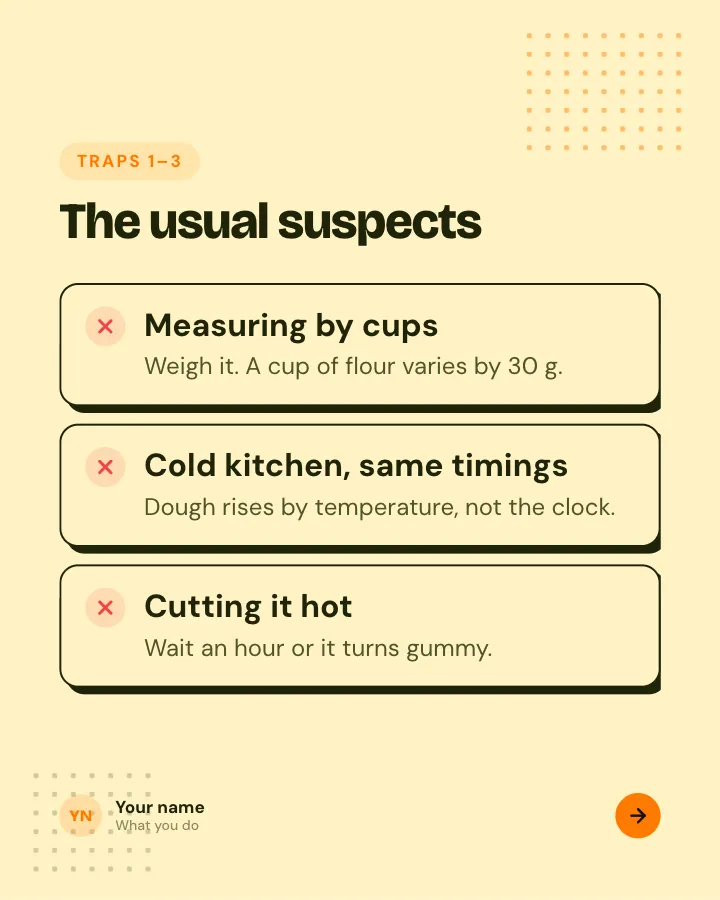
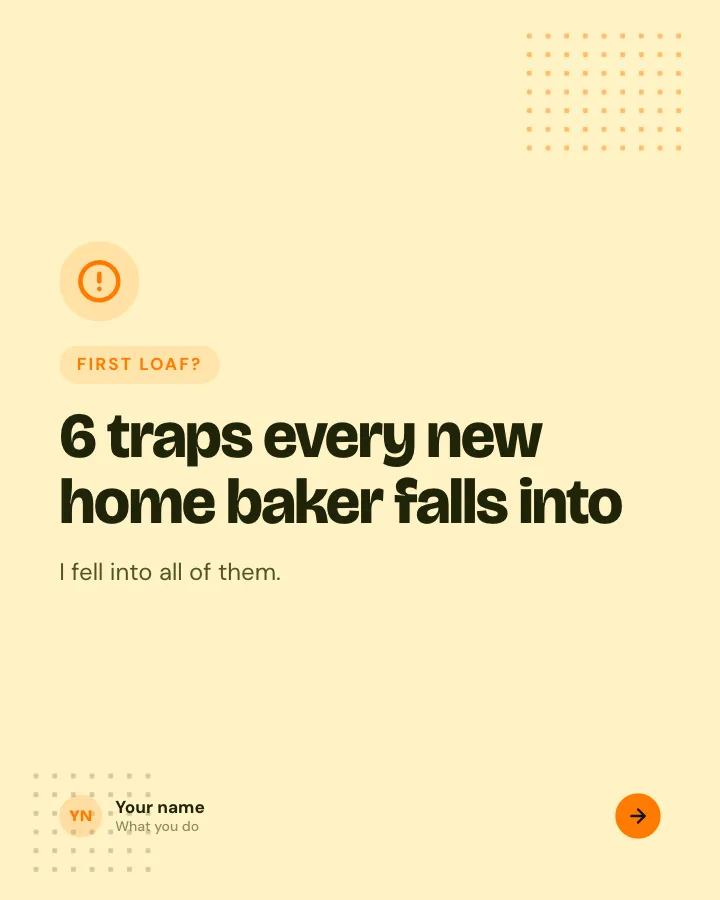
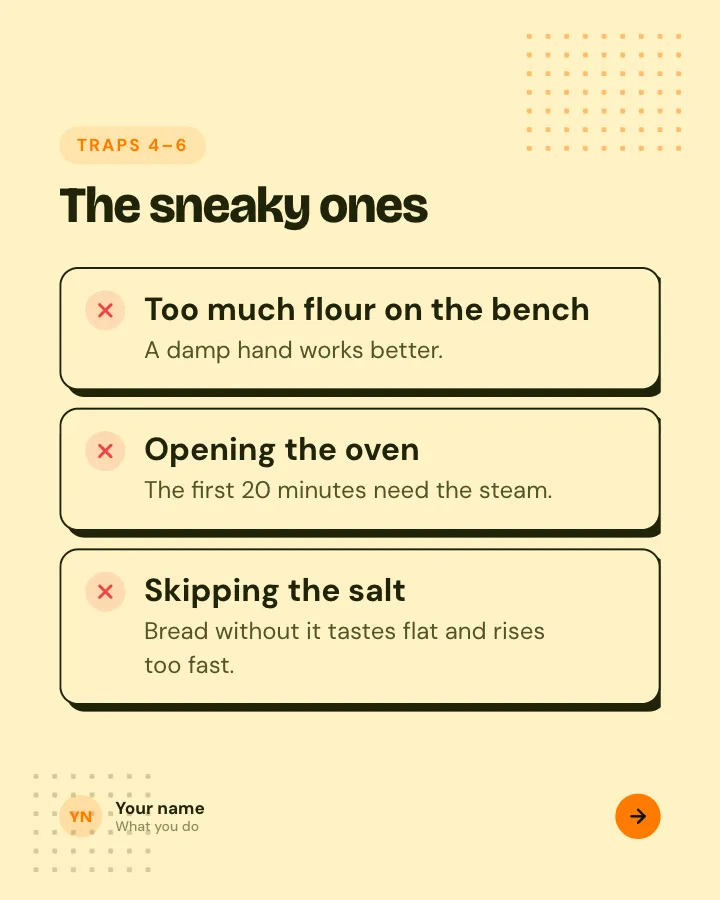
Beginner traps
5 slidesThe traps people fall into when they start, each with the simple fix.
ExplainBe bookmarked
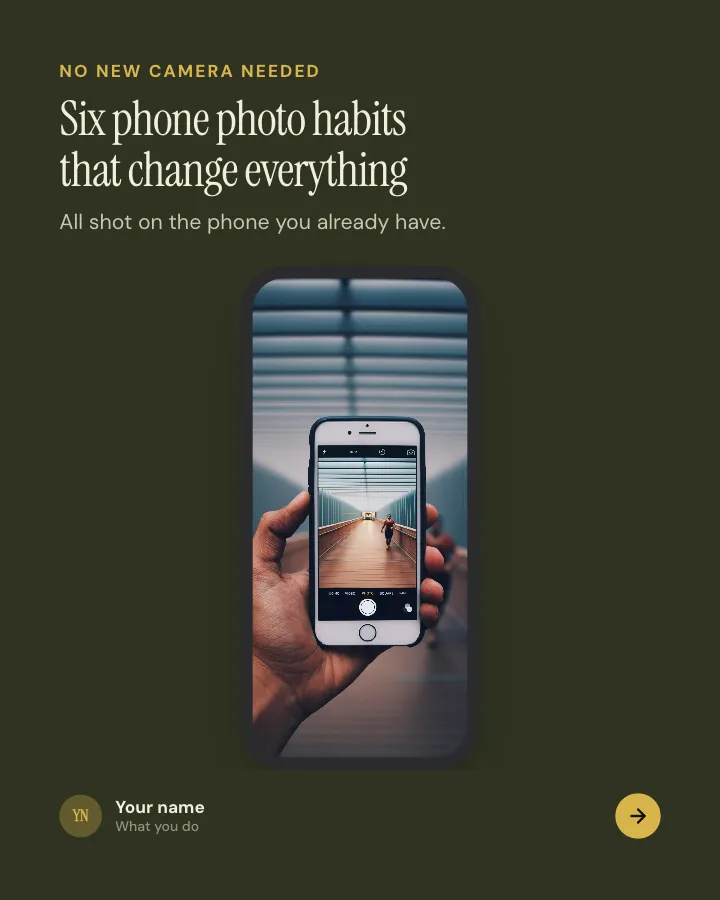

Better phone photos
8 slidesSmall habits that make phone photos look considered: light, focus, framing and a light edit, each shown in practice.
ExplainBe bookmarkedVIP
Better swaps
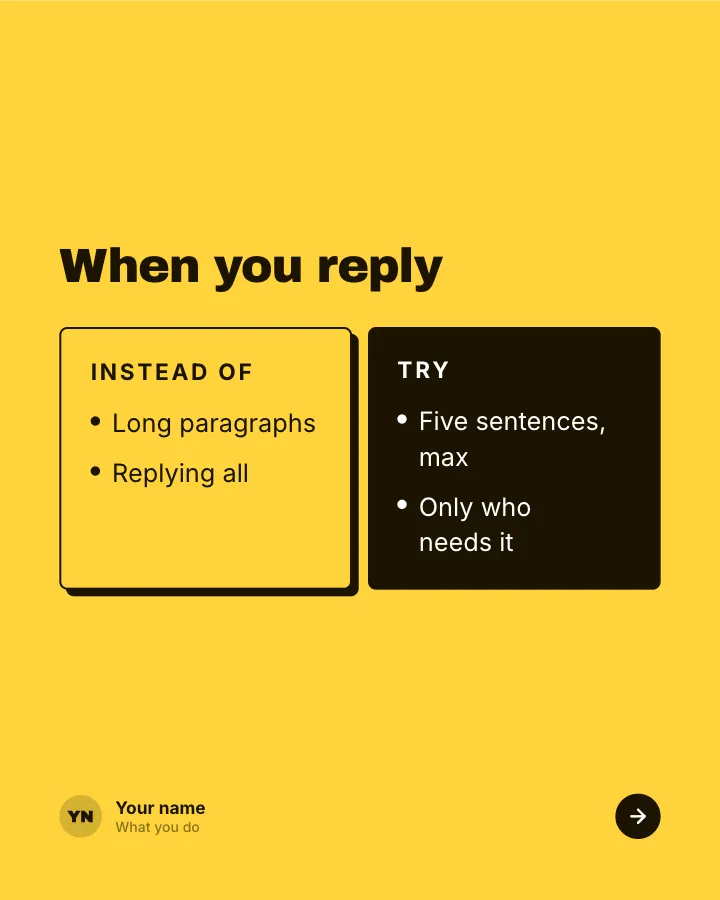
5 slidesSmall habits to replace, each shown next to the version that works better.
ExplainBe bookmarked