
Better phone photos carousel template
Small habits that make phone photos look considered: light, focus, framing and a light edit, each shown in practice.
Slide 1 of 8 
Slide 2 of 8 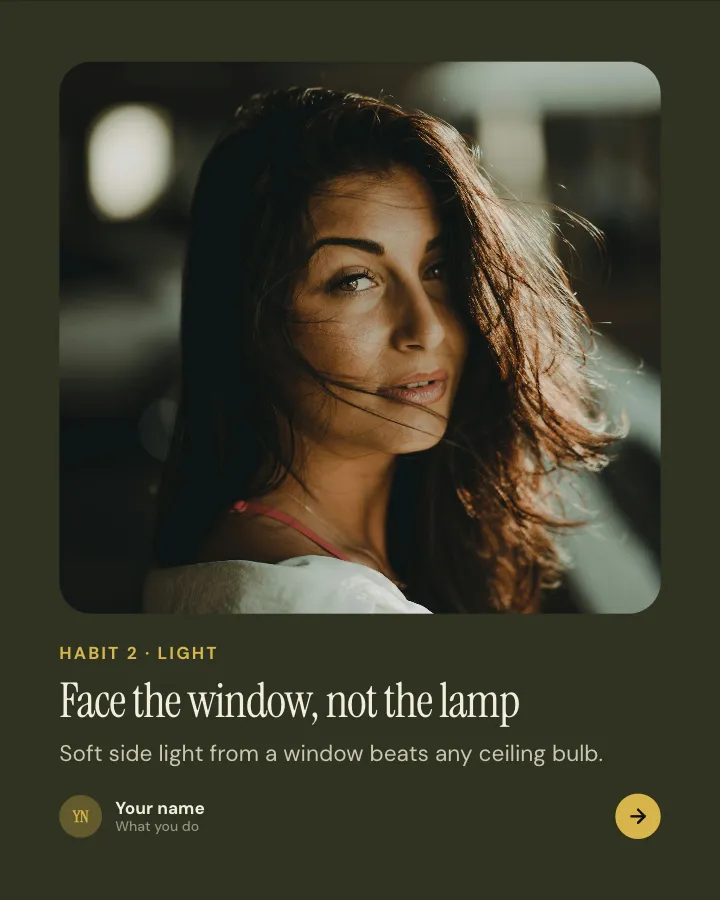
Slide 3 of 8 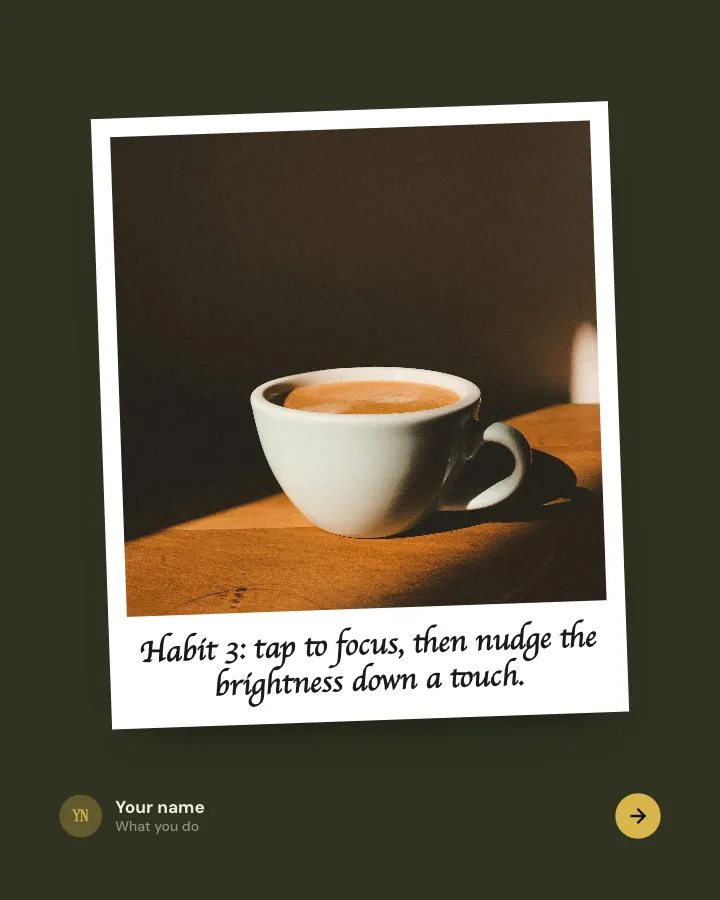
Slide 4 of 8 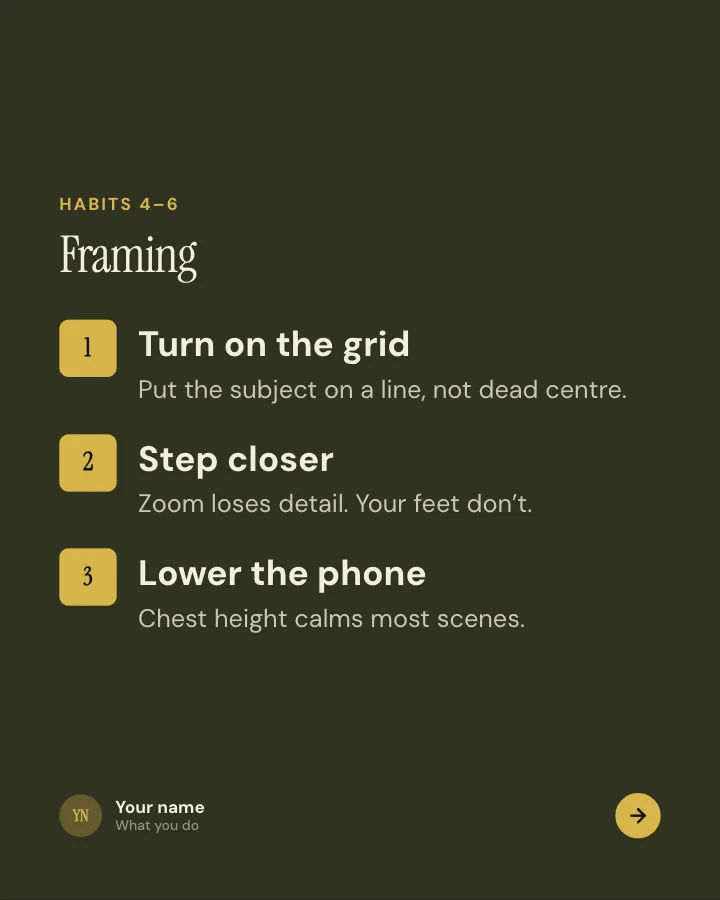
Slide 5 of 8 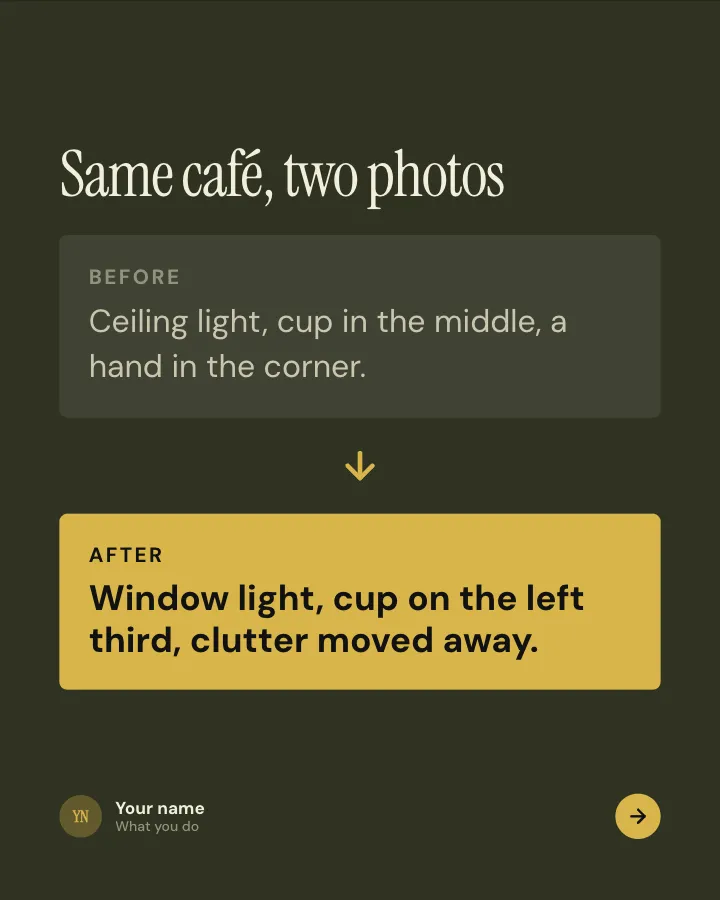
Slide 6 of 8 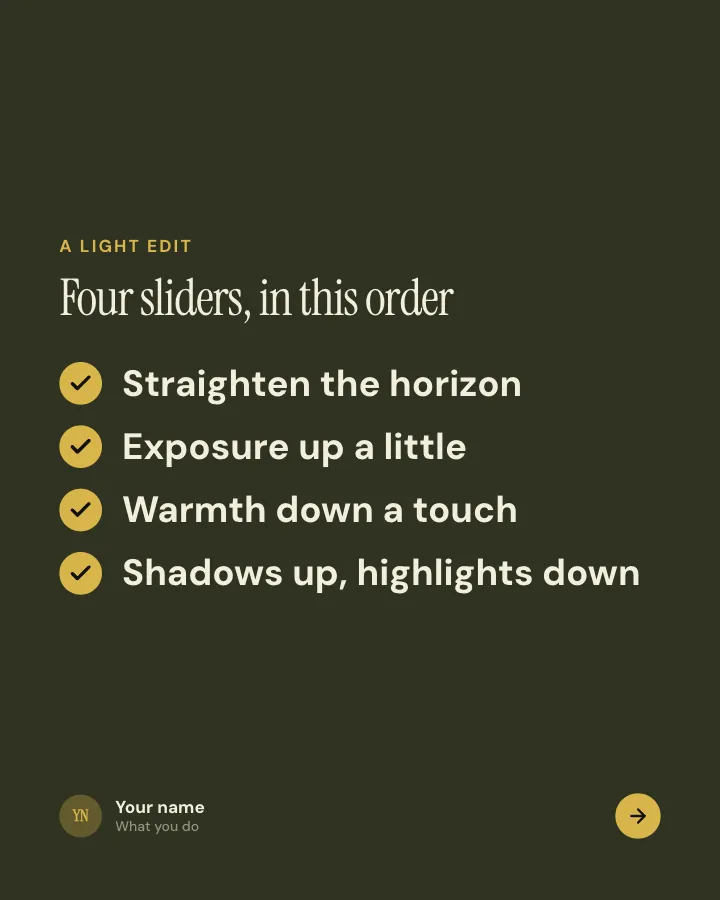
Slide 7 of 8 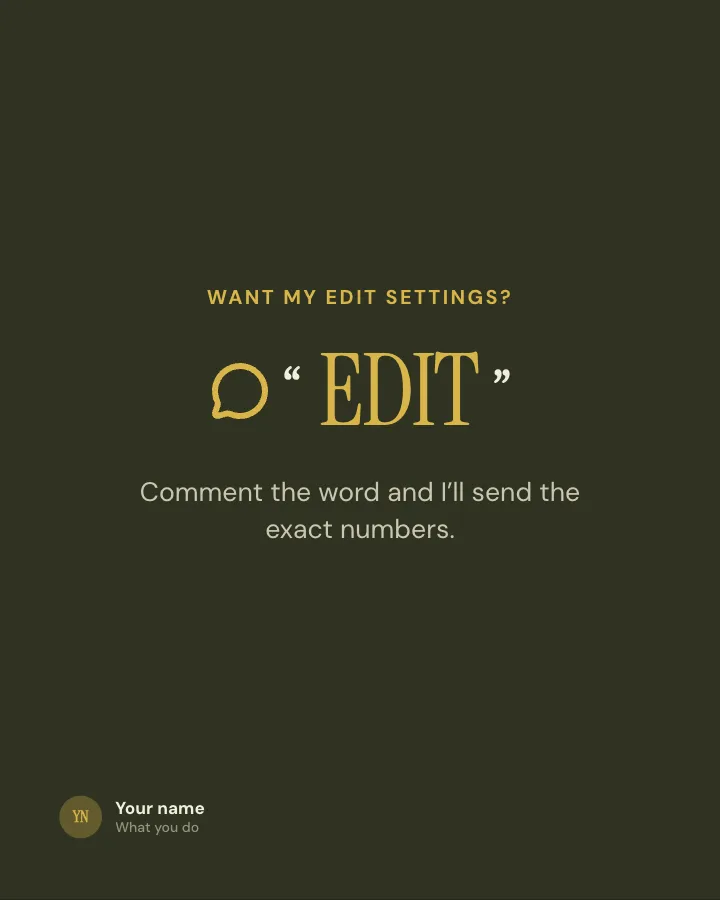
Slide 8 of 8
Slide 1: photo by Amir Hanna on Unsplash
Slide 3: photo by Javier Reyes on Unsplash
See it in the feed
How the example looks once it is posted. In the studio the preview uses your own slides, caption and profile.
yourname
1/81,086 likes
yourname Small habits that make phone photos look considered: light, focus, framing and a light edit, each shown in practice.
When to use it
Reach for Better phone photos when you want to teach your audience something they can use straight away and make a post people save and come back to. Its structure is tips: separate pointers, each on its own slide. Give Postora your topic and it keeps the shape, writing every slide about your subject in your voice.
What each slide does
1Hook
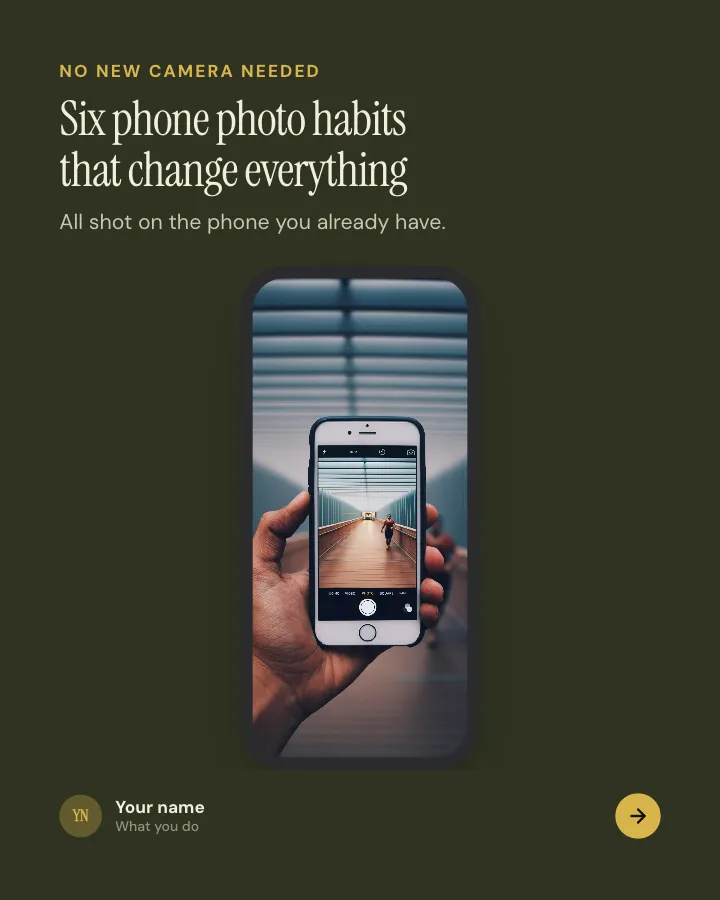
Opening: the promise, shown on a phone screen.
In the example
Six phone photo habits that change everything
No new camera needed
All shot on the phone you already have.
2Point
Habit 1, the easiest one.
In the example
Wipe the lens
1
Pocket fluff is the top reason for hazy photos. Your T-shirt will do.
3image
Habit 2 about light, shown on a photo.
In the example
Face the window, not the lamp
Habit 2 · light
Soft side light from a window beats any ceiling bulb.
4image
Habit 3 as a caption on an example photo.
In the example
Habit 3: tap to focus, then nudge the brightness down a touch.
5List
Habits 4 to 6, about framing.
In the example
Framing
Habits 4–6
- Turn on the grid — Put the subject on a line, not dead centre.
- Step closer — Zoom loses detail. Your feet don’t.
- Lower the phone — Chest height calms most scenes.
6Comparison
The same scene, before and after the habits.
In the example
Same café, two photos
7List
A light edit in a few slider moves, in order.
In the example
Four sliders, in this order
A light edit
- Straighten the horizon
- Exposure up a little
- Warmth down a touch
- Shadows up, highlights down
8Call to action
Offer the exact edit settings for a comment.
In the example
Want my edit settings?
Comment the word and I’ll send the exact numbers.
EDIT
Make it in Postora
Step 1
Say what it is about
Open Better phone photos and type your topic, paste a link or add your notes.
Step 2
Check the plan
Postora keeps the template’s structure and writes each slide for your subject, in the voice you pick.
Step 3
Polish and download
Edit any word, change the theme or a layout, then export a PDF, images or a video.
Questions about Better phone photos
Is the Better phone photos template free?
Better phone photos is part of VIP. You can look through it for free; using it, along with AI on every carousel and downloads without a mark, comes with a VIP plan.
Which platforms is it made for?
Instagram (PNG images, best at 4:5) and TikTok (PNG images or an MP4 video, best at 9:16). Postora sizes the carousel for the network you pick and checks it against that network’s limits before you download it.
How many slides does it have?
8, each with its own job (shown above). You can add, remove or reorder slides: free carousels go up to 8 slides, VIP up to 30.
Can I change the design?
Yes. It opens in the Darkroom theme, and you can switch to any of 95 themes or your own brand kit in one click, swap the layout of any slide, and edit every word.
Templates like this one
Browse all templates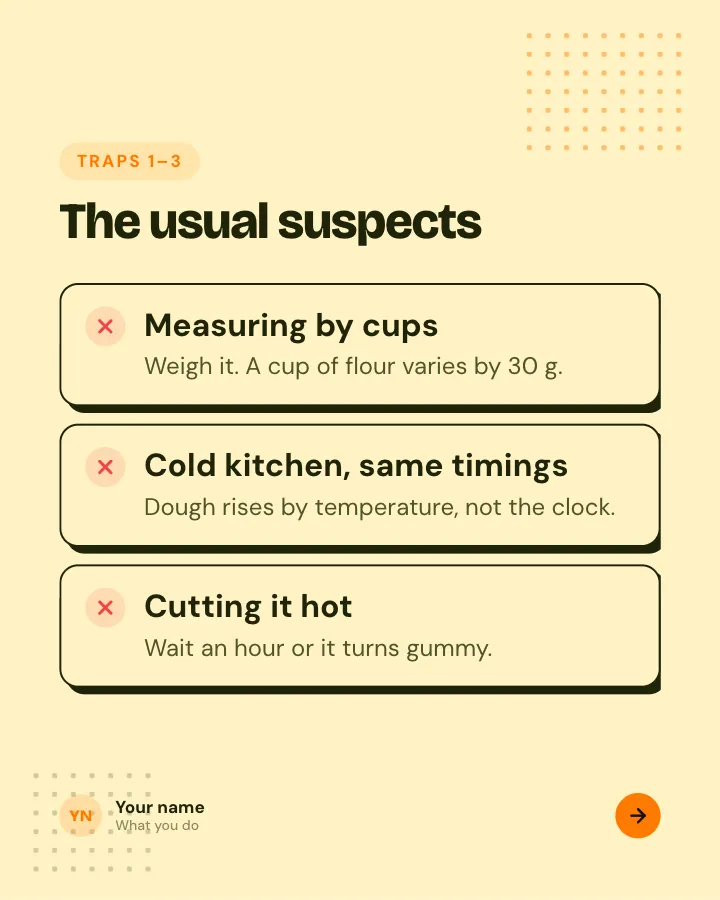

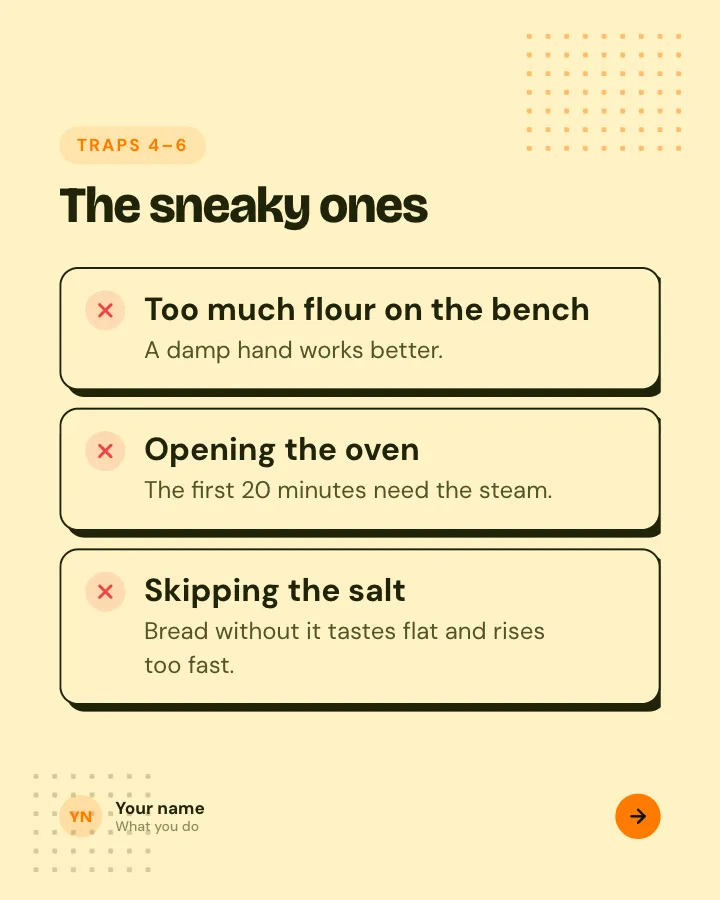
Beginner traps
5 slidesThe traps people fall into when they start, each with the simple fix.
ExplainBe bookmarked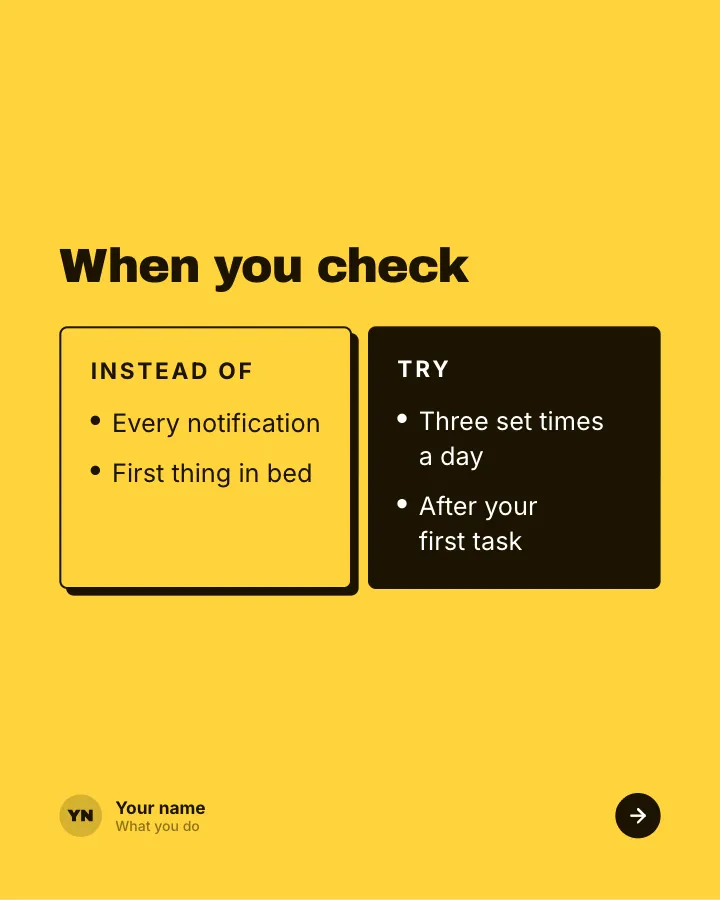

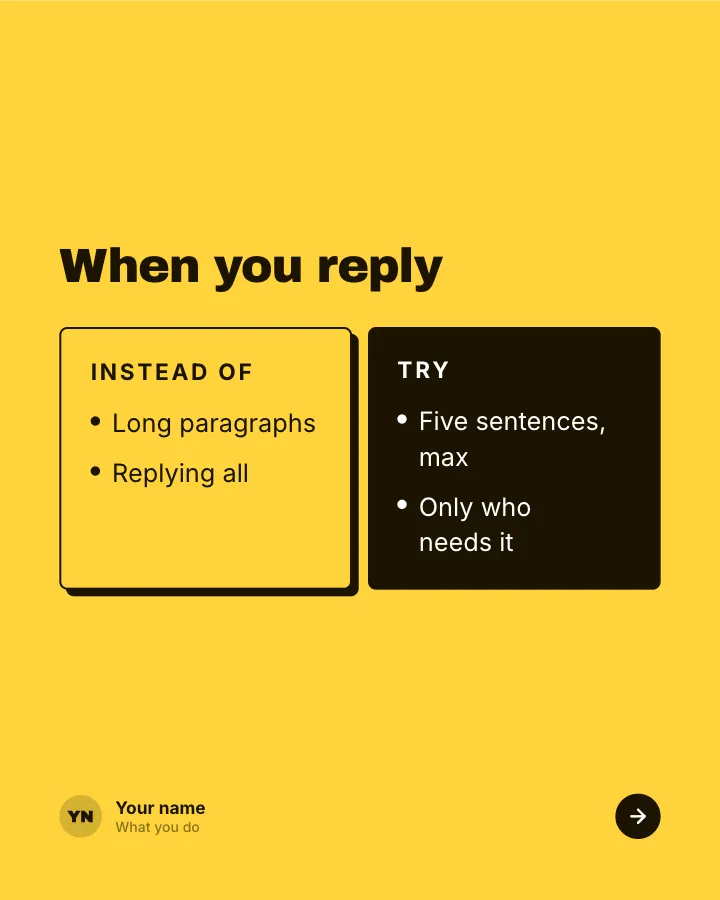
Better swaps
5 slidesSmall habits to replace, each shown next to the version that works better.
ExplainBe bookmarked

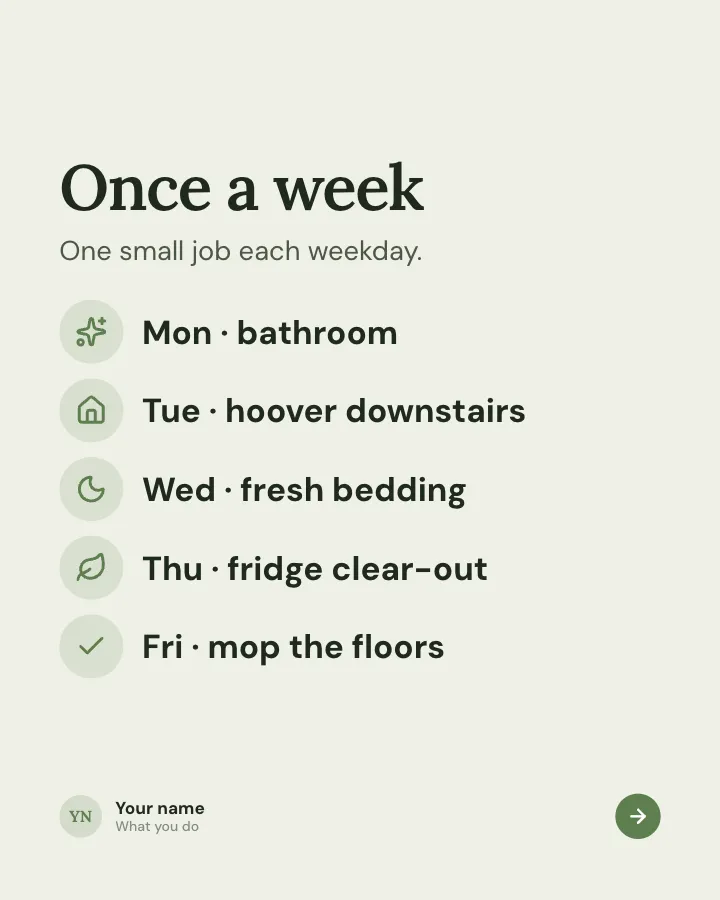
Cleaning rota
7 slidesA cleaning routine split into daily, weekly and monthly jobs, so the house never needs a big weekend blitz.
Be bookmarkedExplain