
Size guide carousel template
Help shoppers pick the right size before they order: how to measure, the size chart and how each fit runs.
Slide 1 of 7 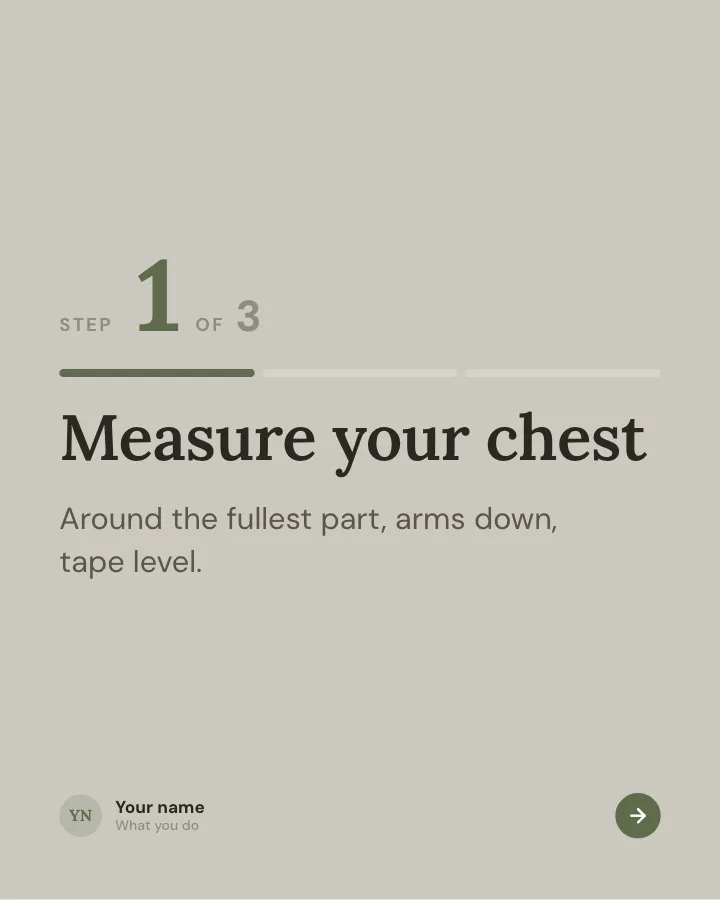
Slide 2 of 7 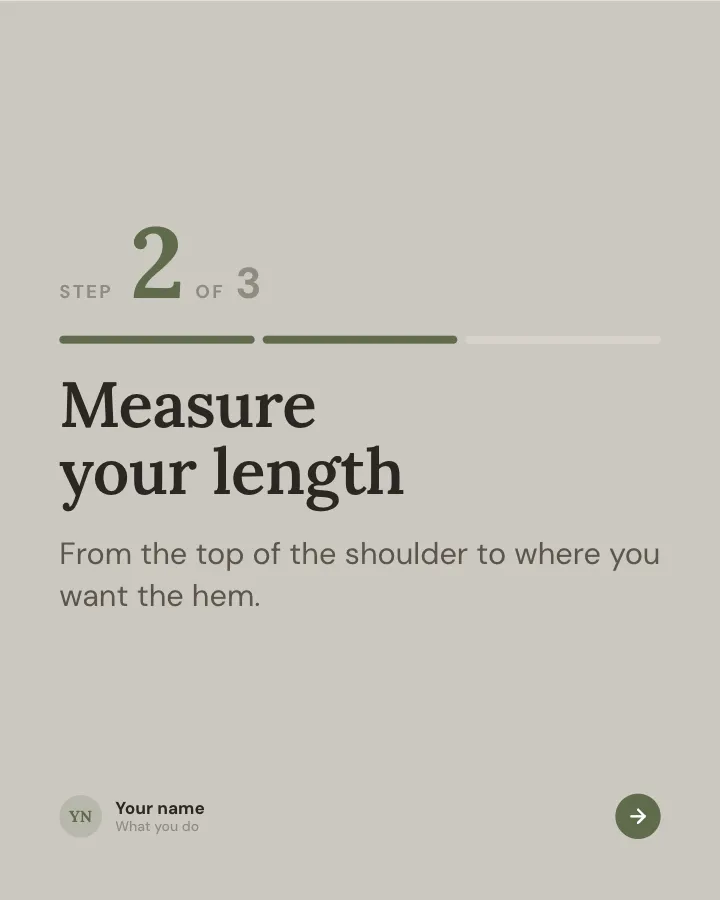
Slide 3 of 7 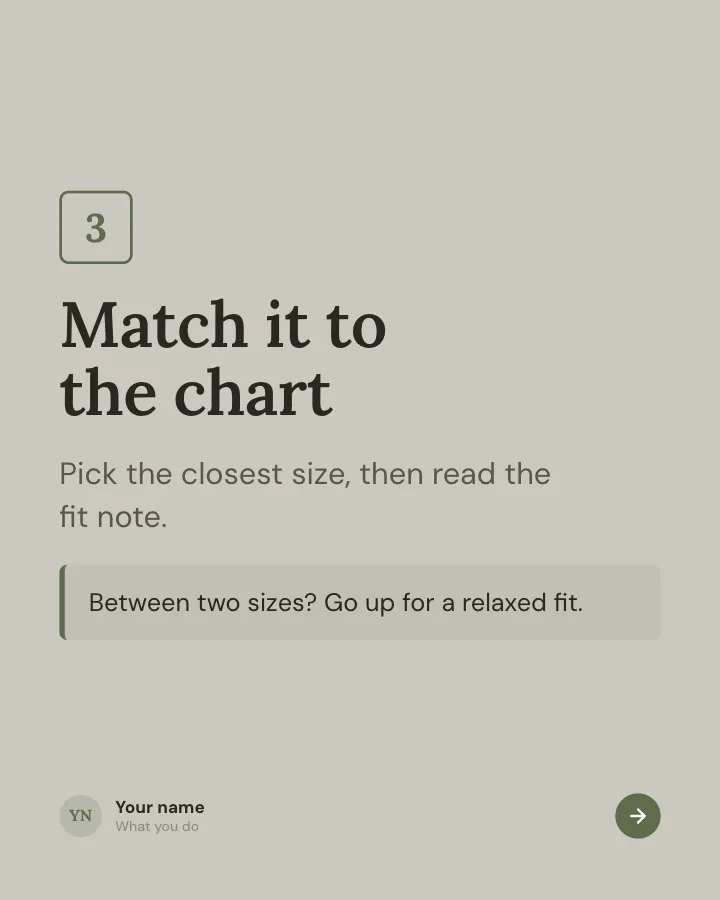
Slide 4 of 7 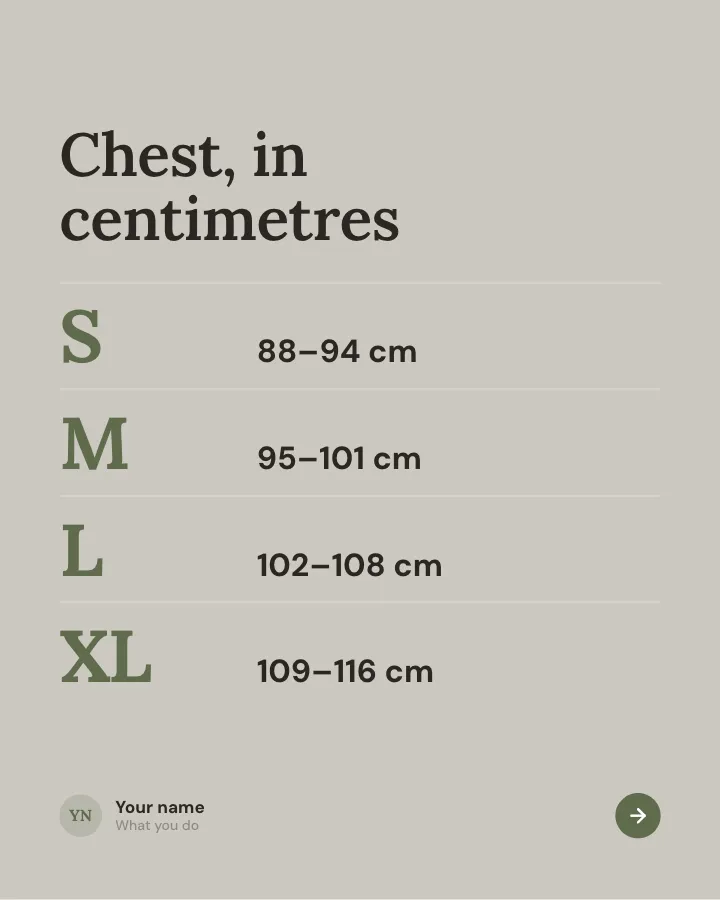
Slide 5 of 7 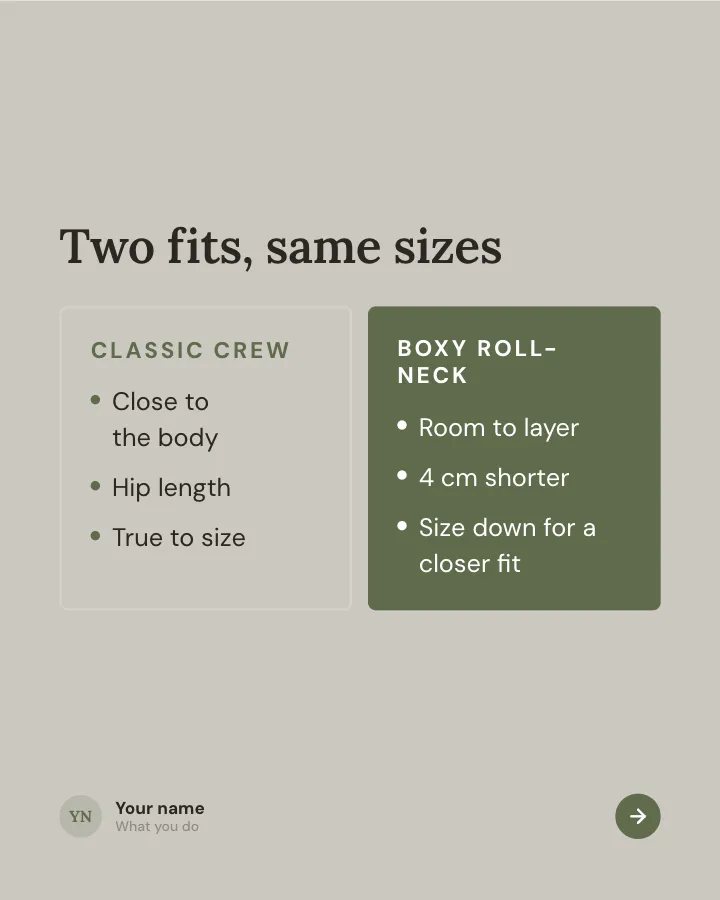
Slide 6 of 7 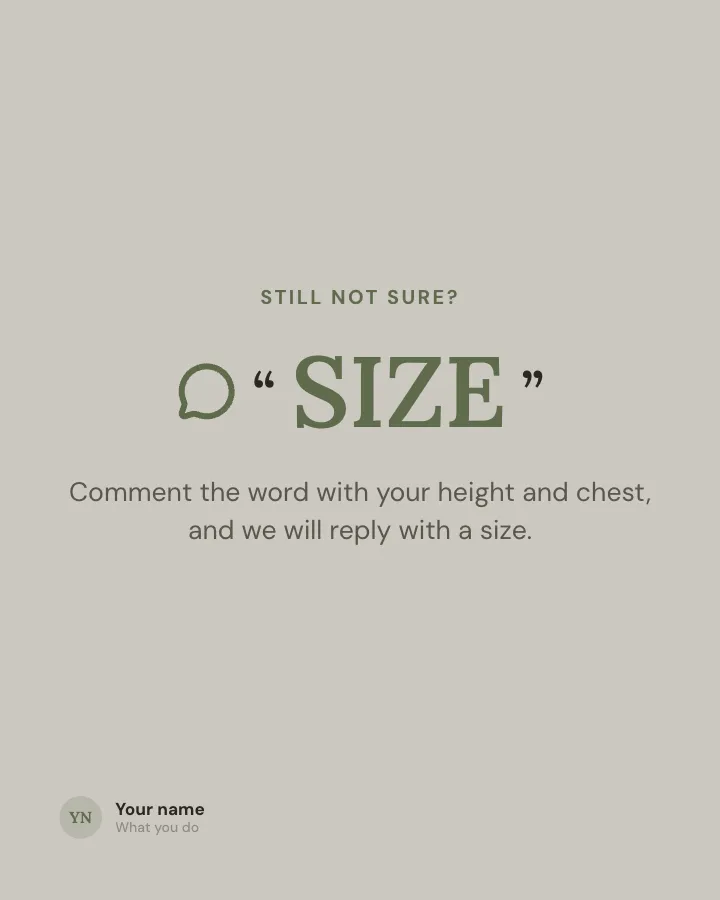
Slide 7 of 7
See it in the feed
How the example looks once it is posted. In the studio the preview uses your own slides, caption and profile.
yourname
1/71,086 likes
yourname Help shoppers pick the right size before they order: how to measure, the size chart and how each fit runs.
When to use it
Reach for Size guide when you want to make a post people save and come back to and promote a product or an opening without a hard sell. Its structure is tutorial: a task, broken into steps you can follow. Give Postora your topic and it keeps the shape, writing every slide about your subject in your voice.
What each slide does
1Hook
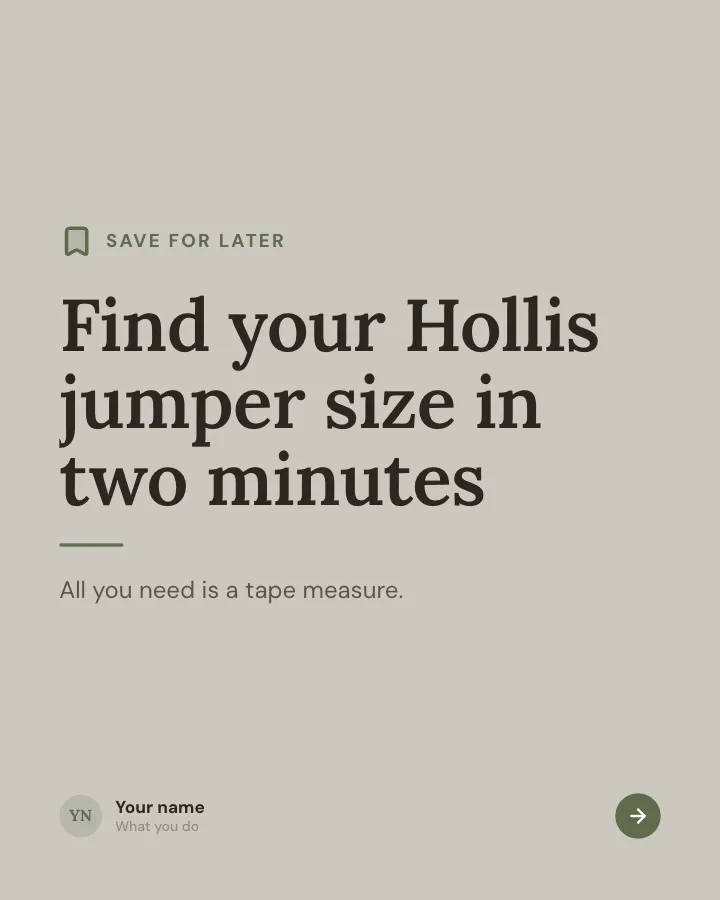
Opening: the promise of the right size, and what readers need.
In the example
Find your Hollis jumper size in two minutes
Save for later
All you need is a tape measure.
2Steps
Measurement 1: what to measure and how to hold the tape.
In the example
Measure your chest
1 — 3
Around the fullest part, arms down, tape level.
3Steps
Measurement 2.
In the example
Measure your length
2 — 3
From the top of the shoulder to where you want the hem.
4Steps
Final step: match it to the chart, with advice for people between sizes.
In the example
Match it to the chart
3
Pick the closest size, then read the fit note.
Between two sizes? Go up for a relaxed fit.
5Number
The size chart (only measurements the author provided).
In the example
Chest, in centimetres
- S 88–94 cm
- M 95–101 cm
- L 102–108 cm
- XL 109–116 cm
6Comparison
How two fits differ in the same size.
In the example
Two fits, same sizes
7Call to action
Offer personal sizing help in the comments.
In the example
Still not sure?
Comment the word with your height and chest, and we will reply with a size.
SIZE
Make it in Postora
Step 1
Say what it is about
Open Size guide and type your topic, paste a link or add your notes.
Step 2
Check the plan
Postora keeps the template’s structure and writes each slide for your subject, in the voice you pick.
Step 3
Polish and download
Edit any word, change the theme or a layout, then export a PDF, images or a video.
Questions about Size guide
Is the Size guide template free?
Size guide is part of VIP. You can look through it for free; using it, along with AI on every carousel and downloads without a mark, comes with a VIP plan.
Which platforms is it made for?
Instagram (PNG images, best at 4:5) and TikTok (PNG images or an MP4 video, best at 9:16). Postora sizes the carousel for the network you pick and checks it against that network’s limits before you download it.
How many slides does it have?
7, each with its own job (shown above). You can add, remove or reorder slides: free carousels go up to 8 slides, VIP up to 30.
Can I change the design?
Yes. It opens in the Linen Days theme, and you can switch to any of 95 themes or your own brand kit in one click, swap the layout of any slide, and edit every word.
Templates like this one
Browse all templates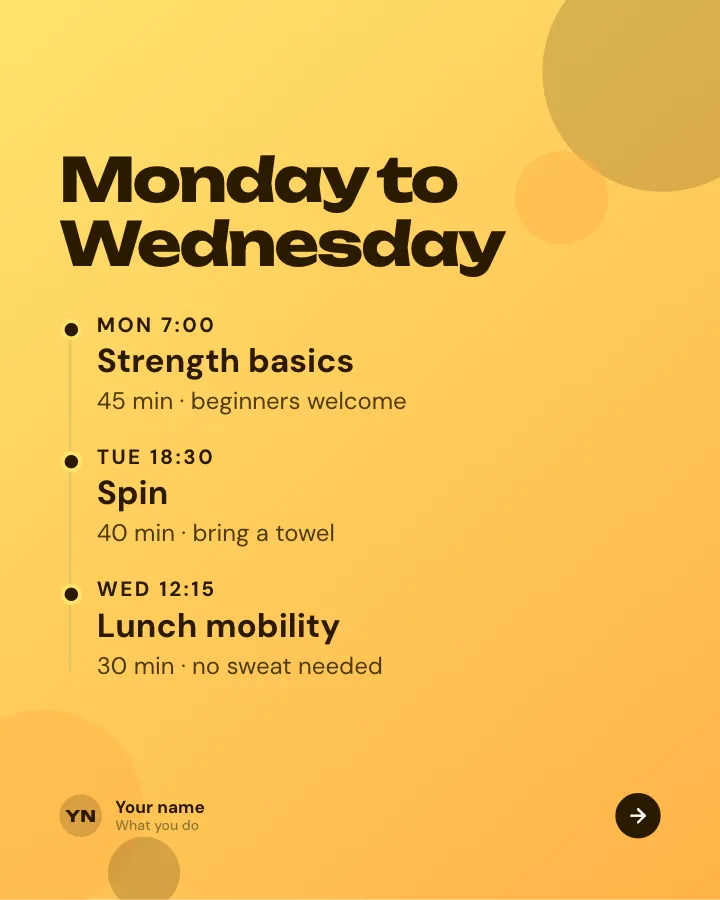
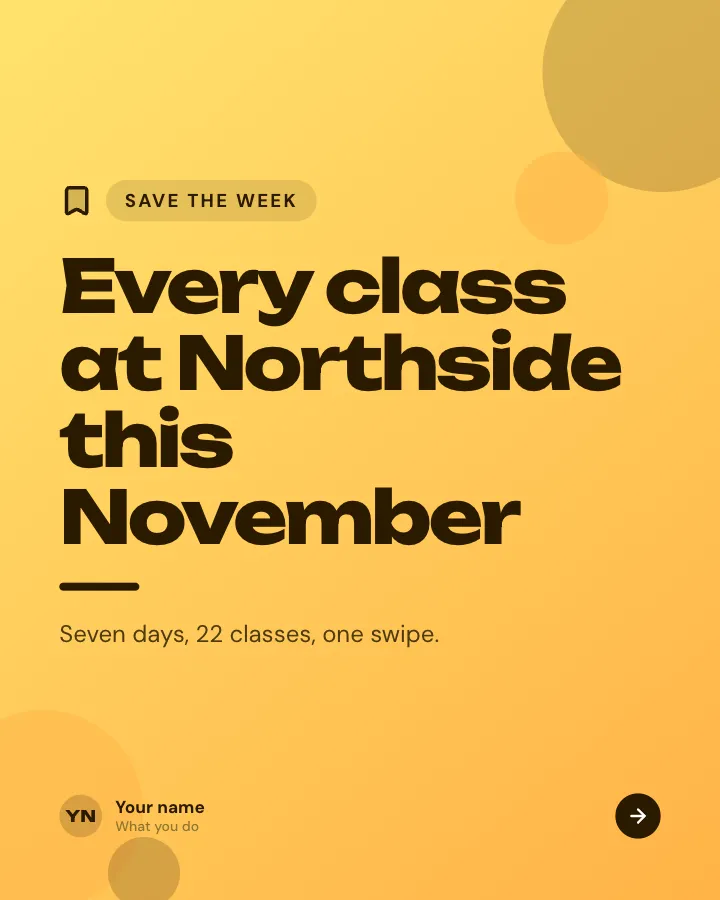
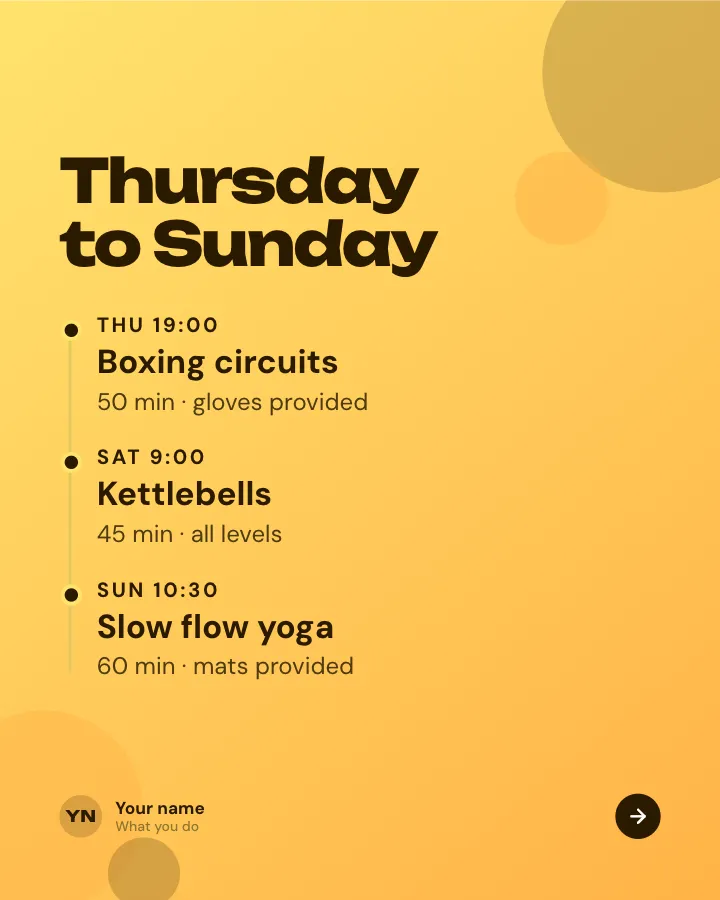
Weekly class timetable
7 slidesA gym or studio timetable people can save: the week at a glance, which class suits whom, prices and what to bring.
SellBe bookmarked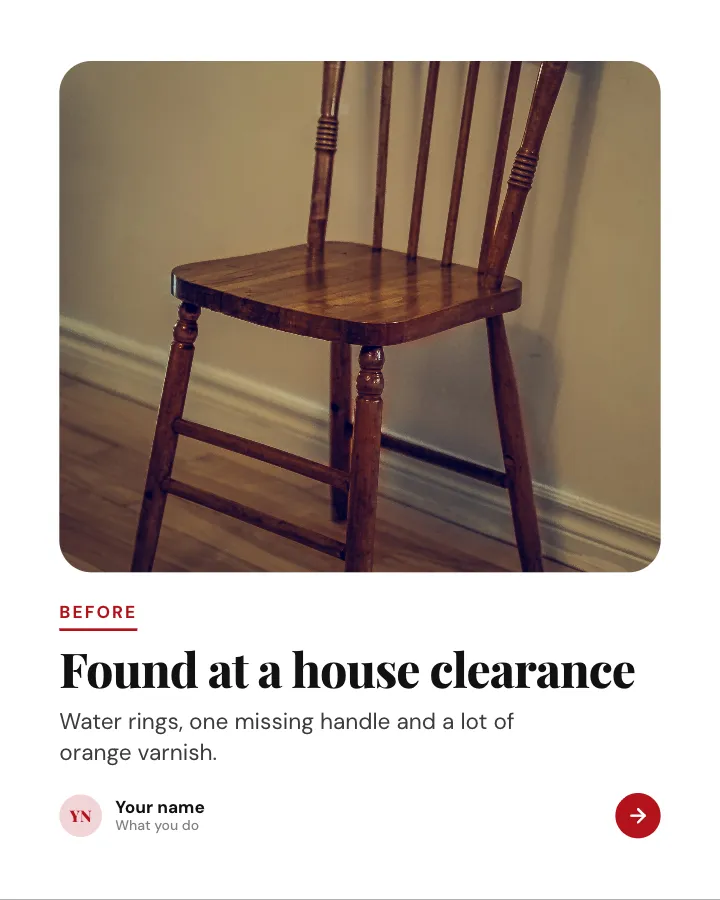
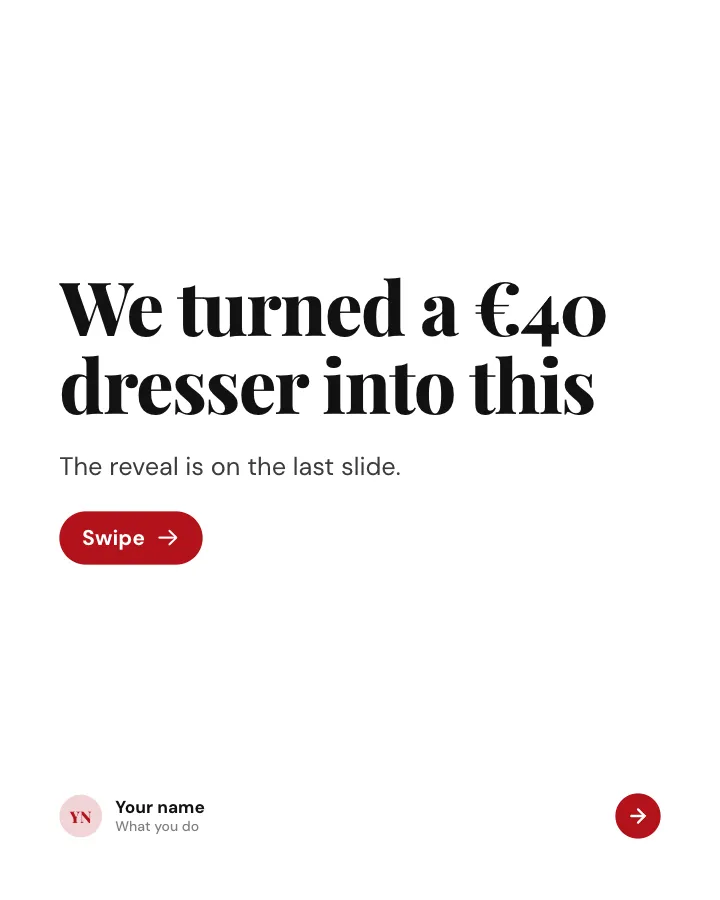
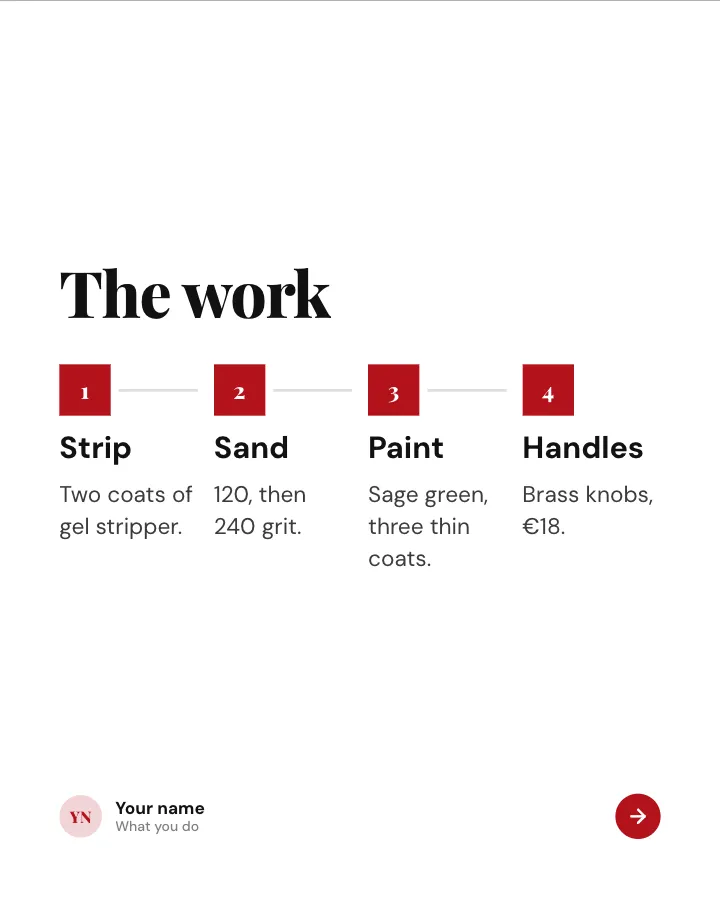
Before and after
7 slidesA transformation shown step by step: the starting point, the work in between and the reveal at the end.
SellMake them smile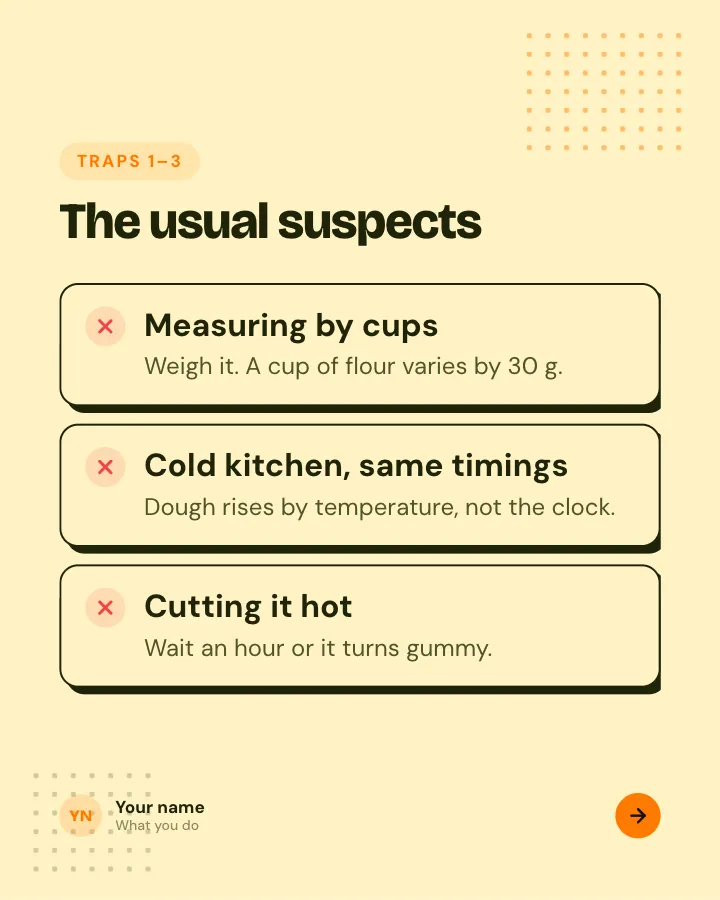

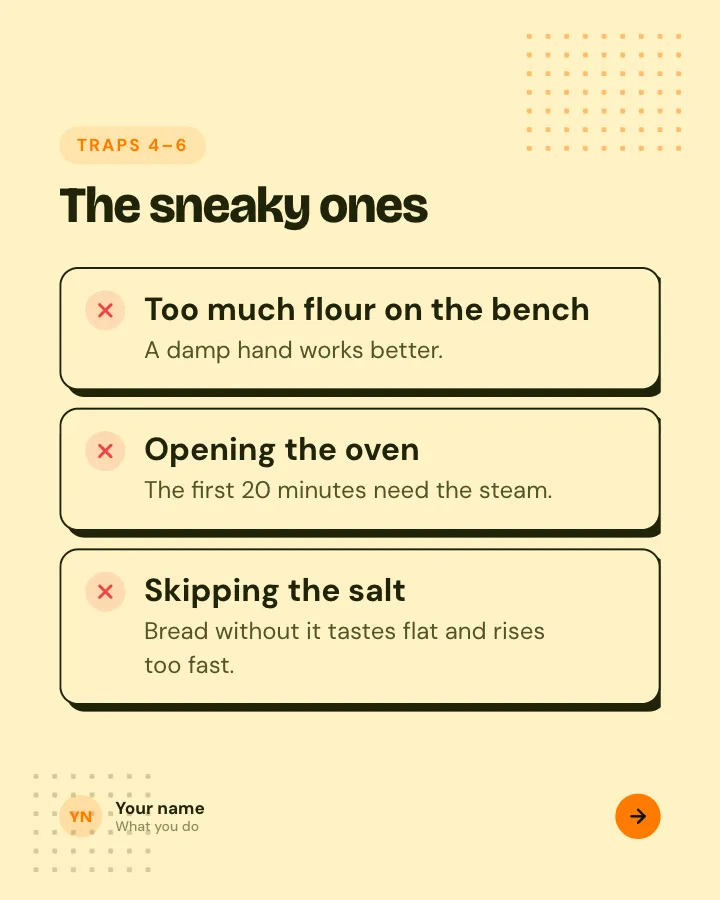
Beginner traps
5 slidesThe traps people fall into when they start, each with the simple fix.
ExplainBe bookmarked