
No-spend month, week by week carousel template
A month-long spending challenge shared as it happens: the rules, each week’s total, the hardest day and what was left at the end.
Slide 1 of 7 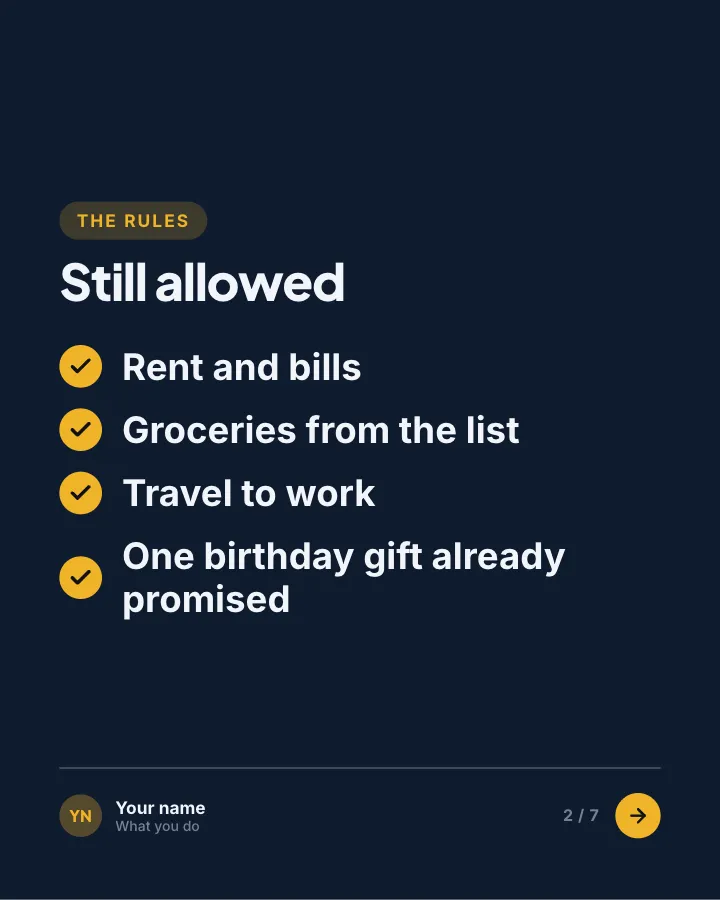
Slide 2 of 7 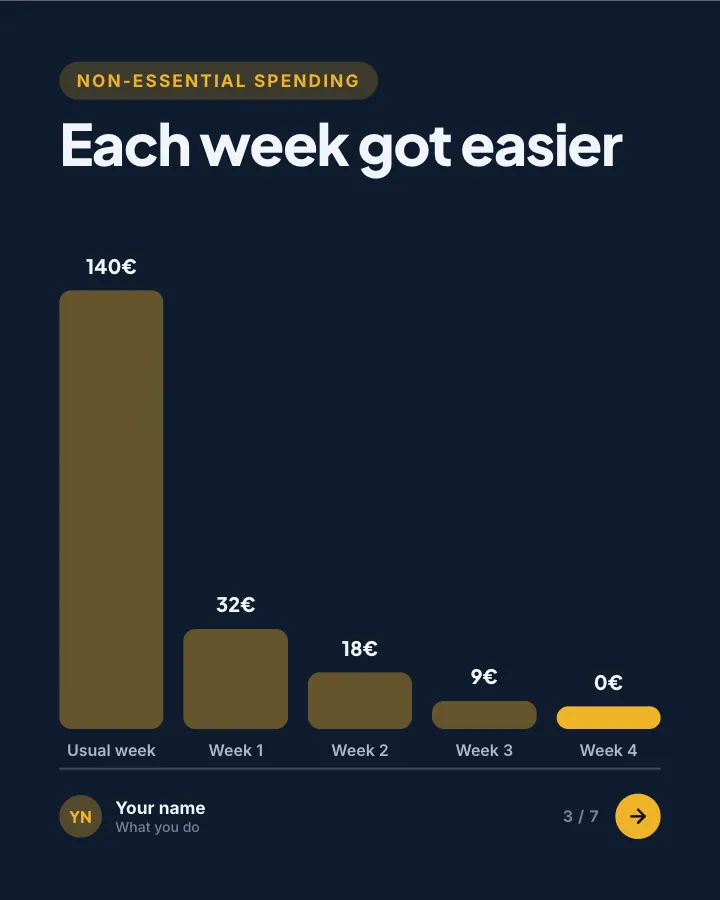
Slide 3 of 7 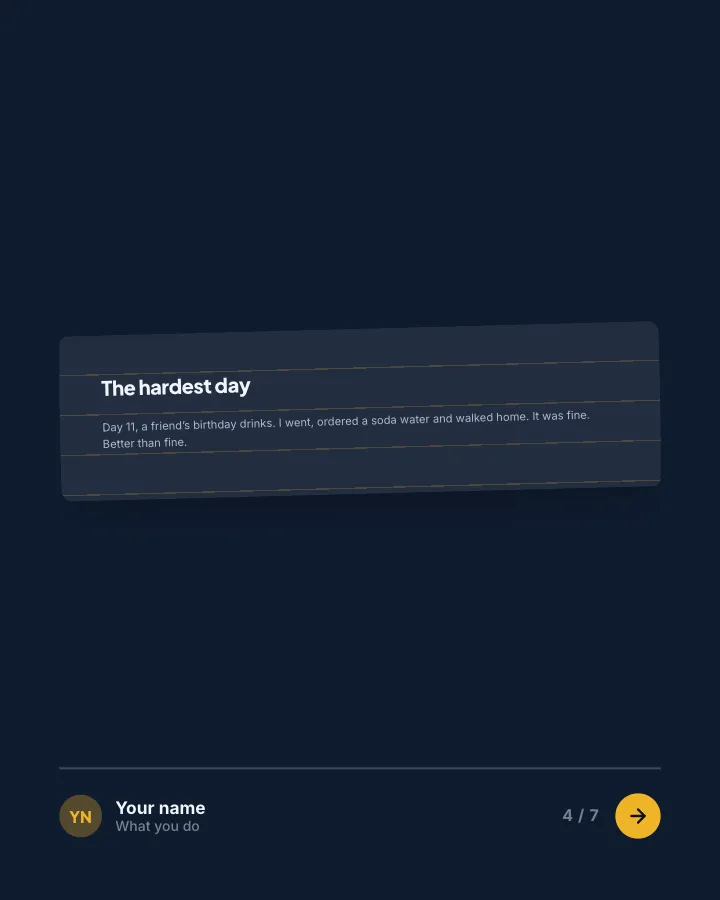
Slide 4 of 7 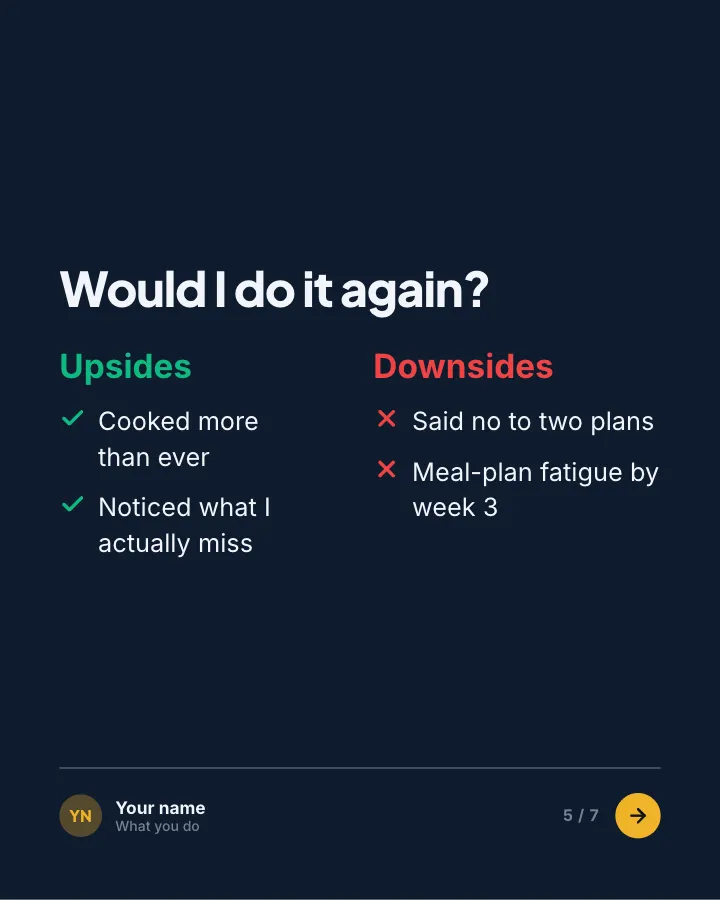
Slide 5 of 7 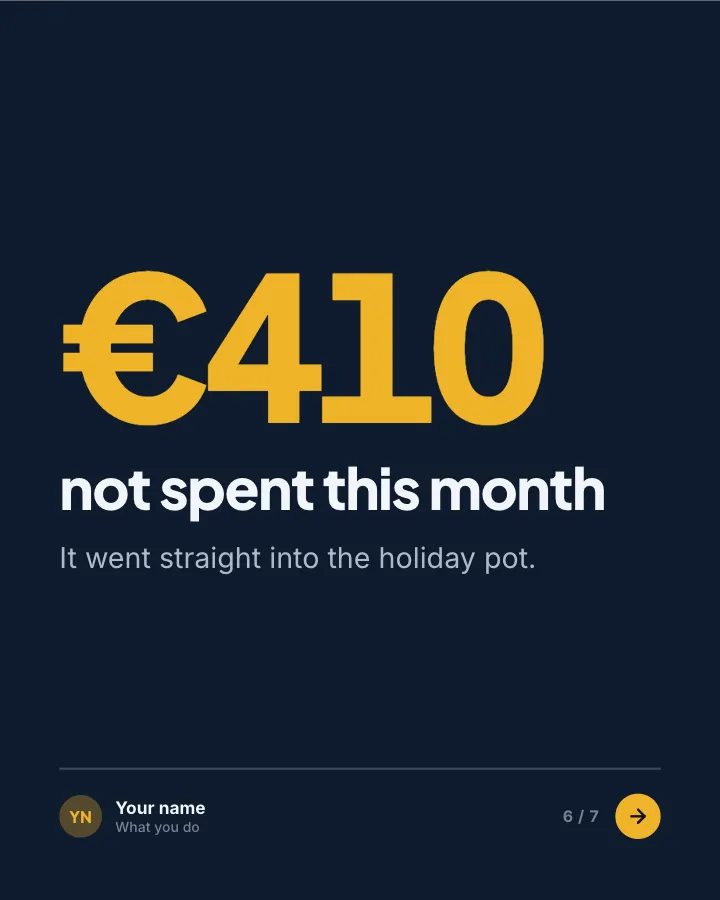
Slide 6 of 7 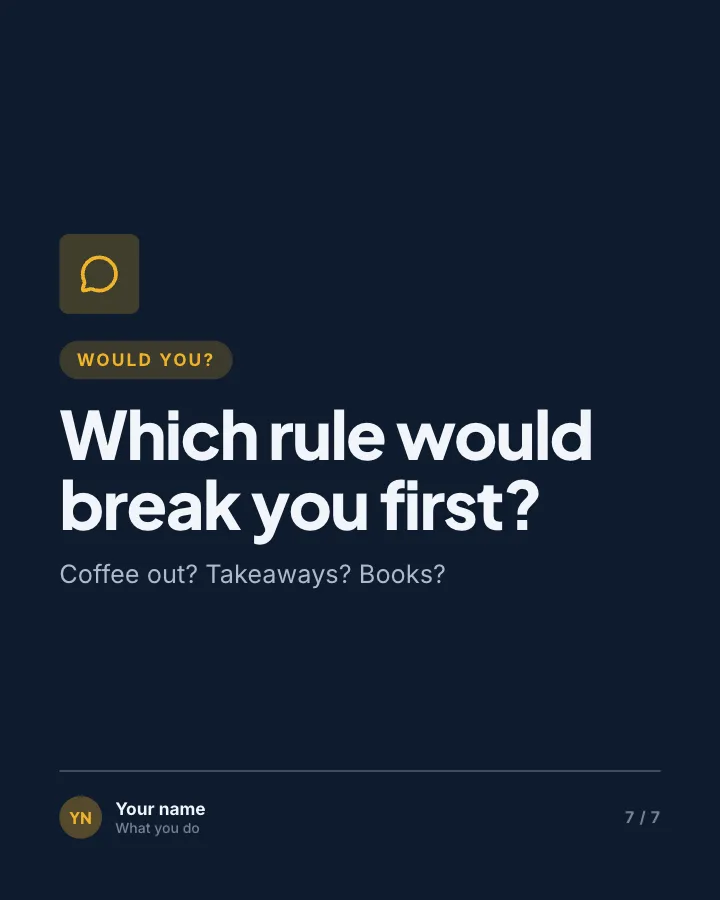
Slide 7 of 7
See it in the feed
How the example looks once it is posted. In the studio the preview uses your own slides, caption and profile.
yourname
1/71,086 likes
yourname A month-long spending challenge shared as it happens: the rules, each week’s total, the hardest day and what was left at the end.
When to use it
Reach for No-spend month, week by week when you want to start a conversation in the comments and give people a quick, fun reason to stop scrolling. Its structure is progress update: an honest report on a project, numbers included. Give Postora your topic and it keeps the shape, writing every slide about your subject in your voice.
What each slide does
1Hook
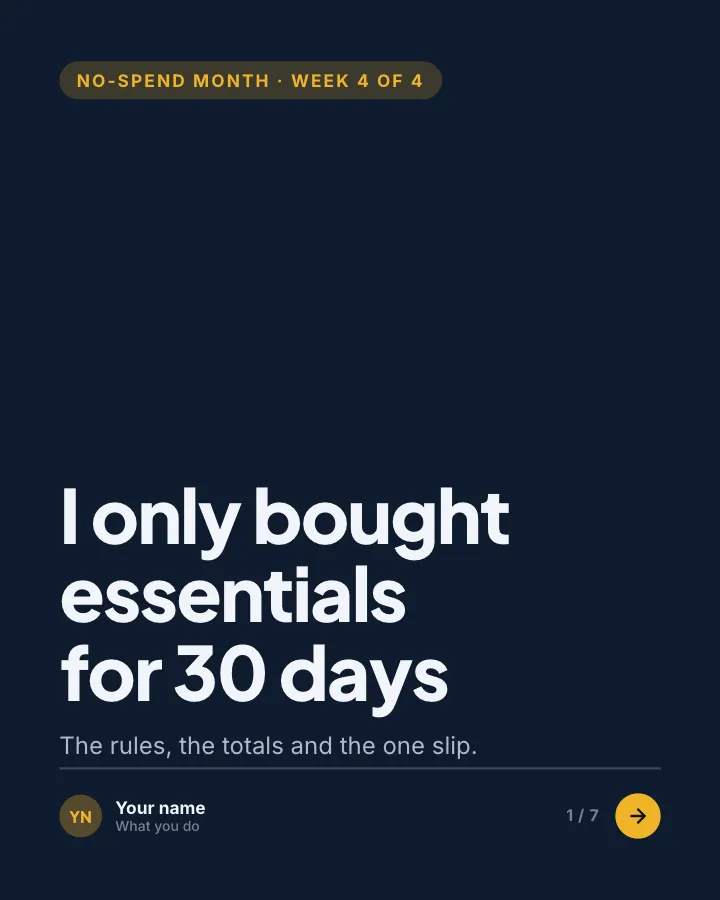
Opening: where the challenge stands and the headline result.
In the example
I only bought essentials for 30 days
No-spend month · week 4 of 4
The rules, the totals and the one slip.
2List
The rules: what was still allowed.
In the example
Still allowed
The rules
- Rent and bills
- Groceries from the list
- Travel to work
- One birthday gift already promised
3Chart
Non-essential spending each week against a usual week (author-provided).
In the example
Each week got easier
Non-essential spending
4Point
The hardest day, told honestly.
In the example
The hardest day
Day 11, a friend’s birthday drinks. I went, ordered a soda water and walked home. It was fine. Better than fine.
5Comparison
Whether it was worth it: upsides and downsides.
In the example
Would I do it again?
6Number
What was left unspent, and where it went (author-provided).
In the example
€410 — not spent this month
It went straight into the holiday pot.
7Call to action
Ask which rule readers would break first.
In the example
Which rule would break you first?
Would you?
Coffee out? Takeaways? Books?
Make it in Postora
Step 1
Say what it is about
Open No-spend month, week by week and type your topic, paste a link or add your notes.
Step 2
Check the plan
Postora keeps the template’s structure and writes each slide for your subject, in the voice you pick.
Step 3
Polish and download
Edit any word, change the theme or a layout, then export a PDF, images or a video.
Questions about No-spend month, week by week
Is the No-spend month, week by week template free?
No-spend month, week by week is part of VIP. You can look through it for free; using it, along with AI on every carousel and downloads without a mark, comes with a VIP plan.
Which platforms is it made for?
Instagram (PNG images, best at 4:5) and TikTok (PNG images or an MP4 video, best at 9:16). Postora sizes the carousel for the network you pick and checks it against that network’s limits before you download it.
How many slides does it have?
7, each with its own job (shown above). You can add, remove or reorder slides: free carousels go up to 8 slides, VIP up to 30.
Can I change the design?
Yes. It opens in the Ledger Navy theme, and you can switch to any of 95 themes or your own brand kit in one click, swap the layout of any slide, and edit every word.
Templates like this one
Browse all templates


Film night hot takes
8 slidesOpinions about how we watch films, made to start a friendly argument, each with the reason behind it.
Spark repliesMake them smileVIP
Pick one
5 slidesPairs of options, one pair per slide, for readers to choose between in the comments.
Spark repliesMake them smile


Quick quiz
8 slidesA few questions to test readers, each answered on the next slide, with a score to share in the comments.
Make them smileSpark replies