
Last-minute openings image post template
Fill cancelled or empty appointments by posting the free slots for the week.
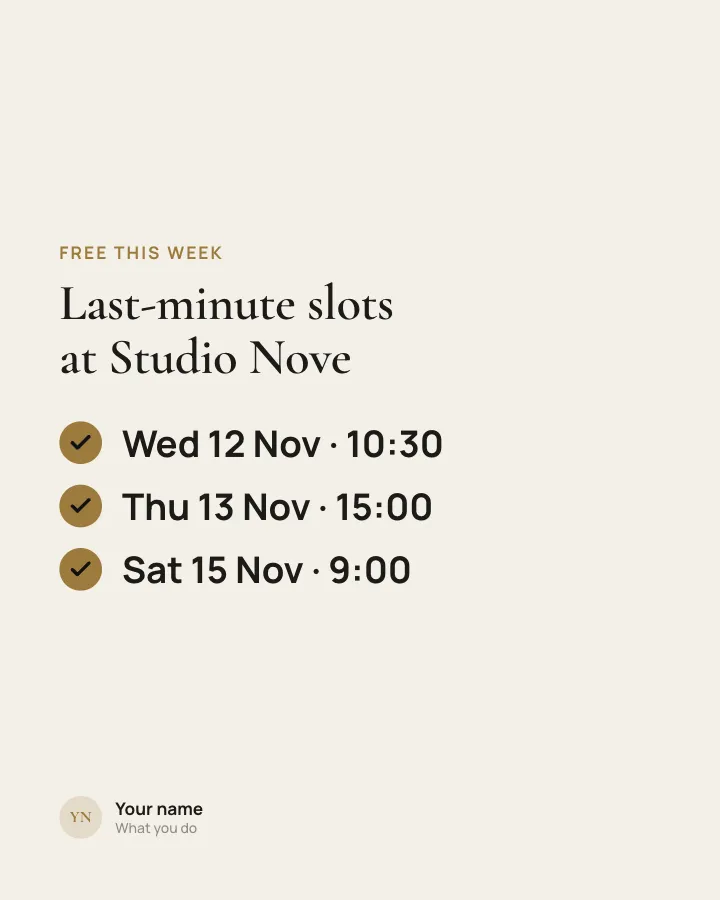
Image post
See it in the feed
How the example looks once it is posted. In the studio the preview uses your own slides, caption and profile.
yourname
1/11,086 likes
yourname Fill cancelled or empty appointments by posting the free slots for the week.
When to use it
Reach for Last-minute openings when you want to promote a product or an opening without a hard sell. Its structure is flexible: your writer picks the shape that suits the topic. Give Postora your topic and it keeps the shape, writing every line about your subject in your voice.
What is on it
Who has openings, then each free slot as day, date and time (author-provided).
In the example
Last-minute slots at Studio Nove
Free this week
- Wed 12 Nov · 10:30
- Thu 13 Nov · 15:00
- Sat 15 Nov · 9:00
Make it in Postora
Step 1
Say what it is about
Open Last-minute openings and type your topic, paste a link or add your notes.
Step 2
Check the plan
Postora keeps the template’s structure and writes each slide for your subject, in the voice you pick.
Step 3
Polish and download
Edit any word, change the theme or a layout, then export a PDF, images or a video.
Questions about Last-minute openings
Is the Last-minute openings template free?
Last-minute openings is part of VIP. You can look through it for free; using it, along with AI on every carousel and downloads without a mark, comes with a VIP plan.
Which platforms is it made for?
Instagram (PNG images, best at 4:5) and TikTok (PNG images or an MP4 video, best at 9:16). Postora sizes the image post for the network you pick and checks it against that network’s limits before you download it.
Can I turn it into a carousel?
Yes. Add slides in the editor and it becomes a carousel, keeping the same look. You can also start from one of the carousel templates.
Can I change the design?
Yes. It opens in the Cashmere theme, and you can switch to any of 95 themes or your own brand kit in one click, swap the layout of any slide, and edit every word.
Templates like this one
Browse all templates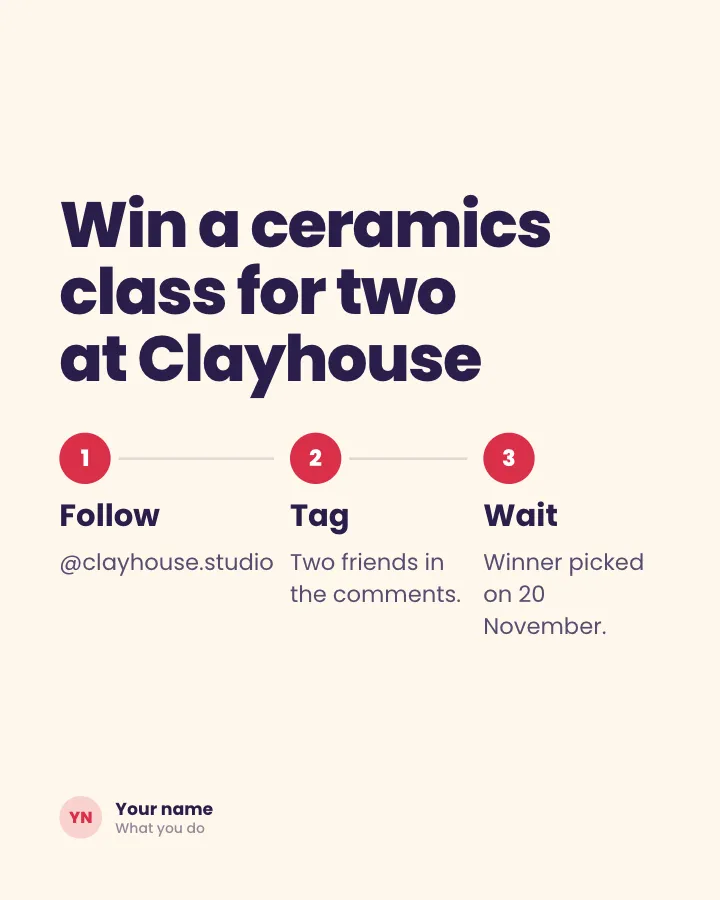
Giveaway rules
Image postThe prize and how to enter, in three short steps, with the closing date.
Spark repliesSell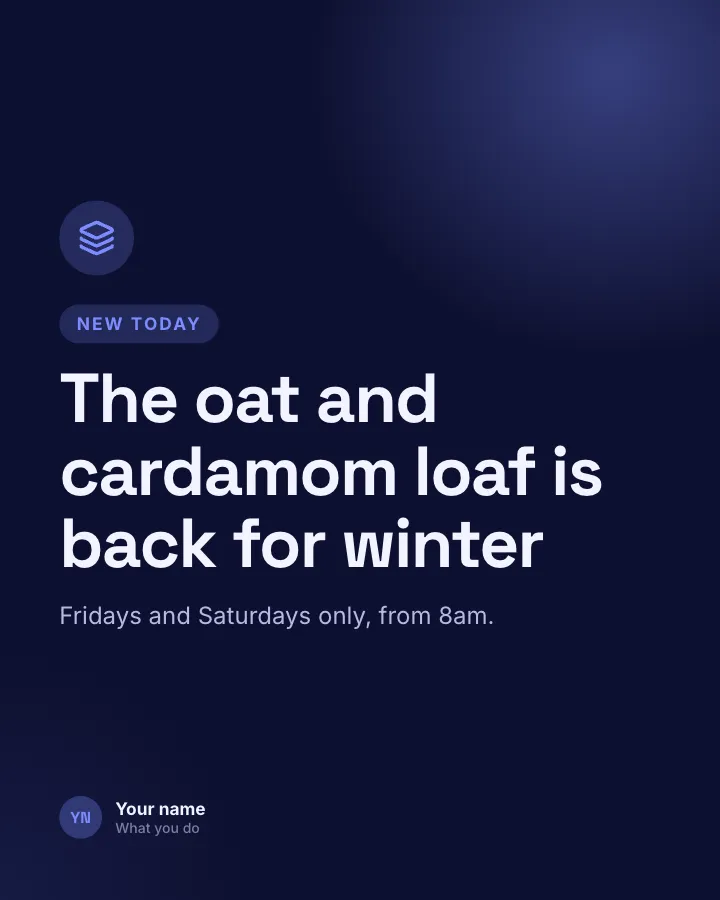
Launch card
Image postAnnounce something new on one image: what it is and when people can get it.
SellAnnounce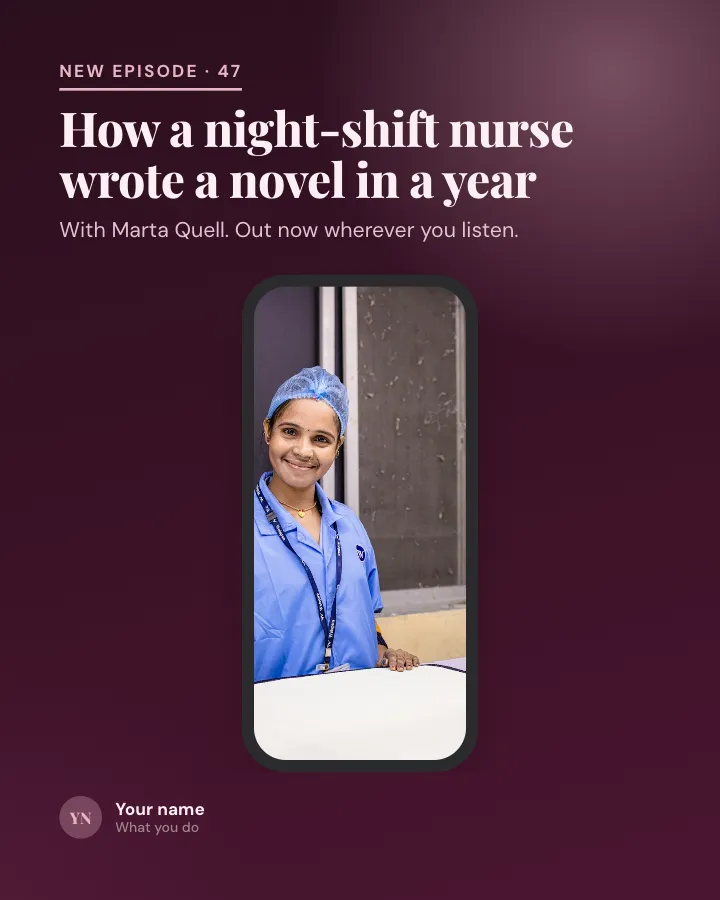
New episode card
Image postTell followers a new episode or video is out: the title, the guest and where to watch or listen.
SellAnnounceVIP